

 566 Reviews
100% Clean & Secure
20%
OFF
30-Day Money Back Guarantee
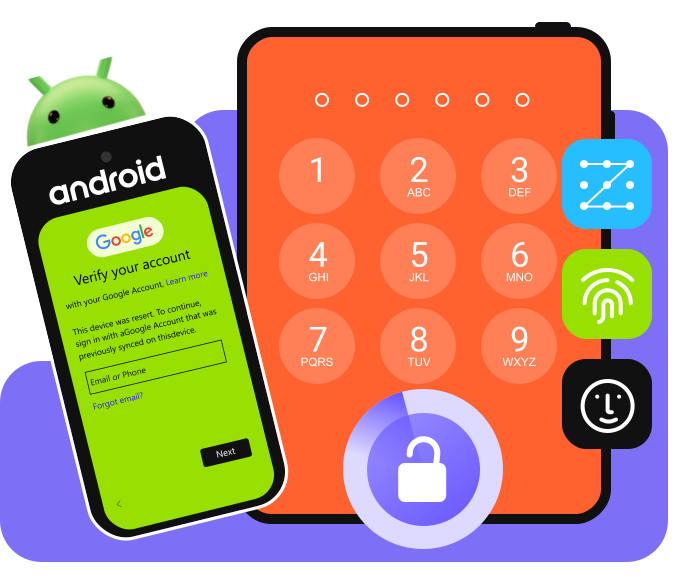
Forgot the Android screen password and the Android phone is broken? Don’t know the passcode for a second‑hand device? Is the Android screen broken? How can you access an Android phone then? No worries - Apeaksoft DroidAide can help you regain access to your Android phone with ease!
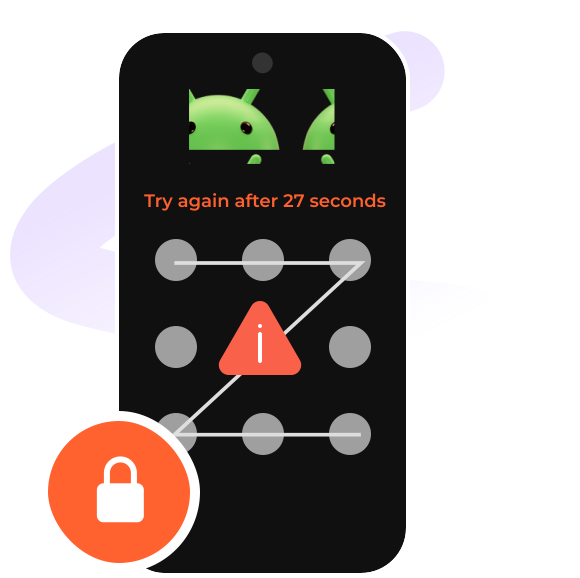
Forget Android Screen Passcode
What can you do if you forget the Android PIN? Apeaksoft DroidAide provides a simple way to regain access to Android without a screen passcode.
Second-Hand Android Phone
Bought a second-hand phone, but the previous owner forgot to remove the screen passcode? Try Apeaksoft DroidAide to bypass the screen passcode easily!
Android Phone with Broken Screen
What can you do when your Android screen is cracked or completely unresponsive, and you can’t enter the password? Apeaksoft DroidKit provides a reliable solution to regain access quickly without complicated steps.
Android Phone Is Disabled
Repeated incorrect attempts can cause an Android phone to become temporarily unavailable, preventing normal access to the device. Apeaksoft DroidKit can help you get into a disabled phone without any hassle.
No matter which screen verification method your Android phone uses, you can regain access with ease. This tool can remove PIN, pattern, fingerprint, and facial recognition in one click with a very high success rate.
PIN
Pattern
Fingerprint
Face ID
You will be stuck at the Google FRP verification screen when you have factory reset your Android phone or bought a second-hand phone. Don't worry! Apeaksoft DroidAide, the best FRP bypass tool, can help you move past FRP smoothly and get your device ready to use again.
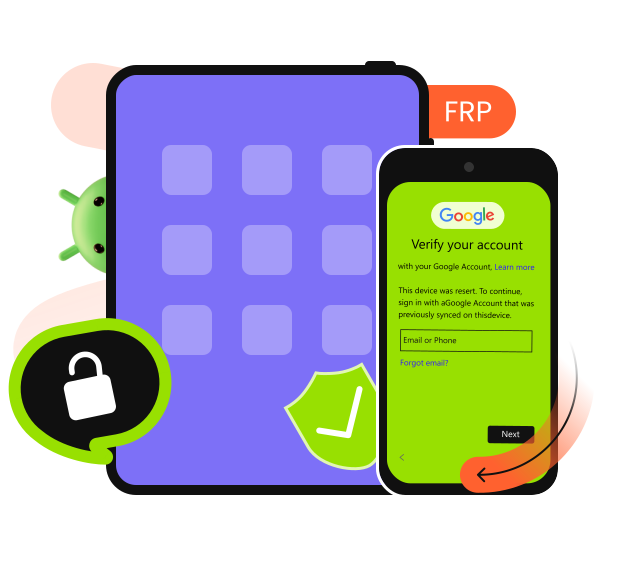
100% Secure
Unlike other FRP tools on the internet, DroidAide is powered by Apeaksoft Official. No virus, no ads, and no privacy issues.
High Compatibility
Apeaksoft DroidAide supports Samsung, Xiaomi, Motorola, OPPO, realme, OnePlus, and more to come.
Fast FRP Removal
Apeaksoft DroidAide helps you bypass the disabled screen and FRP verification quickly in a few seconds.
100% Clean & Secure
20%
OFF
30-Day Money Back Guarantee

Download and install.

Select the desired mode.
Regain access to the Android phone.


Benjamin Foster

I was struggling to access my old Samsung phone after forgetting the passcode. Apeaksoft DroidAide helps me get into it effortlessly!

Andrew Wilson
I was troubled by the Google FRP verification on my second-hand Samsung. Apeaksoft DroidAide worked perfectly for bypassing FRP on my device with simple steps.

Jonathan Reed
Fast, reliable, and easy to use. I regained full access to my Android phone in just a few minutes.
FAQs
Can I regain access to my Android phone without losing data?
Generally, no. However, Apeaksoft DroidAide offers a small chance of keeping your data on certain older Samsung devices.
How can I tell if Apeaksoft DroidAide really works?
A free version is available, so you can download it and test the features yourself. If you run into any issues or it doesn’t meet your needs, you can always reach out to our support team (support@apeaksoft.com) for help.
How to bypass the disabled screen without a passcode?
If a device becomes disabled and you don’t remember the passcode, a dedicated password‑removal tool like Apeaksoft DroidAide can help you restore access.
Remove Android screen passwords and skip Google FRP verification without a password for all popular Android brands and versions.
100% Clean & Secure
20%
OFF
30-Day Money Back Guarantee
Copyright © 2026 Apeaksoft Studio. All rights reserved.


