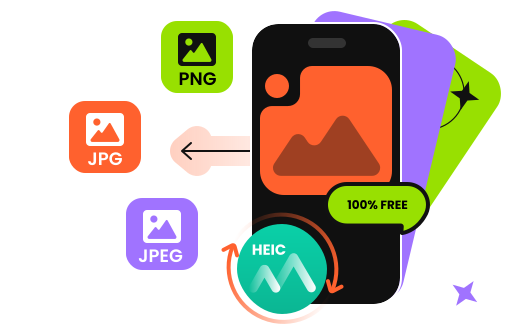
Many legacy systems, third-party software, web platforms, and devices still default to JPEG/PNG as their image formats and cannot directly recognize or open HEIC files. Furthermore, HEIC typically uses HEVC (H.265) for compression and decoding, and some systems or software lack the built-in decoders required, preventing HEIC files from displaying properly. How can you view HEIC images from an iPhone on other devices like Android phones and Windows computers? Apeaksoft Free HEIC Converter is your solution! It helps you convert HEIC to JPG/JPEG/PNG formats without any quality loss—completely free!
| HEIC | JPG | PNG | |
| Full Name | High Efficiency Image File Format | Joint Photographic Experts Group JFIF format | Portable Network Graphics |
| Definition | The HEIC format, which stands for High-Efficiency Image File Format, is a modern image file format designed to provide improved compression, higher image quality, and smaller file sizes compared to the traditional JPEG format. | JPG is a file type developed by JPEG, also referring to the Joint Photograph-ic Experts Group. It is a standard for professional photographers. | PNG is a bitmap graphics format that is losslessly compressed. The goal of PNG development is to improve and replace GIF as a format suitable for network transmission. |
| MIME | image/heif, image/heic, image/heif-sequence, image/heic-sequence | image/jpeg | image/png |
| Support Color Bit | 16-bit color images | 8-bit grayscale images and 24-bit color images | 24-bit RGB and 32-bit RGBA colors |
| Format Type | Image Container Format | Lossy image format | Lossless image format |
| File Size | Small | Medium | Big |
Apeaksoft Free HEIC Converter guarantees 100% free conversion of HEIC images. With its efficient conversion technology, it quickly converts HEIC images to JPG/JPEG/PNG formats on both Windows and Mac computers. As an online product, it's accessible anytime, anywhere, without downloads. This allows you to display your HEIC files on more devices conveniently.
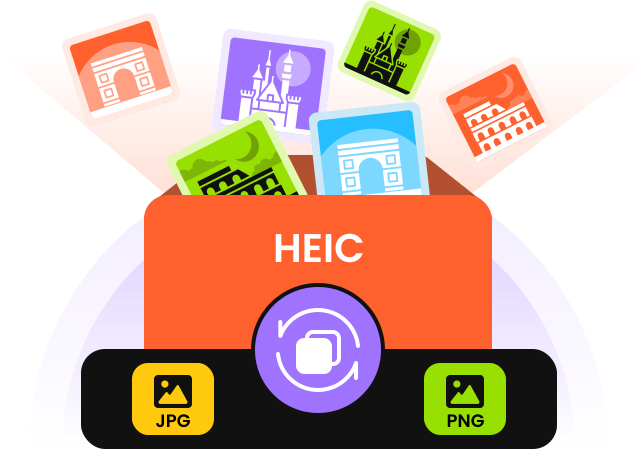
Apeaksoft HEIC Converter supports batch conversion of HEIC images to JPG or PNG quickly, without the need for complex settings to achieve format compatibility. Users can import multiple HEIC files at once for unified conversion, significantly boosting image processing efficiency. You can upload multiple HEIC files or an entire HEIC folder; it recognizes them all. Then your memories will be accurately converted to JPG or PNG format.
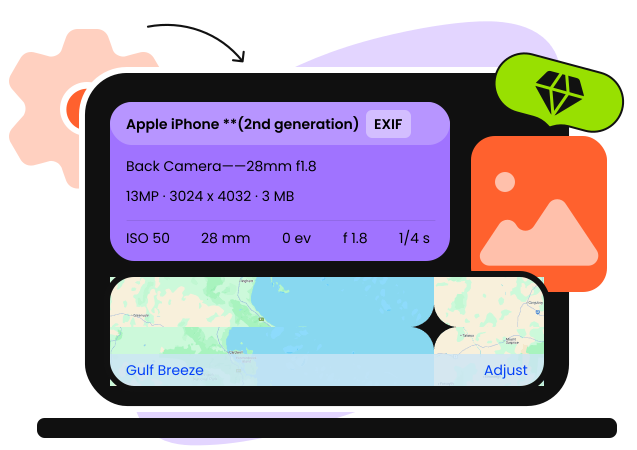
In addition to free batch HEIC conversion, you can adjust the quality of the output image files freely. You can achieve the desired image quality by adjusting compression quality, resolution, and dimensions. So, you can choose lossless HEIC conversion and lossy HEIC conversion according to your needs. In the meantime, it can keep the EXIF metadata of HEIC files optionally. The quality of the image will not be compressed in this way. This way, you can also view clear HEIC images on other devices.
Move All Kinds of iPhone Data and Convert HEIC Files

Download and install.
Upload your HEIC files.

Get HEIC images converted!


Perez

I receive many pictures from my friend's iPhone 8, but my iPhone 5s cannot read them. I found your freeware, and converted the almost 50 images to JPG, and now I can open them easily.

Wilson
This free software is safe and trust-worthy, there is no bundled software when installing. And the interface is simple and friendly. Batch conversion saves a lot of time.

Phoebe
There are many, many companies out there selling software that does this. Even the "free" versions require you to install their app. This is great. Quick. Free. No installation of anything needed.
FAQs
What types of images can be converted by Apeaksoft Free HEIC Converter?
Apeaksoft Free HEIC Converter can convert HEIC/HEIF images to JPG/JPEG/PNG.
Why should I convert HEIC to JPG/PNG?
The HEIC format is designed by Apple and files in HEIC format can only be viewed on devices running iOS and MacOS. So if you want to view HEIC files on Windows or Android devices, which don't support HEIC formats, you need to convert HEIC to JPG or PNG to display the files.
How to convert HEIC to JPG with Apeaksoft Free HEIC Converter?
You just need to upload one or more of your HEIC images to this free software, and select JPG as the output format, then you can start converting HEIC to JPG within seconds.
Will I lose metadata in the conversion?
When converting HEIC images with Apeaksoft Free HEIC Converter, you can choose to keep the EXIF metadata.
Does HEIC reduce quality?
Compared with JPG/PNG format, images in HEIC format occupy a small amount of space while have higher quality than pictures in JPG and PNG formats.
How to choose between converting HEIC to JPG or PNG
For smaller file sizes and better compatibility when sharing or displaying, choose JPG; for lossless preservation of details or when including text and transparent backgrounds, choose PNG.

Batch convert HEIC files to JPG/JPEG/PNG on Windows or Mac for free.
Copyright © 2026 Apeaksoft Studio. All rights reserved.