
A ビデオコンバータ software program is essential for ensuring compatibility and optimizing quality when viewing videos across devices and uploading clips to social media, such as TikTok, Instagram, Facebook, and more. However, most video converting software can only change the file extension but not transcode between codecs. Therefore, this article identifies and reviews the top list based on our professional lab testing and millions of users’ reports.
ページコンテンツ:
主要なポイント(要点)
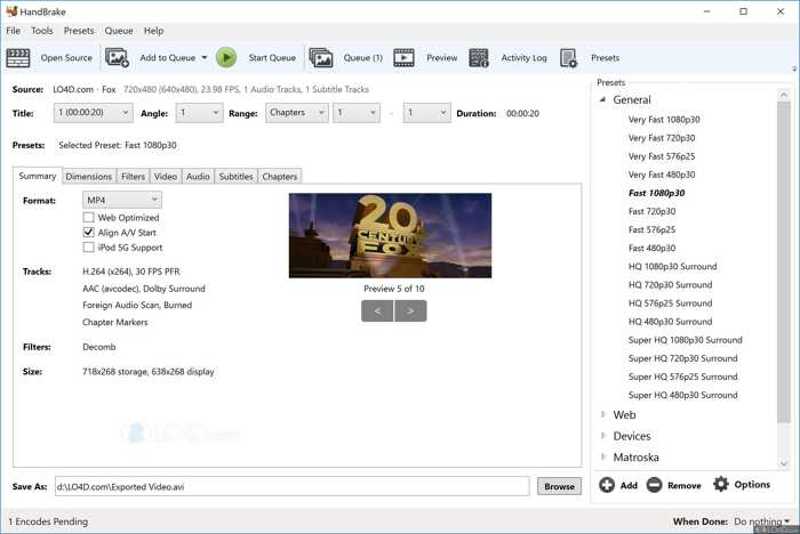
HandBrake is a great free video converter software for students, vloggers, and other people who have a limited budget. While it is difficult to set up, the built-in presets can help users convert video formats quickly.
ApeaksoftビデオコンバータUltimate is a one-stop solution to convert video formats, make movies, create video collages, and post-produce your videos without losing quality.
Adobe Express Video Converter is a good option if it is not convenient to install video converter software on your desktop. It allows you to transcode between video formats online with an Adobe account.
Part 1: Methodology
When testing the best video converter software, we focused on measurable, repeatable performance. The rigorous evaluation framework typically combines subjective assessments for real-world usability. To ensure fair comparisons, all video converters must be tested under identical conditions. This means using the same hardware, OS, and video files for every tool.
Baseline Test Environment
- OS: Windows 11 64-bit and the latest version of macOS
- CPU:Intel Core i7
- GPU: NVIDIA RTX 40-series
- RAM:32GB
Test Video File Sources
| ビデオ1 | ビデオ2 | ビデオ3 | ビデオ4 | |
| フォーマット | MP4(H.265) | MP4 | MOV | MKV |
| 長さ | 5 minutes | 8 minutes | 10 minutes | 30 minutes |
| 解像度 | 4K | 1080p | 1080p | 4K |
Part 2: Test Video Converter Software and Version
| ソフトウェア | 発売日 | サポートされるOS | |
| ApeaksoftビデオコンバータUltimate | 2.3.62 | 2026年5月 | Windows 11 to Vista and macOS 10.12 or above |
| ハンドブレーキ | 1.11.2 | 2026年XNUMX月 | Windows、macOS、Linux |
| FFmpegの | 9.0 | 8月、2026 | Windows、macOS、Linux |
| Freemakeビデオコンバータ | 6.0.1 | 10月、2025 | Windows |
| フォーマットファクトリー | 5.22.0 | 2月、2026 | Windows |
| すべてのビデオコンバータ | 9.2.6 | 9月、2026 | Windows |
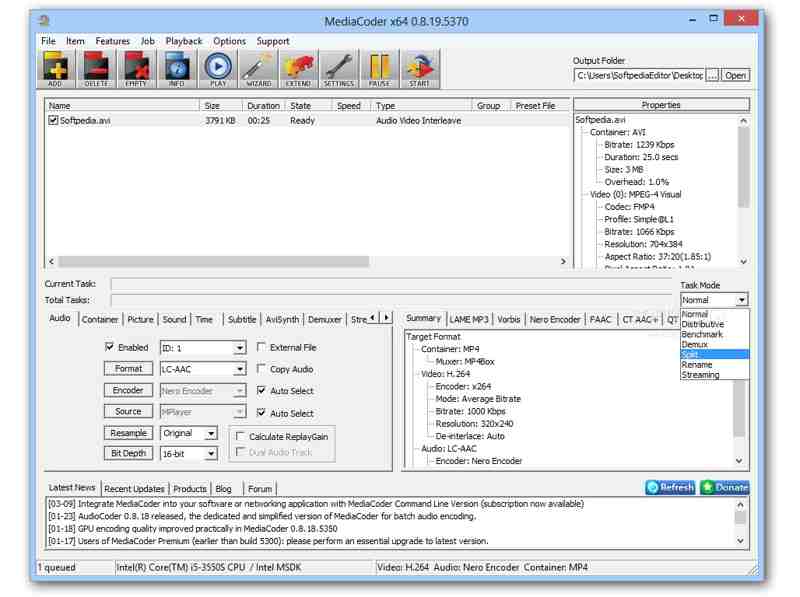
| MediaCoder | 0.8.68 | 7月、2026 | Windows |
| Adobe Express Video Converter | ウェブ | ||
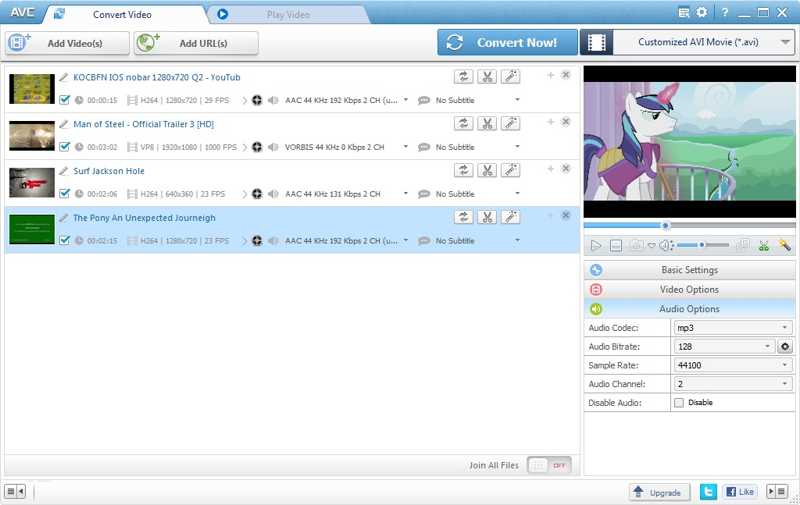
| VLCビデオコンバーター | 3.0.24 | 9月、2026 | Windows、macOS、Linux、モバイル |
| Wondershare UniConverter | 17.6.0 | 8月、2026 | Windows、macOS |
| Movaviビデオコンバータ | 24.5.0 | 8月、2026 | Windows、macOS |
| VideoProcコンバータAI | 8.12 | 9月、2026 | Windows、macOS |
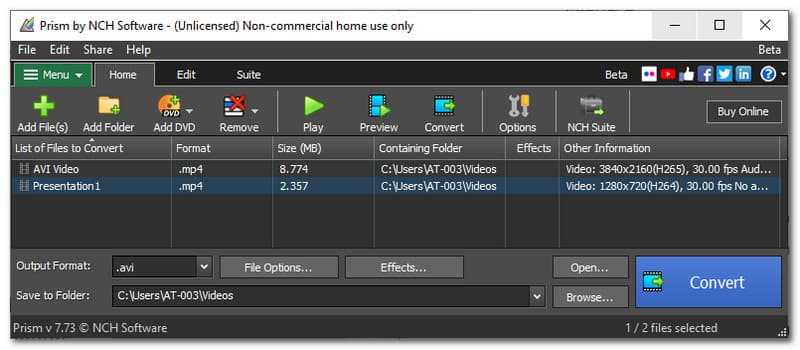
| プリズムビデオコンバータ | 13.05 | 4月、2026 | Windows、macOS |
| WonderFox HD ビデオ コンバーター ファクトリー | 28.9 | 4月、2026 | Windows |
| Aiseesoftビデオコンバータ | v10.9.26 | 2025年XNUMX月 | Windows、macOS |
Part 3. Top 15 Video Converter Software Test
Video Conversion Speed Benchmark
| 1080p(8 min) | 4K(5 min) | Long video(30 min) | Batch conversion(4 videos) | |
| ApeaksoftビデオコンバータUltimate | 3-5秒 | 5-9秒 | 1-5分 | 2-9分 |
| ハンドブレーキ | 16-30秒 | 2-4分 | 10-15分 | 10-18分 |
| FFmpegの | 3-20秒 | 1-3分 | 2-15分 | 5-20分 |
| Freemakeビデオコンバータ | 10-11分 | 5-8分 | 30-40分 | 30-60分 |
| フォーマットファクトリー | 20-28秒 | 1-2分 | 2-4分 | 3-8分 |
| すべてのビデオコンバータ | 1-2分 | 3-6分 | 4-7分 | 4-9分 |
| MediaCoder | 50-57秒 | 3-8分 | 5-7分 | 5-18分 |
| Adobe Express Video Converter | Depend on internet | Difficulty handling 4K video | Slow for long videos | いいえ |
| VLCビデオコンバーター | 5-6分 | 10-20分 | 20-30分 | いいえ |
| Wondershare UniConverter | 3-10秒 | 30-45秒 | 1-3分 | 5-9分 |
| Movaviビデオコンバータ | 10-15秒 | 30-32秒 | 3-5分 | 3-6分 |
| VideoProcコンバータAI | 5-18分 | 5-7分 | 18-20分 | 18-24分 |
| プリズムビデオコンバータ | 変動が大きい | いいえ | 時 | 時 |
| WonderFox HD ビデオ コンバーター ファクトリー | 30-45秒 | 40-55秒 | 3-4分 | 3-5分 |
| Aiseesoftビデオコンバータ | 15-20秒 | 35-45秒 | 2-4分 | 3-5分 |
主な調査結果:
- The fastest MP4 video converter software is usually a premium program, partly because of the built-in hardware acceleration and multi-thread technology.
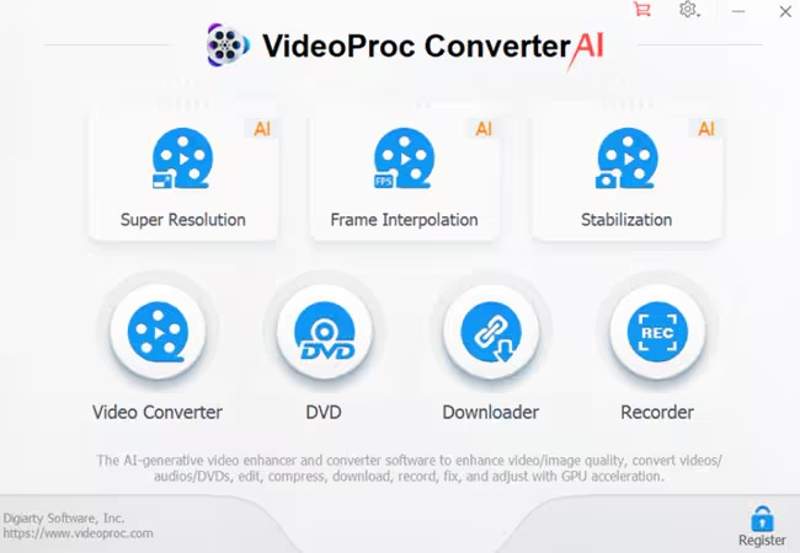
- If you intend to convert multiple long videos, use a video converter computer software instead of online apps, such as VideoProc Converter AI.
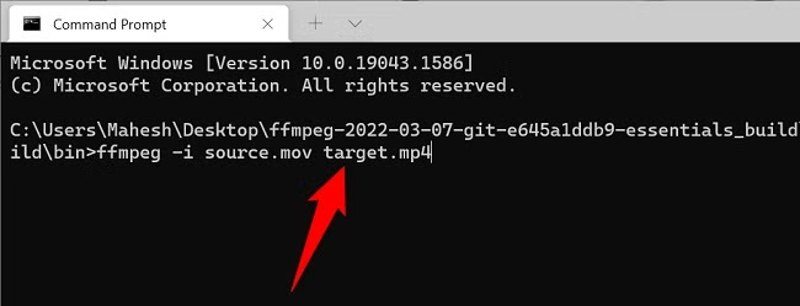
- HandBrake video converter and FFmpeg are the best free options to convert video files across platforms.
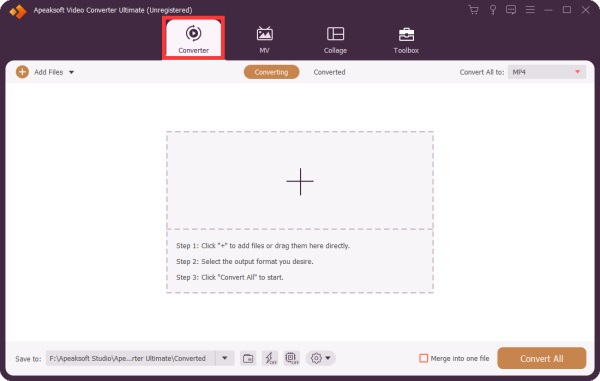
- Apeaksoft Video Converter Ultimate is a good option if you have multiple large video files and need to transcode video codecs frequently.
Format Compatibility Benchmark
| サポート入力フォーマット | サポートされる出力形式 | Support Video Codecs | ポータブルデバイスのサポート | |
| ApeaksoftビデオコンバータUltimate | 1,000以上 | 1,000以上 | H.265, H.264, AVC, DivX, VP8/9, MPEG-1/2/4, ProRes | iPhones, iPad, Android phones, and game console |
| ハンドブレーキ | 一般的なビデオ形式 | MP4、MKV、WebM | H.265, H.264, MPEG-2/4, VP8/9, AV1 | iPhone, Sony PSP, and more |
| FFmpegの | Almost all formats | Almost all formats | All codecs | No presets |
| Freemakeビデオコンバータ | 500以上 | AVI, MP4, WMV, MKV, 3GP, SWF, DVD, Blu-ray, MP3 | H.265, H.264, MPEG4, AAC, AV1 | iPhone, iPad, Android, PSP, PS3, Xbox, BlackBerry |
| フォーマットファクトリー | Almost all formats | MP4, 3GP, MPG, AVI, MKV, FLV, SWF, MKV, MOV, etc. | Sony PSP, BlackBerry, Apple devices | |
| すべてのビデオコンバータ | 一般的なビデオ形式 | MP4, MOV, MKV, M2TS, M4V, MPEG, AVI, WMV, ASF, OGV, WebM | H.264, DivX, XviD, MPEG-4 | iPhone, iPad, iPod, Samsung, Huawei, Sony PSP/PS3 |
| MediaCoder | AVI, MKV, MP4, ASF, MOV, etc. | AVI, MKV, MP4, ASF, MOV, etc. | H.264, XviD, DivX, MPEG-1/2/4 | |
| Adobe Express Video Converter | MP4, MOV, AVI, WMV, M2TS, 3GP, MPG, F4V | MP4 | H.265、H.264 | |
| VLCビデオコンバーター | AVI, FLV, MOV, MKV, MP4, OGG, WMV, DivX | MP4, TS, MPEG, OGG | H.265, H.264, MPEG-1/2/4, DivX, VP8/9 | iPodの |
| Wondershare UniConverter | 400以上 | MP4, MOV, MKV, AVI, WMV, WebM, FLV, M4V, 3GP, TS, VOB | H.265、H.264、AV1 | |
| Movaviビデオコンバータ | MP4, 3GP, AVI, ASF, DVD, DivX, FLV, MKV, MTS, TS, M2TS, MOV, MXF, MPG, etc. | 180以上 | H.265、H.264 | iPhone, iPad, Android phone, PSP |
| VideoProcコンバータAI | 370以上 | MP4, MOV, MKV, AVI, WebM, WMV, FLV, MPEG, TS, VOB | AV1, H.264, MPEG-4, AVC, H.265, ProRes | |
| プリズムビデオコンバータ | 一般的なビデオ形式 | ASF, AVI, DivX, F4V, FLV, M2TS, M4V, MKV, MOV, MP4, MPG, MTS, OGV, WMV, XviD, WebM | H.265、H.264 | |
| WonderFox HD ビデオ コンバーター ファクトリー | 500以上 | AVI, MP4, MKV, WMV, MPG, MOV, M4V, VOB, ASF, TS, MTS, M2TS, 3GP, DivX, XviD | H.265, H.264, VP9, MPEG-4, AV1 | Over 500 phone and portable devices |
| Aiseesoftビデオコンバータ | 1,000以上 | MP4, AVI, MKV, MOV, WMV, FLV, WebM, MXF | H.265, H.264, VP8/9, MPEG, XviD |
主な調査結果:
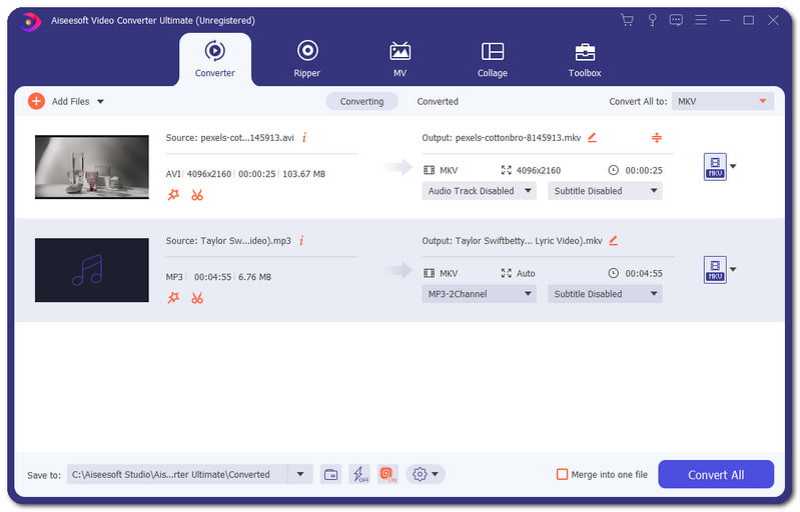
- Apeaksoft Video Converter Ultimate, FFmpeg, and Aiseesoft Video Converter v10.9.26 claim the largest package of formats and codecs.
- If you need a video converter to transcode videos for portable devices, HandBrake, Movavi Video Converter, and Any Video Converter provide explicit device presets.
- The best 4K video converters for Windows and macOS support modern codecs, such as AV1 and H.265.
Hardware Acceleration Benchmark
| ハードウェアアクセラレーション | Hardware Acceleration Types | バッチ変換サポート | |
| ApeaksoftビデオコンバータUltimate | はい | NVIDIA, Intel, AMD GPUs | はい |
| ハンドブレーキ | はい | Intel QSV, NVIDIA NVENC, AMD VCE, Apple VideoToolbox, Microsoft Media Foundation | はい |
| FFmpegの | はい | NVIDIA NVENC, Intel QSV, VA-API, AMD AMF, Apple VideoToolbox, Vulkan | はい |
| Freemakeビデオコンバータ | はい | NVIDIA CUDA, DXVA | はい |
| フォーマットファクトリー | はい | NVIDIA NVENC, Intel QSV, AMD AMF, VA-API, Apple VideoToolbox | はい |
| すべてのビデオコンバータ | はい | NVIDIA NVENC, AMD AMF, Intel QSV | はい |
| MediaCoder | はい | NVIDIA CUDA, NVENC, AMD AMF, Intel QSV | はい |
| Adobe Express Video Converter | はい | NVIDIA, AMD, Intel GPUs | Yes, up to 50 files per time |
| VLCビデオコンバーター | はい | VideoToolbox, VA-API, D3D11 | Yes, in VLC 3.0.0 and above |
| Wondershare UniConverter | はい | NVIDIA, AMD, Intel GPUs, Apple Metal framework, AV1 | Yes, up to 20 files per time |
| Movaviビデオコンバータ | はい | NVIDIA NVENC, Intel HD Graphics, AMD | はい |
| VideoProcコンバータAI | はい | Intel QSV, NVIDIA CUDA, NVENC, AMD GPU, Apple M-series chips | はい |
| プリズムビデオコンバータ | いいえ | NVENC, QSV, AMF | はい |
| WonderFox HD ビデオ コンバーター ファクトリー | はい | Intel QSV, NVIDIA NVENC | はい |
| Aiseesoftビデオコンバータ | はい | NVIDIA, Intel, AMD GPUs | はい |
主な調査結果:
1. The fastest video converter software integrates hardware acceleration and batch conversion capacity.
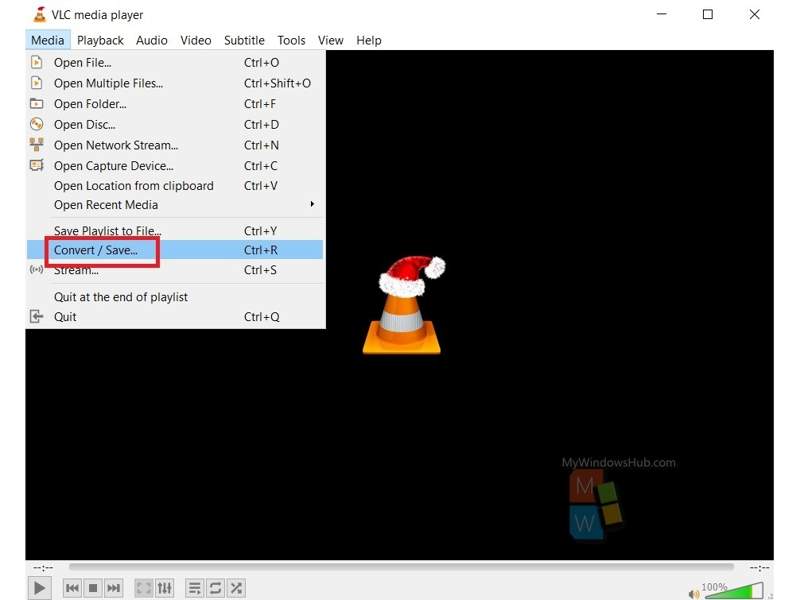
2. Adobe Express Video Converter’s batch conversion capability is ambiguous since it works in a web browser. Therefore, the batch conversion can be difficult, depending on your browser.
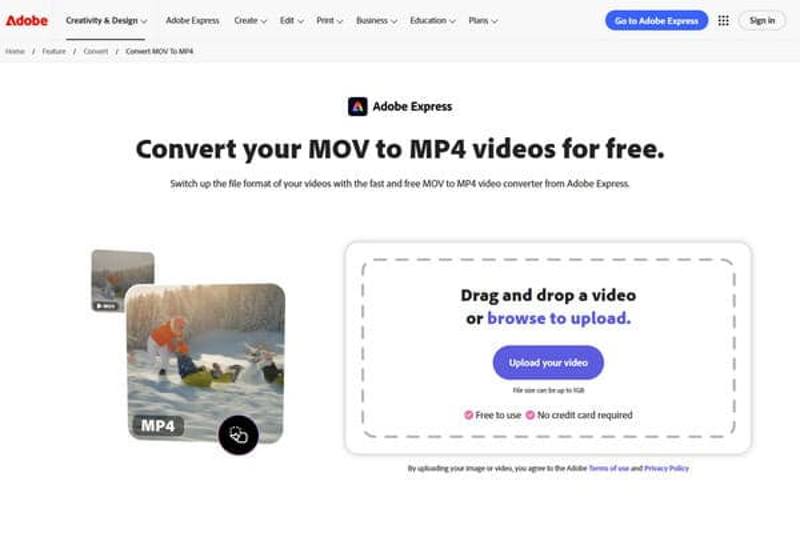
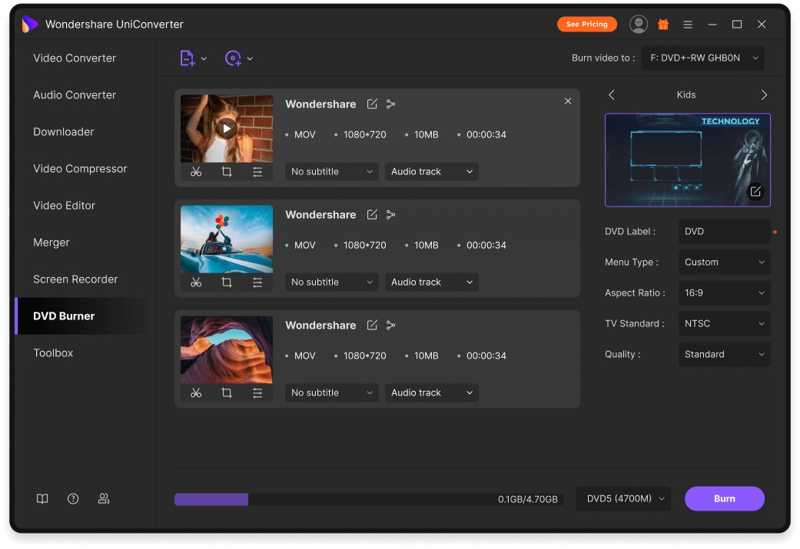
3. Wondershare UniConverter is a great GPU accelerated video converter.
Advanced Video Processing Benchmark
| 動画編集 | ビデオ圧縮 | ビデオエンハンスメント | AIサポート | |
| ApeaksoftビデオコンバータUltimate | Trim, crop, rotate, watermark, filter, etc. | はい | はい | はい |
| ハンドブレーキ | 限定的 | いいえ | いいえ | いいえ |
| FFmpegの | Basic | いいえ | いいえ | いいえ |
| Freemakeビデオコンバータ | Basic | いいえ | いいえ | いいえ |
| フォーマットファクトリー | Crop, merge, rotate, watermark | はい | はい | はい |
| すべてのビデオコンバータ | Basic | はい | はい | はい |
| MediaCoder | 限定的 | いいえ | はい | いいえ |
| Adobe Express Video Converter | Basic | はい | はい | はい |
| VLCビデオコンバーター | Basic | いいえ | いいえ | いいえ |
| Wondershare UniConverter | Full video editor | はい | はい | はい |
| Movaviビデオコンバータ | Basic | はい | はい | はい |
| VideoProcコンバータAI | Basic | はい | はい | はい |
| プリズムビデオコンバータ | 限定的 | はい | いいえ | いいえ |
| WonderFox HD ビデオ コンバーター ファクトリー | Basic | はい | はい | いいえ |
| Aiseesoftビデオコンバータ | Trim, crop, merge, rotate, watermark | はい | はい | はい |
主な調査結果:
1. Free video converter software usually doesn’t include advanced video processing capabilities. HandBrake and VLC, for example, are non-AI tools.
2. Tools with genuine AI-powered features include Apeaksoft Video Converter Ultimate and other premium video converter software.
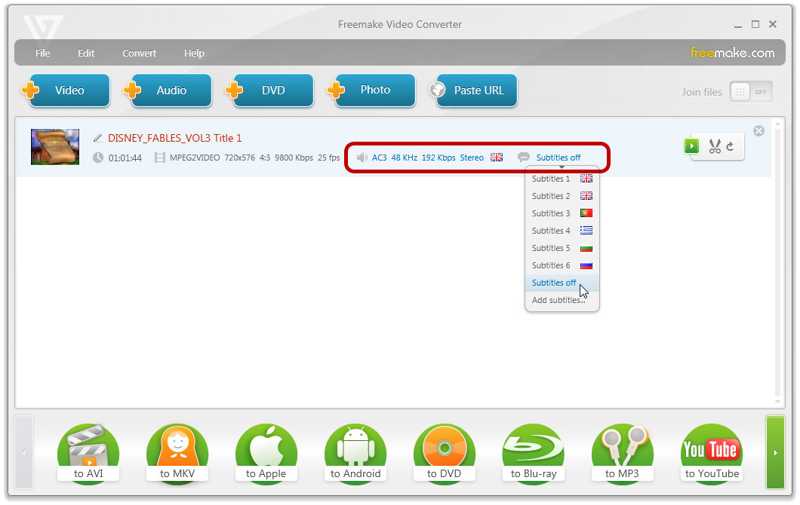
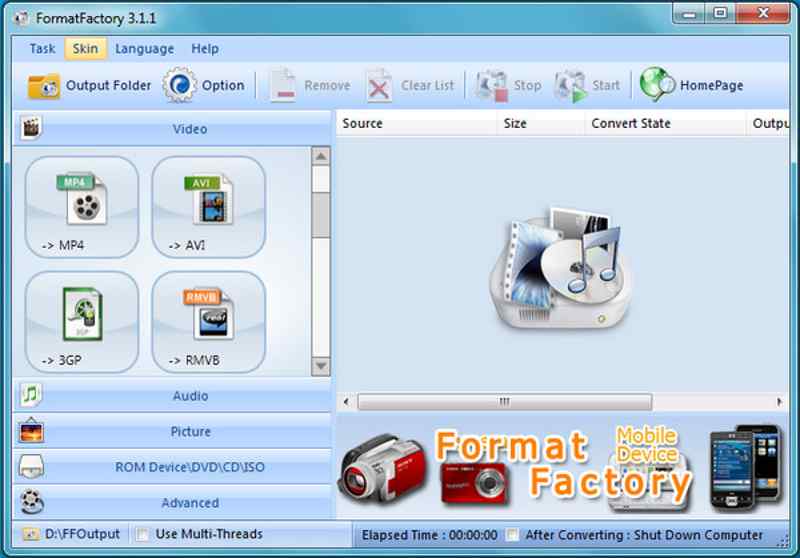
3. Format Factory and Freemake provides basic video editing tools, although they are free.
出力品質ベンチマーク
| ロスレスビデオ変換 | オーディオ同期 | メモ | |
| ApeaksoftビデオコンバータUltimate | Yes, with the Fast Remux mode | はい | Manually sync audio and enhance video quality |
| ハンドブレーキ | ビデオを圧縮する | はい | いいえ |
| FFmpegの | はい | Lossless conversion can break sync | いいえ |
| Freemakeビデオコンバータ | いいえ | Sync problem | Audio sync is inconsistent |
| フォーマットファクトリー | いいえ | Sync problem | いいえ |
| すべてのビデオコンバータ | はい | はい | いいえ |
| MediaCoder | はい | はい | Configurable for sync correction |
| Adobe Express Video Converter | はい | Lack advanced sync tools | |
| VLCビデオコンバーター | いいえ | Audio sync issue | いいえ |
| Wondershare UniConverter | はい | Master Audio Sync | いいえ |
| Movaviビデオコンバータ | いいえ | ミックス | Audio sync is not reliable |
| VideoProcコンバータAI | はい | Force A/V sync | いいえ |
| プリズムビデオコンバータ | はい | ミックス | いいえ |
| WonderFox HD ビデオ コンバーター ファクトリー | はい | Intelligent timeline repair | いいえ |
| Aiseesoftビデオコンバータ | はい | はい | いいえ |
主な調査結果:
1. True lossless video conversion is rare as a one-click feature. Only Apeaksoft Video Converter Ultimate and Any Video Converter support it as a core capability.
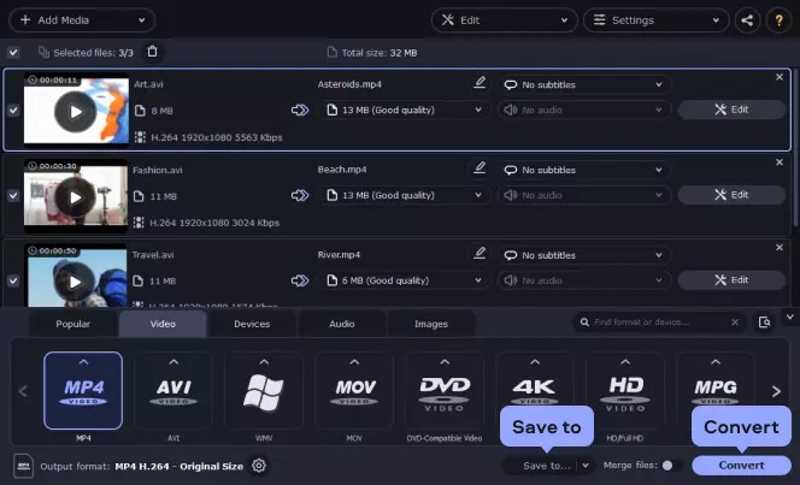
2. Audio sync is the more fragile dimension. Movavi Video Converter and MediaCoder, for example, have user reports of severe desync on specific source types.
Ease of Use Benchmark
| 明確なインターフェース | One-Click Support | Ease of Use(5-score) | |
| ApeaksoftビデオコンバータUltimate | クリア | はい | 4.8 |
| ハンドブレーキ | 威圧する | はい | 3.5 |
| FFmpegの | 欠如 | No, require commands | 2.0 |
| Freemakeビデオコンバータ | 広告 | はい | 4.0 |
| フォーマットファクトリー | 古い | はい | 4.0 |
| すべてのビデオコンバータ | クリア | はい | 4.0 |
| MediaCoder | 複雑な | いいえ | 2.5 |
| Adobe Express Video Converter | クリア | はい | 4.5 |
| VLCビデオコンバーター | 直感的でない | 一部 | 3.5 |
| Wondershare UniConverter | クリア | はい | 4.5 |
| Movaviビデオコンバータ | クリア | はい | 4.6 |
| VideoProcコンバータAI | クリア | 一部 | 4.0 |
| プリズムビデオコンバータ | 簡単な拡張で | はい | 4.0 |
| WonderFox HD ビデオ コンバーター ファクトリー | クリア | はい | 4.5 |
| Aiseesoftビデオコンバータ | 簡単な拡張で | はい | 4.5 |
主な調査結果:
1. The highest ease-of-use scores cluster around 4.5 to 4.9, shared by the best video converters for Mac and Windows, such as Adobe Express, Apeaksoft Video Converter Ultimate, WonderFox HD Video Converter Factory, and more.
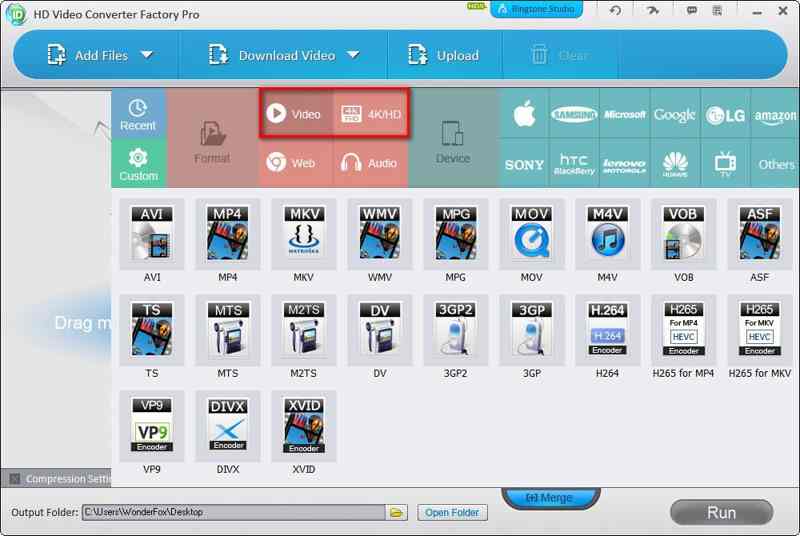
2. One-click video conversion is implemented differently across tools. Wondershare UniConverter and Prism Video Converter, for example, achieve it through rich device presets.
あなたも好きかも:
第4部:最終判決
ベンチマークカテゴリの重み付け分布
| カテゴリー | 重量 | ソースベンチマーク |
| 変換速度 | 15% | Video Conversion Speed Benchmark |
| 互換性 | 30% | Format Compatibility Benchmark |
| パフォーマンス | 20% | Hardware Acceleration Benchmark |
| ビデオ画質 | 20% | 出力品質ベンチマーク |
| インタフェース | 15% | Ease of Use Benchmark |
Top 15 Best Video Converters Quantitative Master Scoreboard(on a scale of 1.0-10.0)
| ランク | ソフトウェア | 速度 | 互換性 | パフォーマンス | 出力品質 | インタフェース | スコア |
| 1 | ApeaksoftビデオコンバータUltimate | 9.7 | 9.8 | 8.9 | 10 | 9.9 | 9.7 |
| 2 | Wondershare UniConverter | 8.5 | 7.5 | 8.7 | 9.7 | 9.6 | 8.7 |
| 3 | WonderFox HD ビデオ コンバーター ファクトリー | 7.6 | 9 | 7.4 | 9.6 | 9.6 | 8.7 |
| 4 | Aiseesoftビデオコンバータ | 8.2 | 7.5 | 8.0 | 9.7 | 9.7 | 8.5 |
| 5 | すべてのビデオコンバータ | 5.7 | 7.0 | 8.0 | 9.8 | 9.3 | 7.9 |
| 6 | VideoProcコンバータAI | 5.6 | 6.3 | 9.0 | 9.5 | 8.0 | 7.6 |
| 7 | MediaCoder | 5.3 | 5.8 | 8.7 | 9.7 | 7.3 | 7.3 |
| 8 | Movaviビデオコンバータ | 8.1 | 6.5 | 8.0 | 5.3 | 9.7 | 7.3 |
| 9 | FFmpegの | 6.7 | 7.8 | 8.3 | 7.0 | 5.2 | 7.2 |
| 10 | Freemakeビデオコンバータ | 4.4 | 8.5 | 7.3 | 5.6 | 8.0 | 7.0 |
| 11 | ハンドブレーキ | 5.1 | 6.0 | 9.0 | 7.5 | 7.2 | 7.0 |
| 12 | Adobe Express Video Converter | 5.1 | 5.3 | 8.6 | 6.8 | 9.7 | 6.9 |
| 13 | フォーマットファクトリー | 7.4 | 6.0 | 8.0 | 5.5 | 7.3 | 6.7 |
| 14 | プリズムビデオコンバータ | 4.7 | 5.3 | 6.0 | 7.5 | 9.3 | 6.4 |
| 15 | VLCビデオコンバーター | 4.5 | 6.5 | 7.6 | 5.8 | 5.7 | 6.1 |
免責事項
The ranking, scores, and video converter comparisons presented are for general informational purposes only. The result should not be treated as definitive or universal judgments.
Part 5:FAQs of Best Video Converters
What is the best video converter on Reddit?
FFmpeg is the most popular video converter software on Reddit.
What is the best video converter for Windows 11?
The answer is different, depending on your situation. For beginners, HandBrake is worth trying.
Is video converter legal?
Copyrighted videos are illegal to convert or download.
結論
この記事ではトップ15をレビューしました best video converting software and shared a comparison of video converters. Some of them are completely free of charge. Others require a license or subscription. You can discover an appropriate one based on your needs. ApeaksoftビデオコンバータUltimate例えば、は初心者にとって良い選択肢です。

関連記事