

 411 Reviews
Days
Hours
Mins
Secs
$54.90 $27.45
100% Clean & Secure
50%
OFF
30-Day Money Back Guarantee
100% Clean & Secure
50%
OFF
30-Day Money Back Guarantee
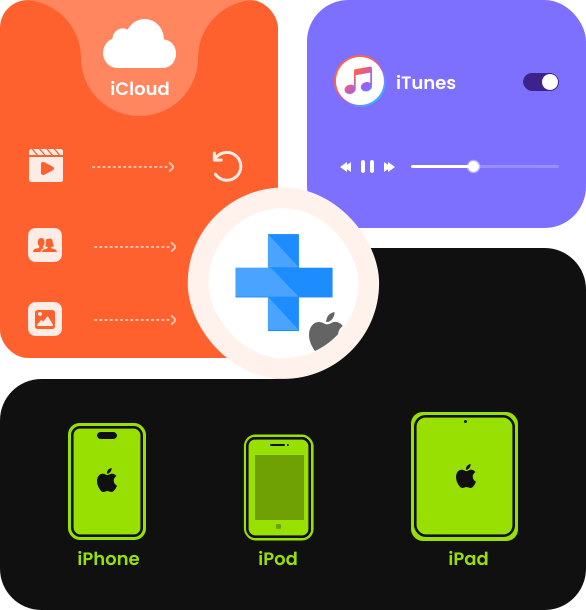
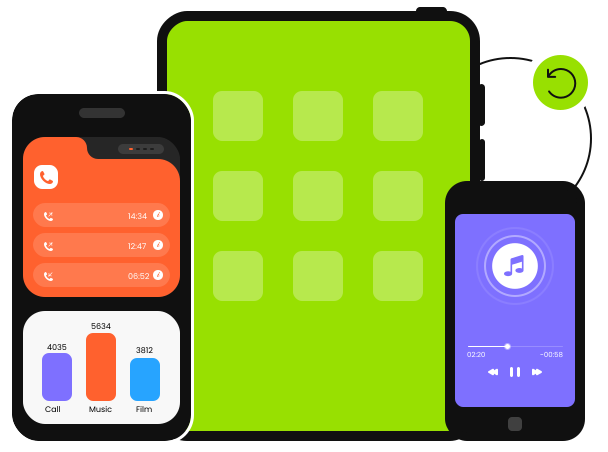
Apeaksoft iPhone Data Recovery lets you recover lost or deleted data from iPhone, iPad, and iPod without a backup across almost all iOS versions, including the latest iOS 26 and iOS 27 Beta. It is especially useful when you need to restore data after accidental deletion, system errors, or even a factory reset without backup.
Even without a backup, this best iPhone data recovery solution can deeply and thoroughly scan your device and help you recover photos, messages, contacts, notes, call history, videos, and other important iOS data, as well as chat records from apps like WhatsApp, Facebook, Viber, and Kik.
Apeaksoft iPhone Data Recovery can not only recover deleted files on iPhone/iPad/iPod, but also can quickly detect the iTunes backup files on your computer and restore lost data from the iTunes backups to iPhone/iPad/iPod. This feature is particularly useful when you cannot find the iTunes backup files on your Windows/Mac, iTunes cannot detect your device, etc.
Compared with directly restoring iPhone from iTunes, Apeaksoft iPhone Data Recovery enables you to selectively recover the files you need instead of restoring the entire device. It also allows you to preview data before recovery, so you can accurately find and restore only the specific photos, messages, or other files you want without unnecessary overwriting.


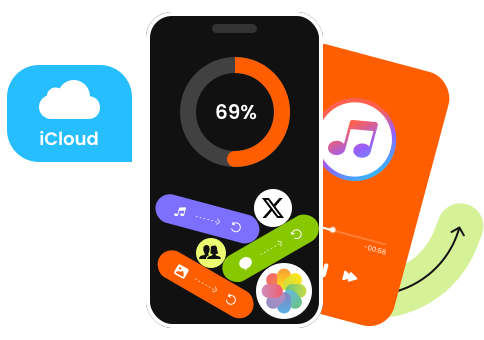
iCloud is an excellent backup service. However, the iCloud full restore will wipe your iPhone and bring everything back at once. No worries. Apeaksoft iPhone Data Recovery makes the process smarter and safer. It enables you to restore iOS data from iCloud selectively. You can log in to your iCloud account and directly access your backup without erasing your device. That means no downtime, no data loss, and no complicated setup.
Even better, you’re not limited to a full iCloud restore. With Apeaksoft iPhone Data Recovery, you can preview and recover only the files you want. You can preview and select custom photos, videos, contacts, messages, call history, or even app data from WhatsApp, Facebook, Kik, and more to your iPhone without data loss. Instead of cluttering your iPhone with unnecessary files, you get exactly what you need. Recover any iPhone data from iCloud backup with just a few clicks.
Apeaksoft iPhone Data Recovery helps you restore deleted or lost files like photos, videos, messages, contacts, WhatsApp chats, and more from your iPhone, iPad, or iPod directly.
Recover iPhone Data After Factory Reset
You may need to flash your iPhone when there is a system problem. However, once you flash your iPhone/iPad/iPod, all important iPhone data will be erased. No worries. Apeaksoft iPhone Data Recovery can help you recover iPhone data after a factory reset without a backup.
Restore Data from iOS System Crash
System crashes are common especially after iOS update or downgrade failures, and often cause data loss. How to get lost iPhone data back under these conditions? Apeaksoft iPhone Data Recovery can help you recover data from an iPhone stuck in recovery mode or even recover data from a dead iPhone easily.
Recover Locked iPhone Data
Forgetting the screen passcode of your iPhone can be frustrating. In some cases, you may even need to recover data from iPhone that won’t turn on. With Apeaksoft iPhone Data Recovery, you can quickly access iTunes or iCloud backups and selectively recover locked iPhone data.
Recover Lost iPhone Data
A lost or stolen iPhone/iPad/iPod is the most frustrating data loss situation. However, your device may be gone, but your data doesn’t have to be. With Apeaksoft iPhone Data Recovery, you can quickly access your iTunes or iCloud backups and restore data from a lost iPhone with ease.
Recover Data from Water-Damaged iPhone
Although Apple claims iPhones are water-resistant, water damage is still very common and can lead to system failure and data loss. Don't worry. Apeaksoft iPhone Data Recovery can help you recover data from a water-damaged iPhone or recover data from a broken iPhone without backup.
Restore Lost Files from Accidental Deletion
You may accidentally delete important data without backing it up to iTunes or iCloud. In this situation, Apeaksoft iPhone Data Recovery can deeply scan your iPhone, iPad, or iPod and help you recover lost data directly from your iOS device.
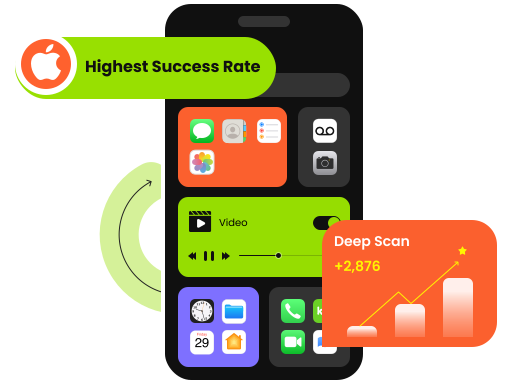
This iOS data recovery program can explore more data from your iDevices with Deep Scan mode. Moreover, you can preview before recovery. Compared with other products in the market, this program can ensure a higher recovery rate to restore all your deleted or lost data with/without backup!
Search
It provides a search feature that enables you to quickly locate deleted iPhone data by typing in a keyword or file name.
Filter
This professional iPhone Data Recovery tool filters files by file date and type. You can quickly search for the deleted or lost files on your iOS devices.
100% Clean & Secure
50%
OFF
30-Day Money Back Guarantee
100% Clean & Secure
50%
OFF
30-Day Money Back Guarantee

Download and install.

Choose a recovery mode.

Recover lost files on iPhone.


Emily

I was looking for a way to recover photos that were deleted from a recently deleted album from iPhone, and I saw Apeaksoft iPhone Data Recovery. It brought back photos that were already gone from the Recently Deleted folder, plus some old messages I thought were lost forever. The recovery success rate honestly impressed me.

Ava
Before I tried Apeaksoft iPhone Data Recovery, I compared it with other iPhone data recovery software in the same category. This one is quite budget-friendly while offering the same features as other tools.

Lucas
The scan was really thorough. It even brought up old photos and messages I had completely forgotten about. Moreover, this tool will mark the deleted ones in red, which is very eye-catching.
FAQs
Is it possible to recover deleted files from iPhone a long time ago?
It depends. If the deleted data has not been overwritten, Apeaksoft iPhone Data Recovery can help you find and recover old iPhone data by scanning your device or backups. However, the longer the time passes and the more you use your iPhone, the lower the recovery success rate becomes.
Can Apeaksoft iPhone Data Recovery recover deleted iPhone audio/video files?
Yes, Apeaksoft iPhone Data Recovery supports iPhone audio and video recovery. You can let it scan your iPhone and choose the corresponding data type from the left panel. You can recover deleted audio/video on iPhone as long as the audio or video is not overwritten.
Can you recover iPhone data from third-party apps?
Yes, Apeaksoft iPhone Data Recovery can recover deleted app data on iPhone from Messenger, Kik, Viber, LINE, etc.
Can I recover iPhone data without a backup using Apeaksoft iPhone Data Recovery?
Yes. Apeaksoft iPhone Data Recovery can recover data directly from your iPhone even without a backup by deeply scanning your iPhone storage and looking for recoverable data that still exists but is no longer visible.
Can I recover data from a dead iPhone?
Yes. If your iPhone won’t turn on or is physically damaged, you can use Apeaksoft iPhone Data Recovery to retrieve data. Open the program and scan for your iTunes or iCloud backup files on your computer. Later, you can select, preview, and recover data to your computer or a new iPhone.
Can I recover permanently deleted iPhone photos without backup?
Yes. Your deleted files stay invisible until the new data overwrites them. Stop saving new files or making changes on your iPhone. Open Apeaksoft iPhone Data Recovery and scan as soon as possible. You can recover deleted photos from your iPhone directly.

Recover various data including messages, contacts, photos, videos, music, app data from iOS devices, iTunes and iCloud.
100% Clean & Secure
50%
OFF
30-Day Money Back Guarantee
100% Clean & Secure
50%
OFF
30-Day Money Back Guarantee

iPhone Data Lost or Deleted?
1-Click Solution
Windows & macOS · 100% Safe
Copyright © 2026 Apeaksoft Studio. All rights reserved.


