10 Best Premium and Free iPhone Data Recovery Software

Today, more and more people keep sensitive and crucial data on their mobile devices. According to a recent survey, iPhone users are more likely to save their photos, videos, documents, notes, and messages on their handsets. It makes sense that data loss is a big challenge for iPhone users. In this situation, iPhone data recovery software can help address data loss. This article reviews the top list.
PAGE CONTENT:
Key Takeaways
There is a lot of third-party data recovery software for iPhone on the market, but they vary greatly in how they recover data. When picking an appropriate data recovery tool for an iOS device, you should consider:
- 1.Some software may install malware or spyware. Fortunately, all iPhone data recovery tools on our top list are safe and reliable when downloaded from the official website.
- 2.Apple releases updates regularly; however, only a portion of data recovery software supports the latest versions of iOS, such as Apeaksoft iPhone Data Recovery and Dr.Fone Data Recovery for iPhone.
- 3.Ease of use. The user-friendly interface is crucial, especially for beginners. Software such as iMobie PhoneRescue and Tenorshare UltData features a straightforward interface.
- 4.It takes time to scan an iOS device or to back up and recover data. Several recovery applications can restore lost data smoothly, such as Apeaksoft iPhone Data Recovery and AppGeeker iOS Data Recovery.
- 5.Free iPhone recovery software programs are readily available, but that doesn’t mean that you should avoid professional options. If your files are significant, purchasing the full version is the right choice. Apeaksoft iPhone Data Recovery and Stellar Data Recovery for iPhone, for example, are affordable options.
Part 1: iPhone Data Recovery Benchmark Methodology
We identify and review the top data recovery software for iPhone based on our lab tests and user reports. To generate reliable results, we use the same iOS device in the same circumstances:
- Device: iPhone 17 running iOS 18
- Files deleted: 5 photos and videos, 2 contacts, 1 message session, and 1 note.
- Recovery modes: iOS device, iTunes backup, iCloud.
- Computer: Windows 11 with an Intel CPU and 2GB of storage.
Test Process
1. Prepare the Same Test Environment
We first prepared the test device, operating systems, and recovery software under comparable conditions. Each tool was tested on the same type of iPhone data whenever possible to reduce differences caused by hardware or system settings.
2. Create Controlled Data-Loss Scenarios
We created several common iPhone data-loss situations rather than testing only one recovery scenario. The test data included commonly recovered items such as contacts, messages, photos, videos, notes, call history, and other supported data.
3. Scan the iPhone or Backup
We then performed a scan using the default settings on each iPhone data recovery program first. This shows what a typical user can expect without extensive configuration.
4. Check the Preview and Recovery Results
After scanning, we compared the detected data with the original test data. We checked whether the software could correctly identify the files and display meaningful information before recovery. For recoverable items, we evaluated:
- Whether the correct files were detected.
- Whether deleted data could be distinguished from existing data.
- Whether photos and videos were previewable.
- Whether message and contact information remained readable.
- Whether the recovered files could actually be opened and used without format errors.
5. Measure Recovery Performance
Finally, we recorded the results for each software and compared them using the same criteria. We considered both recovery capability and practical usability. You can check the test criteria below.
Test Criteria
Recovery Source Performance Benchmark Comparison: How many files are actually retrieved from the memory and backup?
Recovery Speed and User Experience Benchmark Comparison: How long does the data scan process take?
Recovery Capability Benchmark Across Different Data Types: from photos to videos, from messages to contacts, and app data.
User Experience Benchmark: ease of use, including the learning curve and interface.
Pricing Benchmark: the free demo and plan costs.
Recovery Accuracy Benchmark Comparison: whether the recovered files are in the original condition or have messy code.
Software and Version Tested
Apeaksoft iPhone Data Recovery 2026 1.2.32
Dr.Fone - Data Recovery (iOS) 13.9.4
Disk Drill iPhone Data Recovery 2026
Stellar Data Recovery for iPhone 9.0.0.0
FoneLab iPhone Data Recovery 10.5.86
FonePaw iPhone Data Recovery 9.6.0
AppGeeker iOS Data Recovery 2026
iMobie PhoneRescue 4.2.0.4
EaseUS MobiSaver 8.0.3
Tenorshare UltData 3.5.14
How to Choose a Good iPhone Data Recovery Software
The best iPhone data recovery software is not necessarily the one with the most features or the highest advertised recovery rate. The right choice depends on what data was lost, where the data may still exist, and whether the software can recover it in a usable form. Here are the key factors to consider:
1. Check Which Data Types It Can Recover: Ensure that the file types, like videos, photos, and messages, you want to recover are supported by an iPhone data recovery. A tool may support iPhone recovery in general but have limited support for specific data categories. Therefore, check the supported data types before choosing a program.
2. Check the Available Recovery Sources: Usually, a good iPhone data recovery should be able to recover data from direct iPhone scanning, iTunes/Finder backup, and iCloud Backup. You should also figure out the program should be able to retrieve files and data from your target source.
3. Look at Actual Recovery Results: Do not rely only on claims such as "recover deleted data" or "high recovery rate". You can download the program to test it first and then decide whether to get the full version or continue to use the free iPhone data recovery software.
4. Look for Selective Recovery: A good iPhone data recovery tool should not force you to restore everything when you only need a few files. Features such as category filtering, file preview, date filtering, and selective recovery can make the process much easier. They also reduce the need to recover unnecessary data.
Part 2: Final Verdict of Data Recovery Software Tested
| Software | Score | Scan Time (15%) | Pricing (15%) | Photos and Videos (10%) | Contacts (10%) | Messages (10%) | Notes (10%) | iOS Compatibility (15%) | Backup Recovery (15%) |
| Apeaksoft iPhone Data Recovery | 97/100 | 40 seconds | $27.45 per month, $65.96 lifetime | 100% | 100% | 100% | 100% | iOS 27 and below | iCloud and iTunes backups |
| Dr.Fone Data Recovery for iPhone | 95/100 | 5 minutes | $44.95 per month, $59.95 per year, $69.95 perpetual | 100% | 100% | 80% | 85% | iOS 27 to 5 | iCloud and iTunes backups |
| Disk Drill iPhone Data Recovery | 93/100 | 4 minutes | $89 and $499 | 100% | 100% | 78% | 100% | iOS 26 to 5 | No |
| EaseUS MobiSaver | 92/100 | 6 minutes | $59.95 for Windows, $79.95 for macOS | 100% | 100% | 80% | 100% | iOS 18 to 5 | iCloud and iTunes backups |
| iMobie PhoneRescue | 90/100 | 5 minutes | $45.99 per month, $49.99 per year, $69.99 lifetime | 100% | 100% | 75% | 100% | iOS 27 to 5 | iCloud and iTunes backups |
| Stellar Data Recovery for iPhone | 89/100 | 7 minutes | $39.99, $49.99, and $149.99 | 100% | 50% | 100% | 100% | iOS 26 and below | No |
| FoneLab iPhone Data Recovery | 85/100 | 5 minutes | $49.95 per month, $55.96 lifetime | 90% | 100% | 80% | 100% | iOS 26 to 5 | iCloud and iTunes backups |
| FonePaw iPhone Data Recovery | 82/100 | 6 minutes | $49.95 per month, $55.95 per year, and $65.95 perpetual | 100% | 90% | 90% | 100% | iOS 18 to 5 | iCloud and iTunes backups |
| AppGeeker iOS Data Recovery | 81/100 | 5 minutes | 69.95 | 90% | 100% | 80% | 100% | iOS 18 to 9 | iCloud and iTunes backups |
| Tenorshare UltData | 80/100 | 8 minutes | $45.95 per month, $49.95 per year, $65.95 lifetime | 100% | 85% | 100% | 80% | iOS 27 to 5 | iCloud and iTunes backups |
Disclaimer: The top 10 best iPhone data recovery software tools are legal and safe to use if you download them from the official websites. However, it is illegal to recover data from a stolen or someone else’s iPhone. Before you download a data recovery tool, you’d better learn the relevant laws and regulations in your country.
Top 1: Apeaksoft iPhone Data Recovery
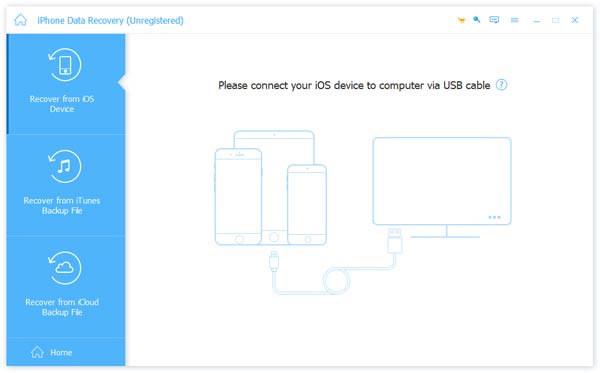
Apeaksoft iPhone Data Recovery is one of the best iOS data recovery software. It offers a clear design and decent data recovery performance. With hardware acceleration, it can scan iPhone memory or backups. According to our test, the scan results are inconsistent compared to competitors.
Secure Download
Secure Download
- Strong recovery for all data types.
- Clear and modern interface.
- Recover data in three steps.
- Offer affordable prices.
- Deliver a high recovery rate.
- It takes a while if your iPhone stores lots of data.
Top 2: Dr.Fone Data Recovery for iPhone
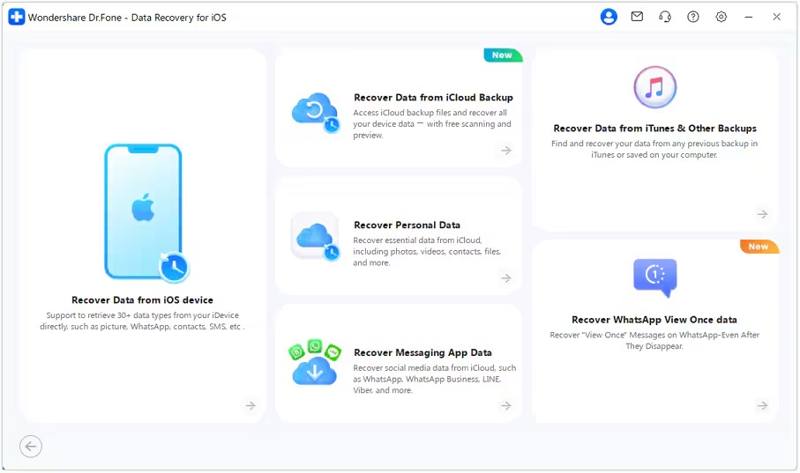
Dr.Fone Data Recovery for iPhone has established itself as a reliable data recovery solution for iOS devices, especially effective for extracting data from iTunes or iCloud backups. According to our test, it is excellent for media file recovery.
- Strong recovery for photos and contacts.
- Offer a wide range of bonus features.
- Integrate a clean GUI.
- More expensive than competitors.
- Extra features may feel bloated.
Top 3: Disk Drill iPhone Data Recovery
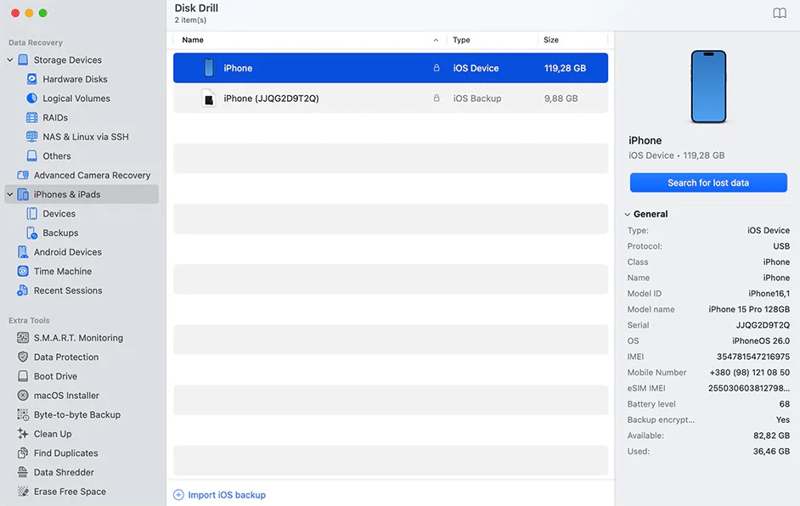
Disk Drill iPhone Data Recovery made our top list because it fully recovered lost photos, contacts, and notes in our test. It only takes a few seconds to detect an iPhone after it connects, and a few minutes to scan for lost data.
- Excellent data recovery performance.
- Preview files after scanning.
- Lightweight and fast.
- Great photo and contact recovery rate.
- Limited advanced features.
- Not work with backups.
Top 4: EaseUS MobiSaver
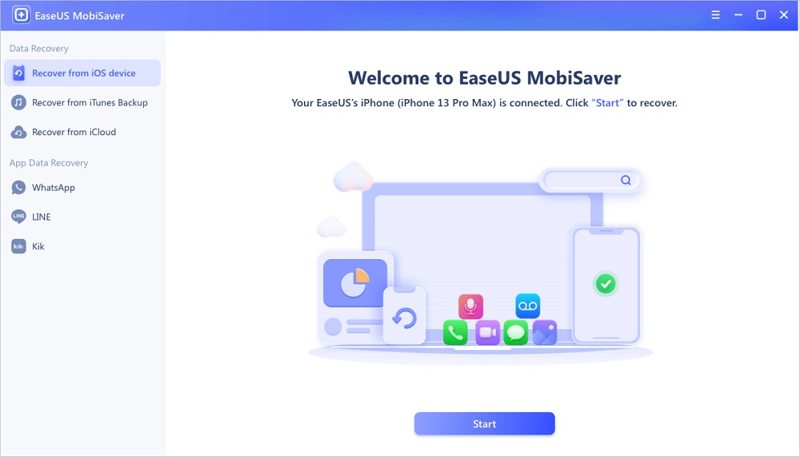
EaseUS MobiSaver is one of the most popular data recovery software programs for iPhone. It recovered media files, contacts, and notes with a high success rate in our test. The program provides a simple workflow: connect an iPhone, scan, and recover data.
- High recovery rate for most files.
- Work with iOS devices and backups.
- Cover most data loss scenarios.
- Easy to use.
- Recover nothing with a free trial.
- Mac and Windows versions are sold separately.
Top 5: iMobie PhoneRescue
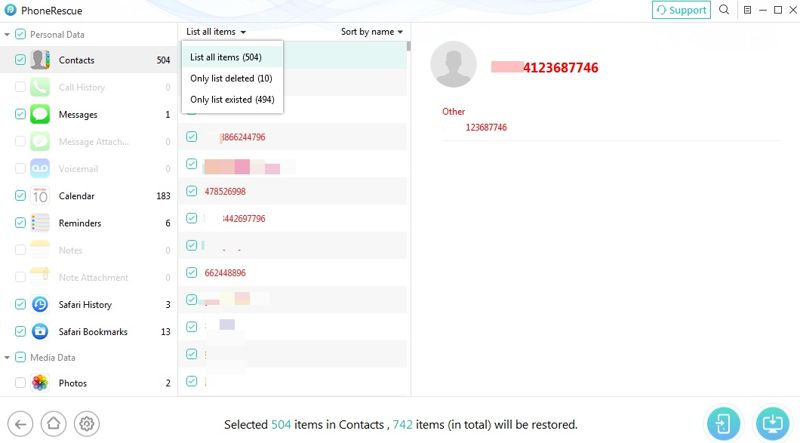
iMobie PhoneRescue is another trustworthy tool for iPhone data recovery and troubleshooting. According to our test, it can recover all photos and videos, including app data. Users can choose to restore lost data to their iPhone or computer.
- Intuitive and user-friendly.
- Recover data to iPhone directly.
- Solid recovery rate.
- Include troubleshooting tools.
- Partial message recovery.
- Recovery errors may occur sometimes.
Top 6: Stellar Data Recovery for iPhone
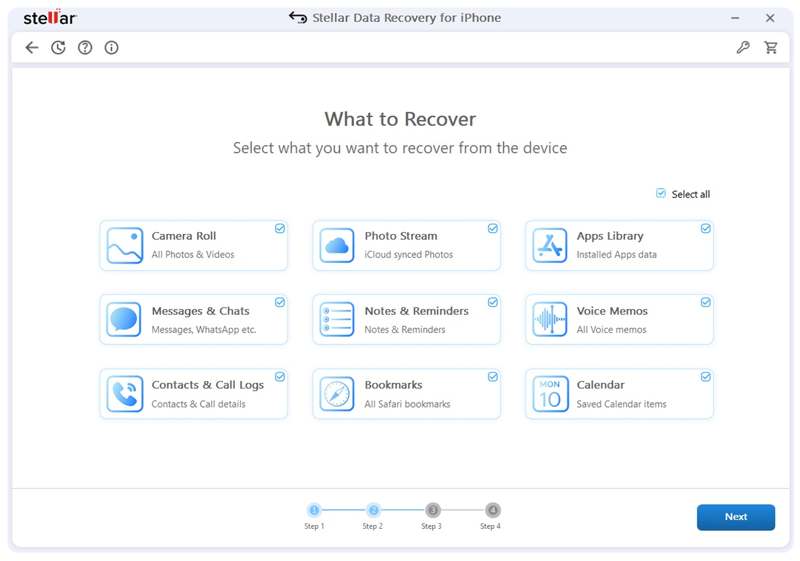
Stellar Data Recovery for iPhone is a reputable data recovery tool, especially for recovering chat app data. In our test, it retrieved iMessages, text messages, and WhatsApp conversations effectively. It offers flexible recovery from iOS, iTunes, and iCloud backups.
- Excellent message recovery.
- Support a wide array of file types.
- Professional and reliable.
- Regular updates
- Slower scanning time.
- Higher prices than competitors.
Top 7: FoneLab iPhone Data Recovery
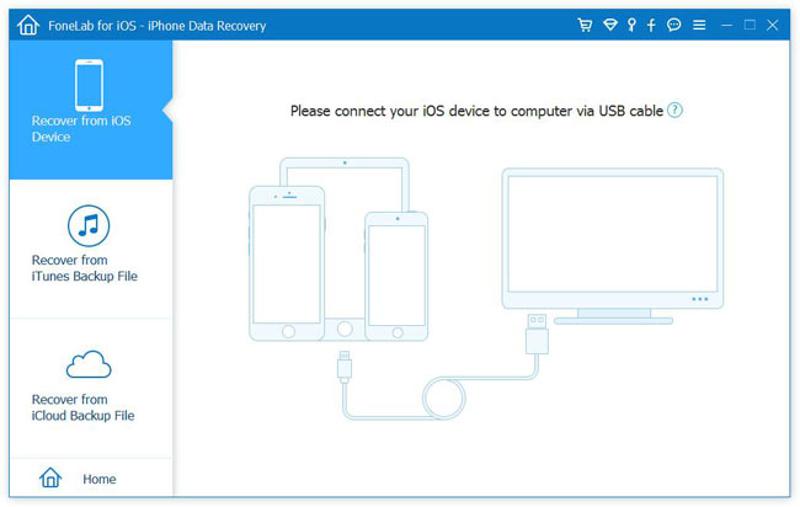
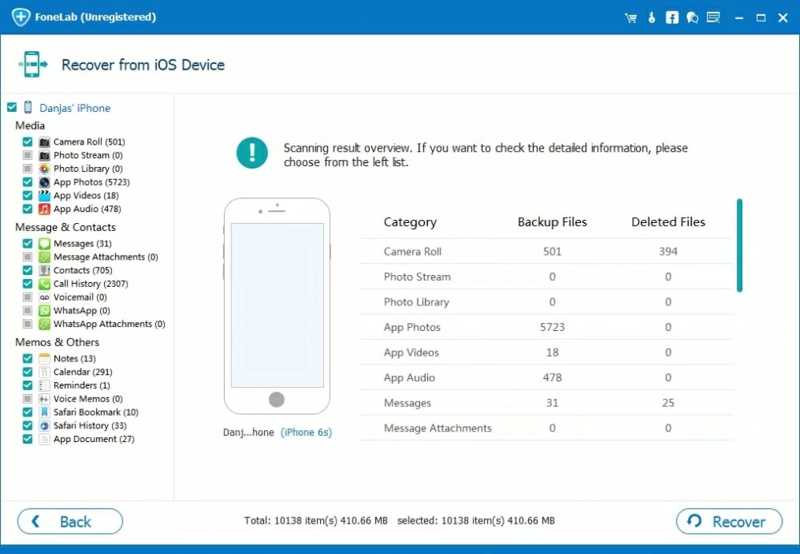
FoneLab iPhone Data Recovery allows users to recover data from both iOS devices and backups. In our test, it recovers data from third-party apps, including WhatsApp, Line, WeChat, Kik, and others. Users can preview lost files before recovering.
- Retrieve a variety of data types.
- Straightforward to use.
- Support multiple formats.
- Reliable across devices.
- Advanced features are less.
- No free recovery.
Top 8: FonePaw iPhone Data Recovery
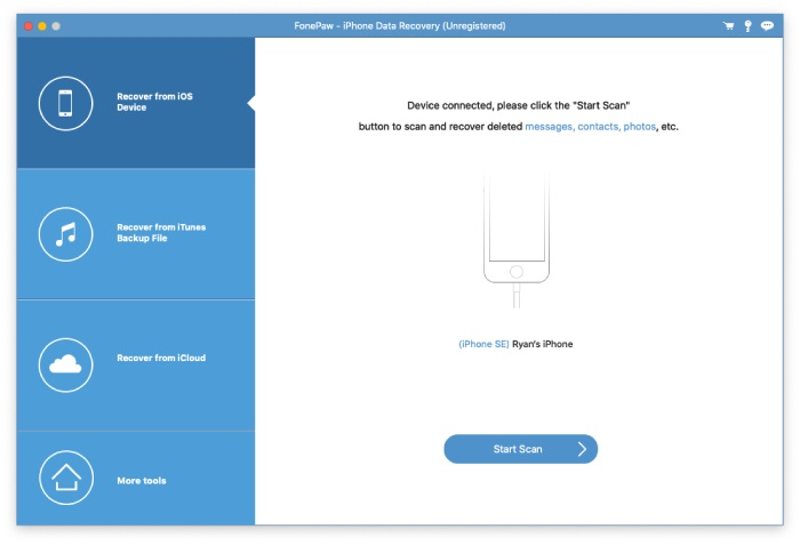
FonePaw iPhone Data Recovery is another good option for recovering lost or deleted data from iOS devices or backups. During our testing, it can restore files to their original condition without damage or unreadable code.
- Equip with a simple interface.
- Recover most file types.
- Broad device support.
- Work on iTunes and iCloud backups.
- Not work for overwritten data.
- Update is slow.
Top 9: AppGeeker iOS Data Recovery
AppGeeker iPhone Data Recovery earns a solid place on our top list, thanks to its straightforward design and reliable performance for basic recovery needs. During our test, it can recover all contacts, including permanently deleted items.
- Affordable and lightweight.
- Cover essential data types.
- Work across platforms.
- Great for contact recovery.
- Low recovery rate for permanently deleted data.
- No third-party app data recovery.
Top 10: Tenorshare UltData
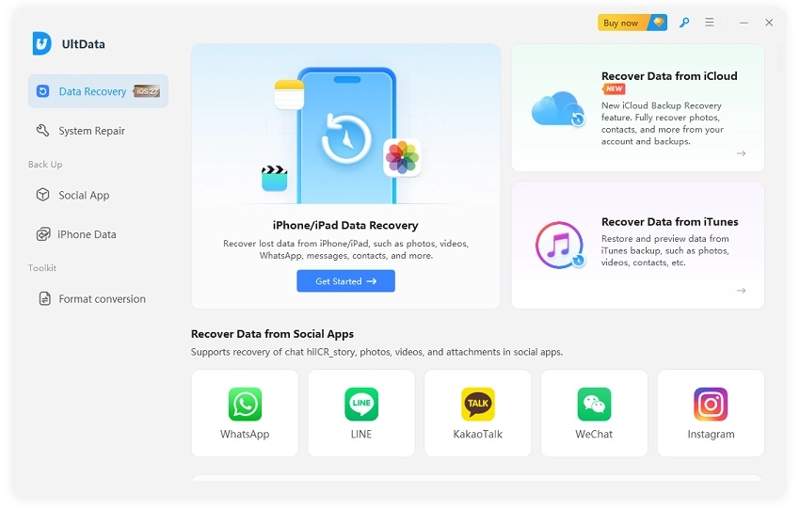
Tenorshare UltData is one of the best iOS data recovery software, particularly for social app recovery. It recovered over 35 file types, including WhatsApp, LINE, Viber, and other chat apps, in our test. However, the permanently deleted files are unavailable.
- Multiple recovery modes.
- Work for most social media apps.
- Repair the iOS system.
- Support all the major file formats.
- Require to register.
- Deep scan can take time.
Part 3: FAQs About Data Recovery Benchmark
Can iPhone data recovery software bring back permanently deleted data?
Yes, some data recovery software can recover permanently deleted data from iPhone memory and backups before they are overwritten. Once storage is reused, recovery chances drop.
Is it possible to recover data on an iPhone without software?
Yes, if you have backed up your iPhone to iCloud or a computer, you can recover lost data without software. The downside is that your iOS device will be erased and overwritten.
What is the best software to recover iPhone data?
We have listed the top 10 iPhone recovery software programs above. However, the best option depends on your situation and needs. To get back lost data, you'd better subscribe to a plan or purchase a license.
Conclusion
Now, you should learn the top 10 best iPhone data recovery software and the review based on our real test. These software programs require a computer to restore lost photos, videos, contacts, messages, notes, and app data from an iPhone's memory or backups. Apeaksoft iPhone Data Recovery is an excellent option for both beginners and experienced users thanks to its high recovery rate and clear design.
 Apeaksoft iPhone Data Recovery
 Recover deleted or lost data from iOS Devices, iTunes, and iCloud backup.
Secure Download
Secure Download
Related Articles