8 Best iPhone Unlock Services in 2026: Which One Should You Choose

Major network providers like Verizon, T-Mobile, and AT&T restrict users from switching networks or using another SIM card, so customers won't switch to another carrier before their initial contract ends. However, third-party iPhone unlock services can help unlock eligible devices remotely. This article identifies and reviews the 8 best carrier unlock services so that you can cancel your contract and switch to a cheaper provider.
PAGE CONTENT:
Part 1: Comparison of iPhone Unlock Services
| Service | URL | Best For | Price | Processing Time | Success rate |
| DirectUnlocks | https://directunlocks.com/ | High success rate | $20 to $50 | 1-3 days | 85% |
| DoctorSIM | https://www.doctorsim.com/ | Budget users | Start from $6.95 | 1-5 days | 85% |
| ExpressUnlocks | https://expressunlocks.com/ | Fast unlocking | $24 to $49 | 1-3 days | 80% |
| Cellunlocker | https://www.cellunlocker.net/ | Multiple carriers | $28to $50 | 1-5 days | 80% |
| MobileUnlocks | https://mobileunlocks.com/ | Premium service | Start from $50 | 3-7 days | 76% |
| UnlockBoot | https://www.unlockboot.com/ | Affordable option | Start from $10 | 3-7 days | 60% |
| IMEInow | https://imeinow.net/ | IMEI-based unlocking | Start from $20 | 2-5days | 60% |
| CellUnlocks | https://cellunlocks.com/ | Simple Unlock Process | Start from $25 | 1-5 days | 60% |
Apeaksoft's editorial team independently tests every tool. We verify compatibility, success rates, ease of use, and overall performance using real devices and the latest operating systems. Our reviews are based on hands-on experience, technical analysis, and user feedback. We regularly review and update the content to reflect software updates, operating system changes, and user feedback.
- Country: United States
- Carrier: T-Mobile
- Device: iPhone 14 Pro (Locked)
- Testing Criteria: Processing time, unlock success rate, carrier compatibility, required steps, and user experience.
Part 2: Top 8 iPhone Unlock Services
Top 1: DirectUnlocks
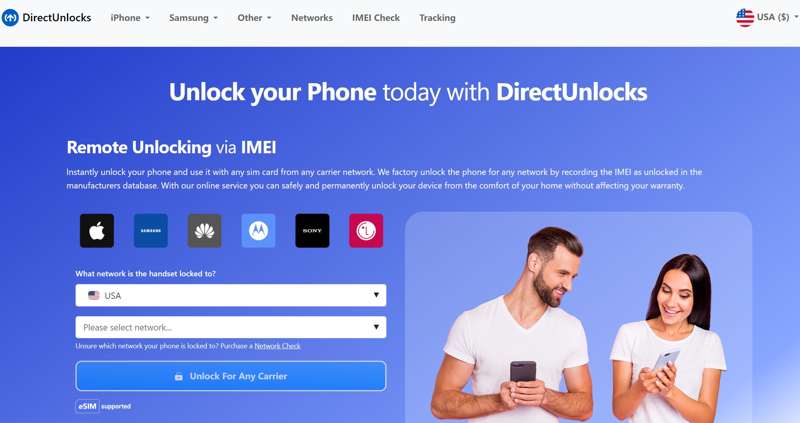
DirectUnlocks is one of the best iPhone unlock services. The simple and efficient design makes it easy to unlock any Apple product. In addition, it offers a free and fast IMEI check service and the Activation Lock removal feature.
- Easy to use.
- Work on all iPhone models.
- Offer a variety of payment methods.
- Provide a money-back guarantee.
- Deliver a high success rate.
- The refund process can be slow.
- It doesn’t work for every device every time.
Top 2: DoctorSIM
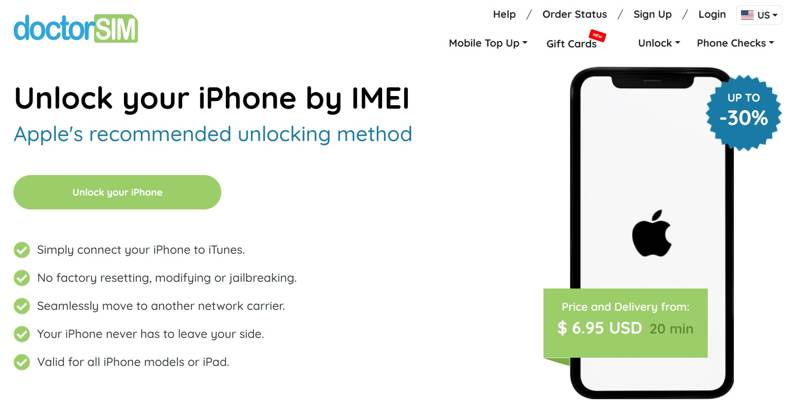
DoctorSIM is one of the cheapest iPhone SIM unlock services. It offers iPhone SIM unlocking services for most iPhones and carriers globally. While it takes days to unlock an iPhone, the service is reliable.
- Unlock iPhones remotely through IMEI.
- Offer different payment options.
- Permanently unlock iPhone carrier.
- Offer 24/7 customer support via phone, chat, and email.
- Some unlocks may take up to 28 days.
- Payments are only processed in Euros.
Top 3: ExpressUnlocks
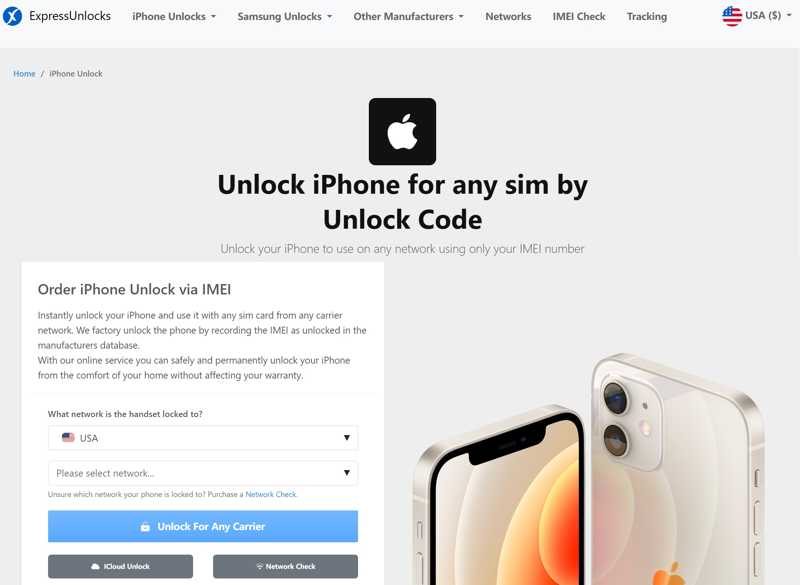
ExpressUnlocks is a highly trusted and safe service for iPhone carrier unlock. It has been in business for over 15 years and unlocked over two million devices. It takes 30 minutes to 24 hours to unlock an iPhone.
- Available to a wide range of carriers.
- Unlock the iPhone carrier quickly.
- Unlock iCloud Activation Lock remotely.
- Support eSIM and traditional SIM cards.
- The customer support is not good.
- The payment methods are limited.
Top 4: Cellunlocker
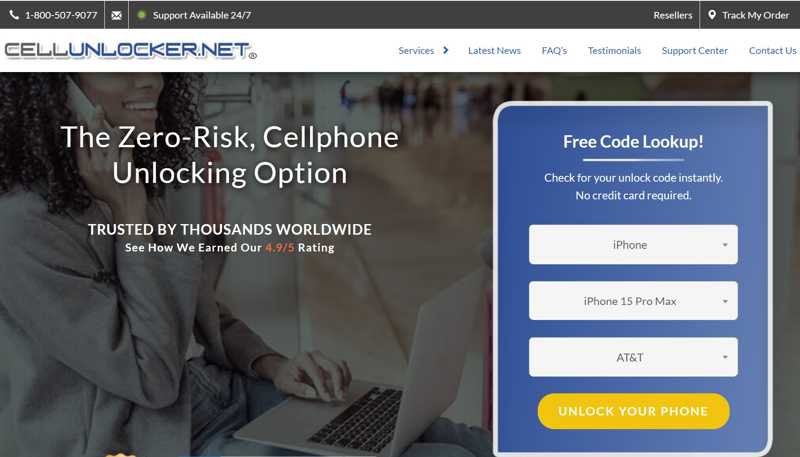
Cellunlocker is an online iPhone unlock service that unlocks Verizon iPhones and other major network providers. It offers two types of unlocking services for iOS devices, network unlock and iCloud unlock. Plus, users don’t need to download any software.
- Offer reliable unlocking services.
- Provide excellent customer support.
- Come with on-screen instructions.
- Easy to navigate.
- The unlock service delays are common.
- The success rate is not very high.
Top 5: MobileUnlocks
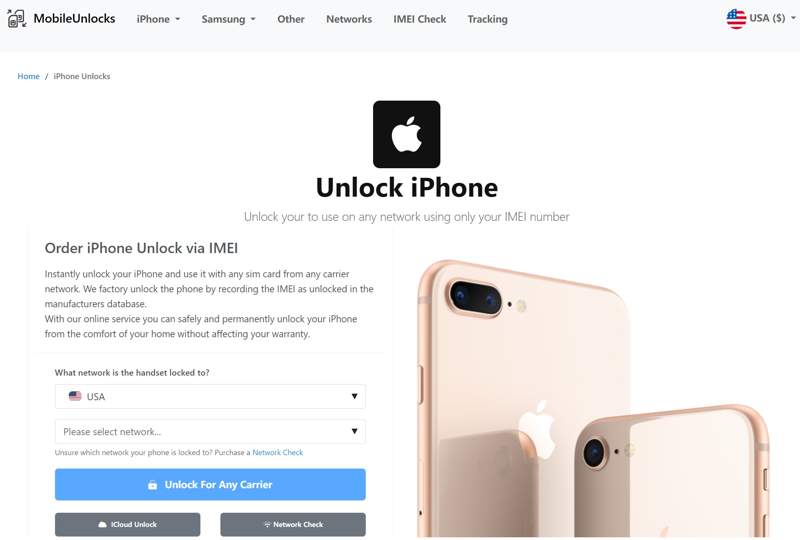
MobileUnlocks is a safe service for unlocking AT&T iPhones and other network providers online. It unlocks your iPhone with an IMEI number, so you can move to any carrier you prefer without restriction or technical skills.
- Remotely unlock an iPhone quickly.
- Offer a great iPhone unlocking experience.
- Unlock iPhone carrier and iCloud Lock.
- Work for both eSIM and standard SIM cards.
- It requires two payments for the Eligibility check and unlocking.
- The success rate is very low for specific models.
Top 6: UnlockBoot
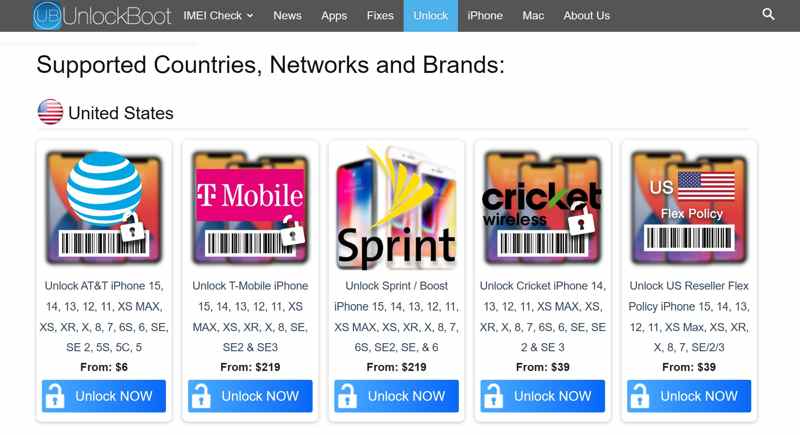
UnlockBoot is a reliable unlock service for iPhone 4 or other old models. With friendly customer support, it becomes one of the best options on the market. Moreover, it provides an affordable solution for iPhone users.
- Offer a high success rate for old iPhones.
- Offer transparent and upfront prices.
- Claim a 100% money-back guarantee.
- Support iPhone 15 and earlier.
- It is only available to major network providers.
- It lacks phone customer support.
Top 7: IMEInow
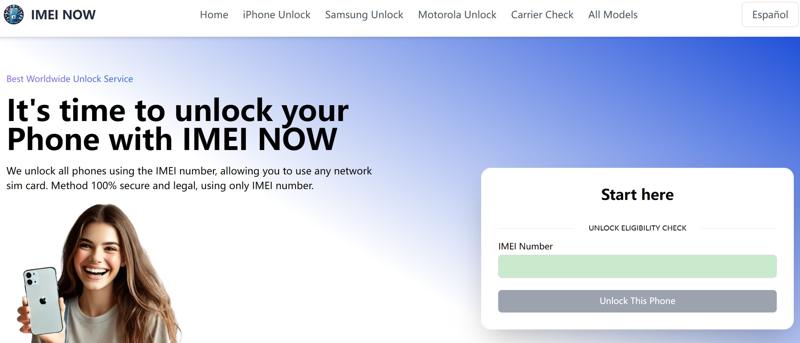
IMEInow is a new iPhone IMEI unlock service for Xfinity iPhone 15 and other devices. It offers an 80% success rate for the latest models of iPhone. Besides, it works to remove the iCloud Activation Lock.
- Offer responsive and helpful customer support.
- Provide a good selection of payment methods.
- Available to both Apple and Samsung devices.
- Check the iPhone IMEI number for free.
- The payment structure is odd.
- The refund process can be awkward.
Top 8: CellUnlocks
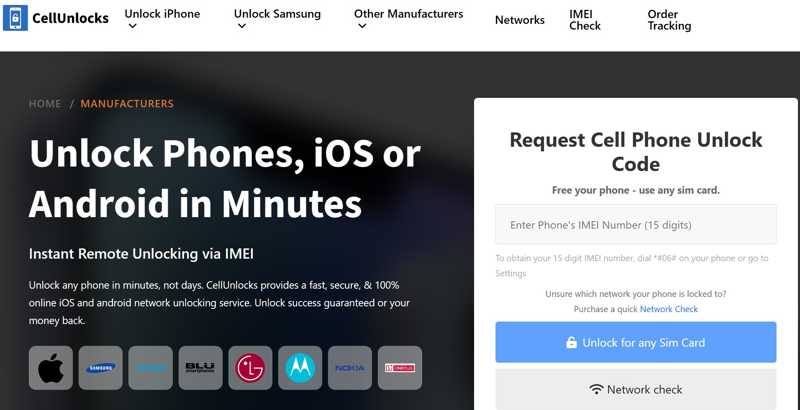
CellUnlocks is another iPhone carrier unlock service. It can unlock iPhones and other popular smartphone brands. Similar to competitors, it can unlock both iPhones and iCloud Activation Lock.
- Provide transparency prices.
- Support Google Pay.
- Unlock the iPhone carrier quickly.
- Check IMEI for free.
- It cannot unlock a blacklisted iPhone.
- The success rate is not reasonable.
Part 3: How to Unlock iPhone Carrier
Step 1. Open the Phone app on your iPhone.
Step 2. Type *#06# and press the Dial button to display the IMEI number.
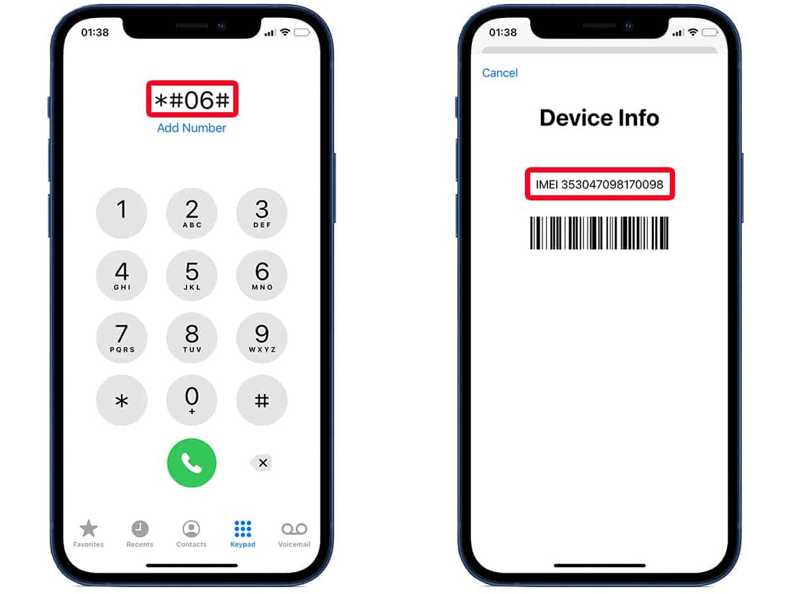
Tips: You can also go to Settings - General - About to manually check your iPhone's IMEI number.
Step 3. Visit an iPhone unlocking service in a web browser and select your country and network provider.
Step 4. Type your IMEI number, and click the Unlock button to proceed if your IMEI is valid.
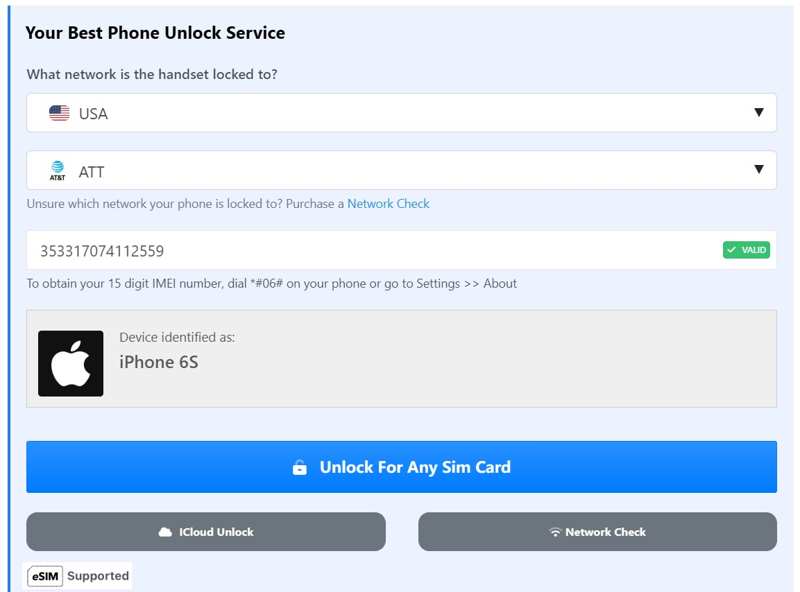
Step 5. Check out your bill and leave your email address. You will receive an unlock code and the other steps when the service completes the process.
Step 6. Follow the instructions and unlock your iPhone with the received code.
Bonus: How to Unlock Carrier Locks on Your Own
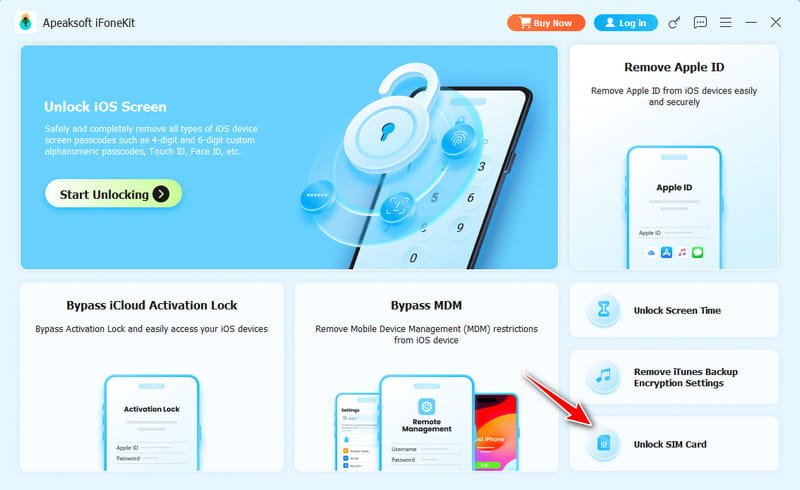
Actually, many online carrier unlock services have uncertain processing times and untransparent success guarantees. If you want a more reliable and transparent iPhone unlocker, you can try some iOS unlocker software, such as Apeaksoft iFoneKit iOS Unlocker, to unlock carrier lock on your own.

Downloaded by over 1,000,000 users
- Unlock your iPhone from carrier's restrictions by yourself.
- Supports carriers including Verizon, AT&T, and T-Mobile US.
- Provides other functions like screen unlock, Apple ID removal, MDM bypass, Screen Time unlock, and more.
- Support all popular iPhone models.
Secure Download
Secure Download
Conclusion
You should learn the top 8 best iPhone unlock services online. Some of them offer an excellent success rate. Others provide affordable prices. You can pick an appropriate one based on our review and your situation. Apeaksoft iOS Unlocker is the best iPhone passcode unlock tool. If you have other questions, please write them down below.
 Apeaksoft iFoneKit
 Unlock all types of iOS passwords from iPhone, iPad and iPod.
Secure Download
Secure Download
Related Articles