Top 6 AI Image Upscalers and Their Detailed Reviews

We use images everywhere. Compared to simple texts, images are more impressive and touching. Compared to blurry images, high-resolution images are more appealing and preferred. Whether it's restoring old photos or enlarging photos for printing, the need for high-resolution images is increasing.
However, traditional enlargement tools can merely stretch pixels, resulting in a blurry and distorted image. Fortunately, with the help of AI deep learning technology and advanced algorithms, you can upscale your images by improving the resolution, predicting and filling in missing details, removing blurring, colorizing photos, etc., which were previously achieved by using professional software like Photoshop.
Until now, there have been many powerful AI image upscalers on the market that can meet people's needs. In this post, we will show you 6 popular AI image upscalers on the internet and review them in terms of pros and cons.
PAGE CONTENT:
Top 1: Apeaksoft Free Image Upscaler
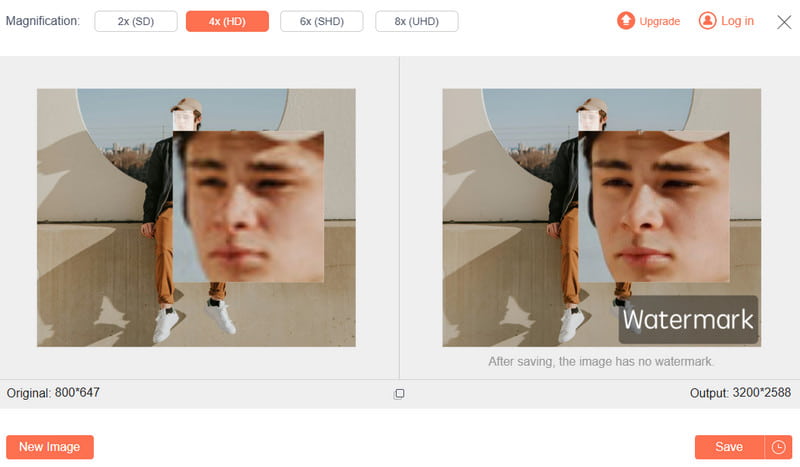
Apeaksoft Free Image Upscaler is an online AI image upscaling tool. It utilizes AI technology to upscale images. You can use it to predict and restore original details, reduce jagged edges after the enlargement, and erase noise, so as to maintain the clarity and quality of the images. Unlike traditional upscaling methods, it can avoid the blurriness issues. It aims to help users without professional knowledge upscale the image resolution easily and quickly.
Key Features
• AI algorithms to analyze and predict image details to make it natural.
• Multiple magnification ratios such as 2×, 4×, 6×, and 8×.
• Image quality enhancement and noise reduction.
• It supports uploading and processing multiple images all at once, which is a very practical feature for e-commerce sellers.
• It provides support for various formats such as JPG, PNG, BMP, etc.
- Support for batch magnification processing.
- No software installation or registration.
- A free AI image upscaler with no login.
- It requires a stable and uninterrupted network connection.
- Your pictures need to be uploaded to a third-party server for processing.
How to AI Upscale Images with Apeaksoft Free Image Upscaler
Step 1. Go to the official website of Apeaksoft Free Image Upscaler.
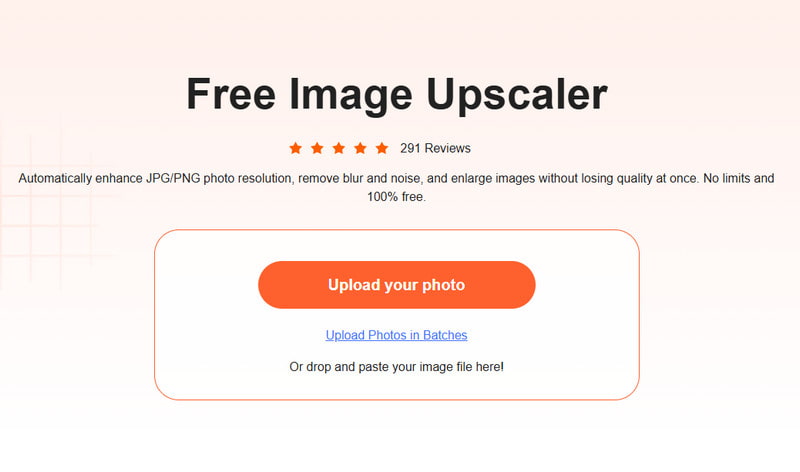
Step 2. Press the Upload your photo button and upload your image.
Step 3. Select the magnification factor and preview the image effect.
Step 4. Press the Save button.
Top 2: Upscale.media
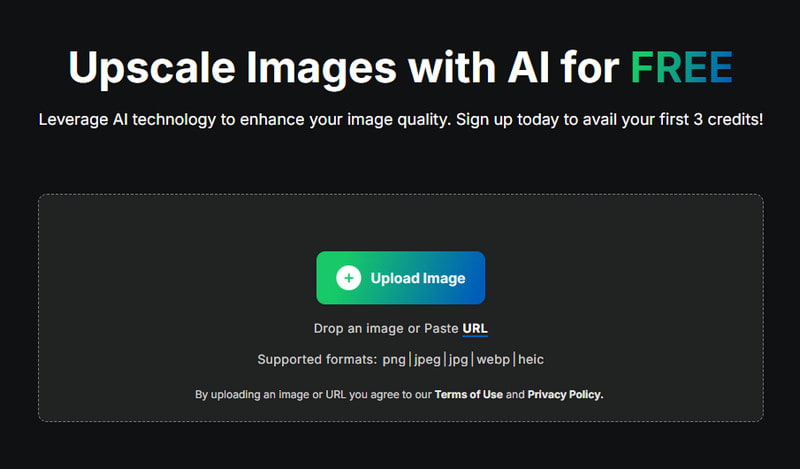
Upscale.media is an online AI image upscaling tool that enables you to enhance image resolution in one click. It can predict and restore lost or blurry details by using deep learning algorithms. What’s more, it can also reduce image noise.
Key Features
• It employs AI technology to enhance image quality while retaining textures and details.
• It supports multiple formats, such as JPG, JPEG, PNG, and WebP.
• You can use it to enlarge your image up to 4x.
- Its drag-and-drop functionality makes it user-friendly.
- It is fully web-based.
- It offers free use for single-image upscaling.
- It may not work well when processing an extremely low-quality, blurry, and damaged image.
- The free version’s functions are limited. You need to upgrade to the pro version if you want to batch upscale images or enlarge the photo to the maximum magnification.
Top 3: Imgupscaler AI
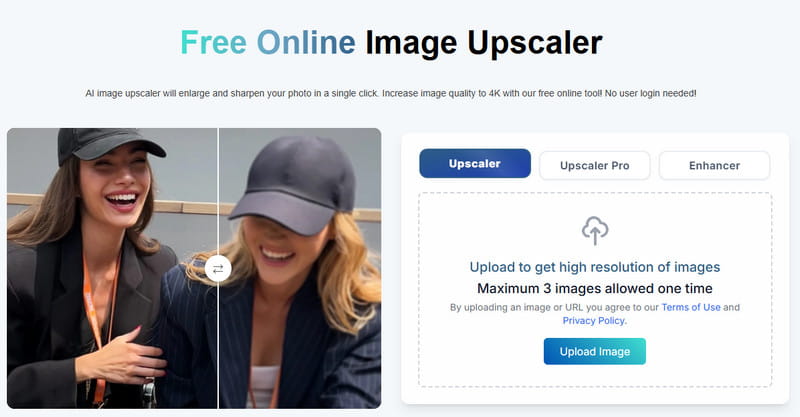
Imgupscaler AI is a specialized tool that uses AI technology to upscale images online. It is renowned for its 16K ultra-high-definition output quality. Moreover, its operation is very simple. Users can immediately get their images upscaled after uploading them to this platform.
Key Features
• Intuitive and user-friendly interface.
• AI-driven image processing technology.
• 16K ultra-high resolution.
- It supports upscaling pictures to 16K resolution, which makes it the top choice for users who pursue image quality.
- It is an online tool that users do not need to download or install any third-party software.
- Its processing speed for images is relatively fast.
- The free version has a usage limit. There are only 3 free opportunities per day.
- You can only upscale your images to 2x or 4x in the free version. If you want to experience an 8x or 16x zoom effect, you must subscribe to their paid plan.
- Sometimes, to pursue a high resolution, AI may overemphasize the details, making the images look unnatural.
Top 4: Topaz Gigapixel AI
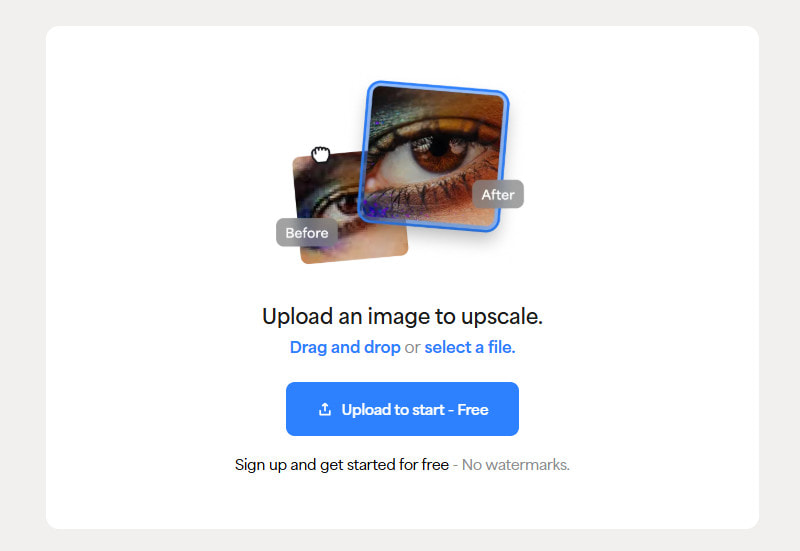
Topaz Gigapixel AI is the preferred post-production AI image resolution enhancer for professional photographers. It is a product of Topaz Labs. This company specializes in developing image processing software based on AI. It also has several other well-known products, such as DeNoise AI for noise reduction and Sharpen AI for sharpening images. Topaz Gigapixel AI is not an online AI image upscaler but a desktop software.
Key Features
• It offers many AI models – portrait modes, line art models, etc., for your reference.
• It has a database of millions of photos that enables AI to learn how to generate the most natural-looking photos.
• It allows you to manually adjust the parameters for the upscaling effect, such as reducing blurriness, noise, etc.
- Its ability to enlarge images naturally is among the best in the industry.
- All the processing is completed locally on the computer. Unlike cloud-based processing, this way has a lower risk of privacy leakage.
- The processing speed depends on the computer's hardware rather than the network.
- The price is relatively expensive. But it offers a 30-day free trial after you register with your email.
- The learning curve is steep.
- It has very high requirements for your computers. It requires a GPU that supports Vulkan 1.3 (such as NVIDIA GTX 900 series or higher).
Top 5: Nero AI Image Upscaler Online
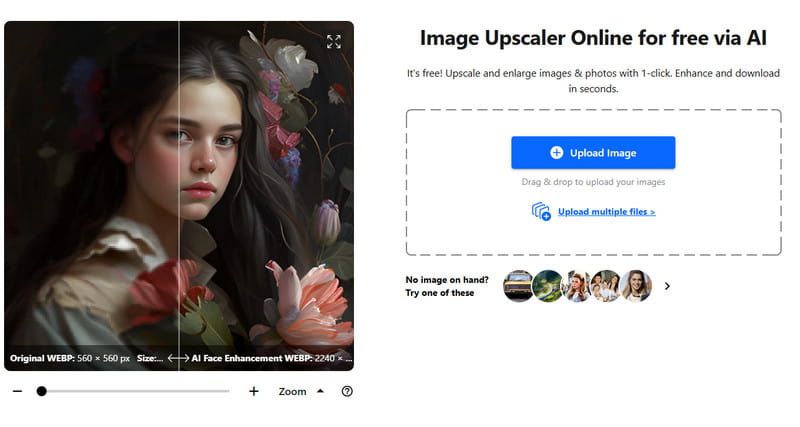
Nero AI Image Upscaler Online is an online AI enhancement tool launched by a renowned software development company - Nero. This product is mainly targeted at ordinary users, photography enthusiasts, or small content creators who need to quickly improve the quality of their images for free.
Key Features
• Simple and efficient three-step workflow.
• As a product of Nero, its service stability and data security are more reliable compared to some unknown online tools.
• By using AI technology, it can enlarge the image while intelligently restoring the blurred edges and adding details.
• No download or installation needed.
- Users can experience its core functions for free.
- No login requirements.
- Simple and clean interface.
- High-efficiency. The whole process can be done within a few seconds.
- Users can only get 5-10 free credits for using this tool for free. If you want more credits, you need to subscribe to their plans.
- You can only upscale your images up to 2x. For 4x or 6x, you need to upgrade to the paid version.
- It has a limit on the uploaded image. Usually, it can’t be over 5 MB, so you may need to compress images for the website in advance.
- No extra adjustments to the AI-generated images.
Top 6: Pixelcut Free AI Image Upscaler Online
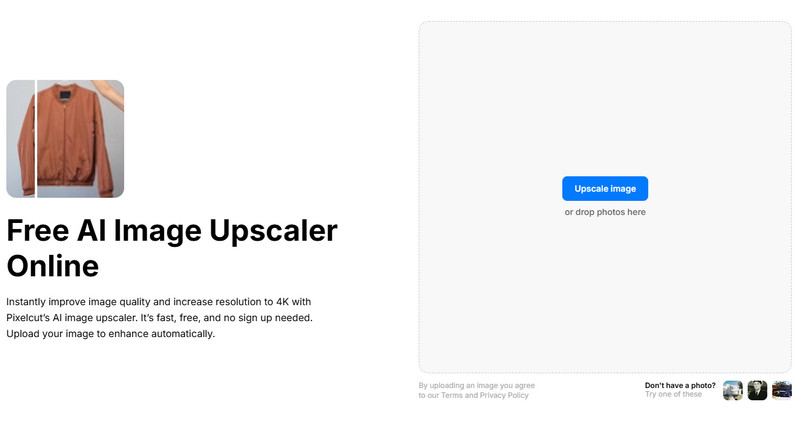
Pixelcut Free AI Image Upscaler Online is a completely free online AI image enlargement tool. It is part of the Pixelcut, which is renowned for its excellent free background removal feature. Its target audience mainly consists of individual users, social media managers, and small e-commerce sellers. It offers a zero-cost, zero-barrier, rapid image upscaling solution.
Key Features
• It is totally free, and unlike other free tools with monthly usage limits, such as Nero and VanceAI, it has no usage limit.
• You don’t need to create an account or provide your email information.
• The interface is simple but intuitive.
• Its processing speed is fast due to the cloud processing.
- You don’t need to purchase credits for unlimited usage of its key features.
- Your image data will not be related to your account.
- AI can effectively remove jagged edges and blurriness, and its effect can meet daily needs.
- The final output image resolution will not exceed 2K pixels.
- Compared with professional tools like Topaz Gigapixel AI, the images processed by this tool lack richer and more realistic details.
- It is not suitable for large-scale printing, high-precision display, or professional photography scenarios.
Conclusion
This article provides a detailed introduction to the 6 best AI image upscalers that you can freely choose according to your own needs. Most of them offer free trials. Based on our own personal experience, if you are looking for a free, online, effective, no-registration-required image enlargement tool, we recommend that you use Apeaksoft Free Image Upscaler.
Of course, if you are extremely demanding for a professional and excellent upscaling effect, as well as the naturalness (such as the skin, hair, and eye details in portrait photos), and your budget is sufficient, we recommend that you directly purchase Topaz Gigapixel AI. It will never let you down. It’s also wonderful to unblur an image.
Related Articles