

8 Best Paid and Free SD Card Data Recovery Software

It cannot be denied that SD cards are a convenient storage space. In addition to backing up your files, it also expands storage for smartphones and cameras. The biggest problem is that their reliability is far better. That is why you need an SD card data recovery tool. It should be able to get back your data from your SD card. This article identifies and reviews the top 8 tools.
PAGE CONTENT:
Part 1: Comparison of Best Card Data Recovery Software
When we test the best SD card repair tools, we concentrate on a few aspects, from price to supported cards, from success rate to ease of use, from requirements to availability, and more.
| Price | Support Devices | Success Rate | |
| $22.45 monthly, $55.96 yearly, $71.96 lifetime | All SD and memory cards | 98% | Apeaksoft Data Recovery |
| Free, $89.00 for Pro, $499.00 for Enterprise | SD card, SDHC, SDXC, MicroSD, Flash card, and more | 90% | Disk Drill |
| Start at $20 | SD card, MicroSD, and more | 87% | DMDE |
| Start at $1,244 per year | SD card, MicroSD, and more | 78% | R-Studio |
| $39.99, $59.99, and $249.99 | SD card, memory card, USB Flash, and more | 80% | RescuePRO |
| Free | USB, SD cards, CD cards, and more | 76% | TestDisk |
| Free | USB, SD cards, CD cards, and more | 75% | PhotoRec |
| $24.95 | SD cards, memory cards, and more | 60% | Recuva |
Part 2: Top 8 Card Data Recovery Software
Top 1: Apeaksoft Data Recovery
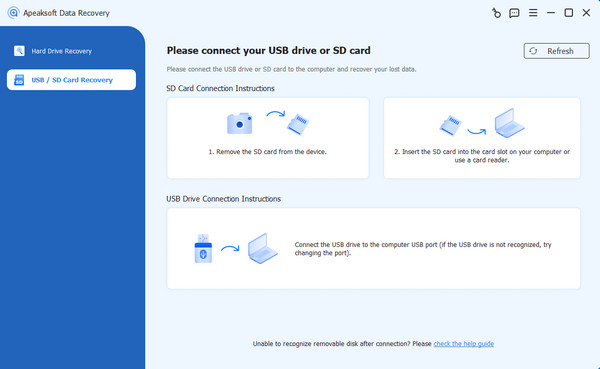
As one of the best SD card file recovery software, Apeaksoft Data Recovery can meet almost all your needs. According to our research, it almost works for all SD card types and situations, including corrupted and damaged cards. More importantly, the intuitive interface is easy to navigate.
Secure Download
Secure Download
- Easy to use.
- Deliver a high success rate.
- Support a wide range of SD cards.
- Recover lost data in various situations.
- Keep your file quality.
- It may take a while if you have a lot of data on your card.
Top 2: Disk Drill
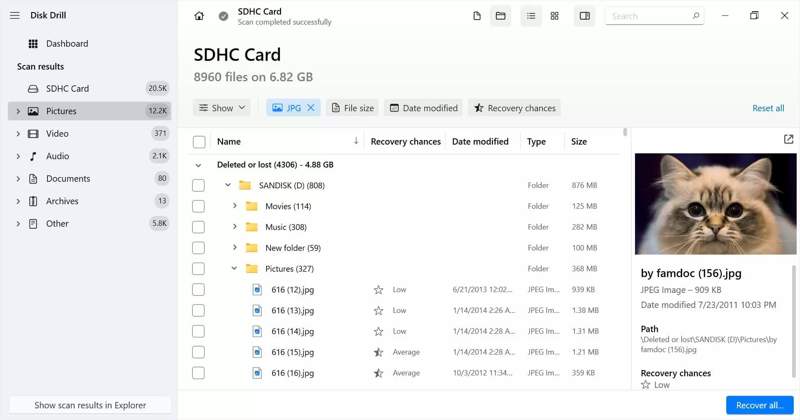
Disk Drill is a reputable memory card recovery tool on Mac and Windows. It offers more features than the average data recovery tool. Moreover, users can try the free version before purchasing the pro version, although the prices are high.
- Compatible with dozens of file types.
- Offer bonus features.
- Preview lost files.
- Work on Windows and Mac.
- It is expensive.
- It cannot recover files if they are damaged.
Top 3: DMDE
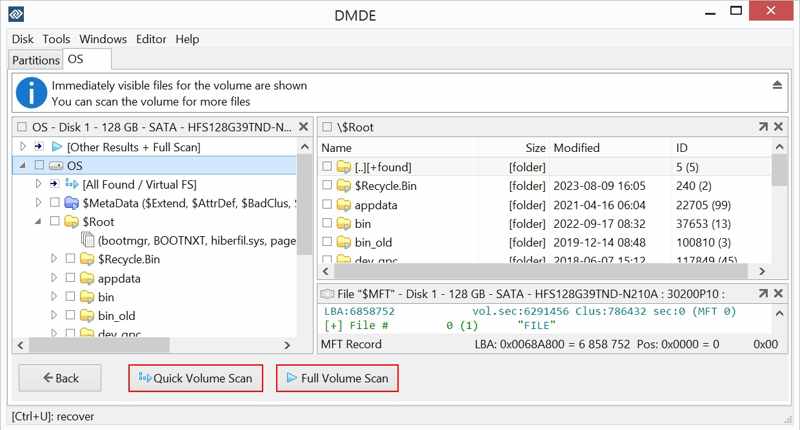
DMDE is another way to recover deleted files from SD and memory cards. It is able to recover up to 4,000 files at a time and run an unlimited number of scans. It provides flexible plans and subscriptions.
- Recover files from a damaged SD card.
- Preview files before recovery.
- Provide a free version.
- Integrate advanced disk tools.
- It cannot restore the file structure.
- The free version can recover nothing.
Top 4: R-Studio
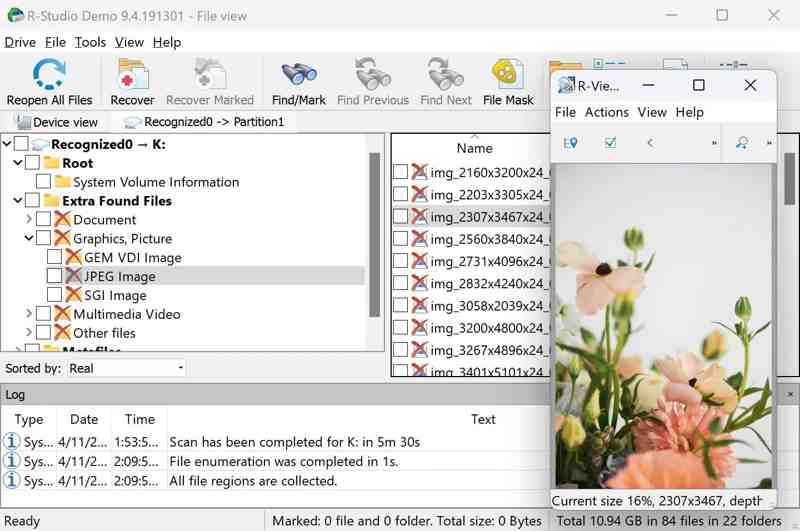
R-Studio was developed for recovering files from an SD card on Mac, Windows, and Linux. It is popular among tech-savvy users for complex cases or data recovery from formatted SD or memory cards.
- Support extensive formats.
- Work on the major OS.
- Scan specific folders.
- Available for corrupted SD cards.
- The interface is cluttered.
- File preview is limited.
Further Reading
Top 5: RescuePRO
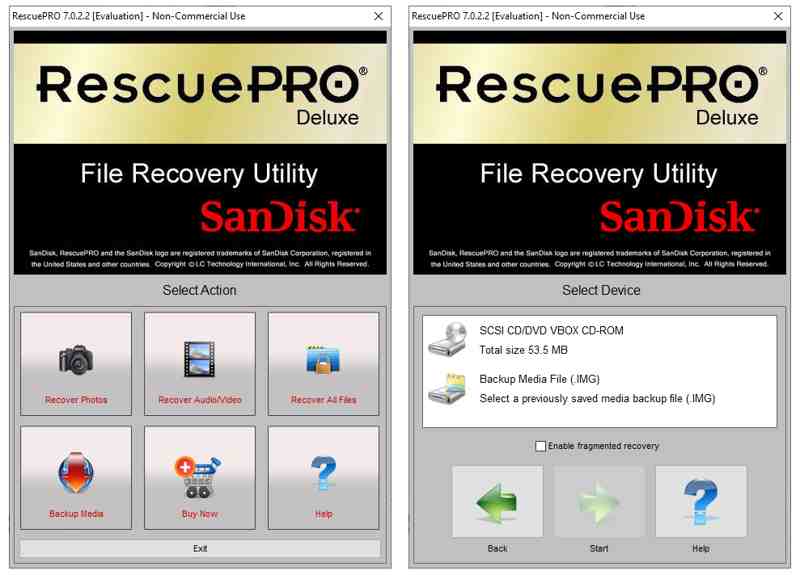
RescuePRO was designed to recover data from SanDisk cards, but you can use it for other brands. It can get back access to your images, documents, videos, music, photos, files, and more.
- Compatible with RAW files.
- Work for popular SD cards.
- Back up the SD card quickly.
- Offer a demo version.
- The interface looks outdated.
- It cannot recover fragmented files.
Top 6: TestDisk
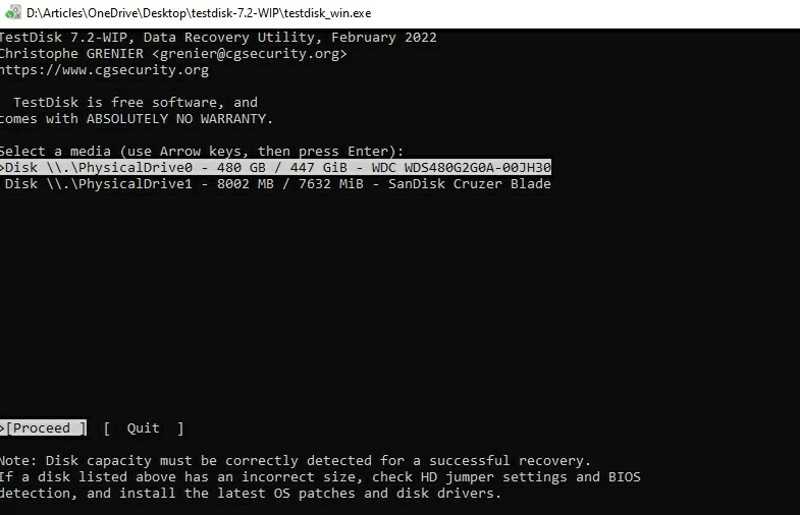
TestDisk is a free SD card data recovery tool for a PC. It was developed by a programmer. Since it is open source, users can recover files from their formatted cards without paying a penny.
- Work on Windows, macOS, and Linux.
- Free and open source.
- Support a variety of file systems.
- Fix the broken file system.
- It lacks a GUI.
- It requires technical knowledge.
Top 7: PhotoRec
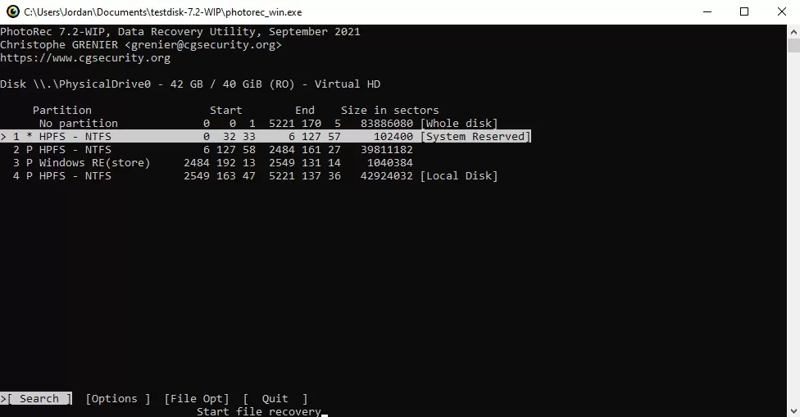
PhotoRec is a free way to recover photos from an SD card. Similar to TestDisk, PhotoRec is open source and free to use. Moreover, it is portable and doesn’t require installation. It is worth trying if you delete files on the SD card.
- Completely free.
- Support Windows, Mac, and Linux.
- No install.
- Work for RAW SD cards.
- It hasn’t been updated for years.
- It works through command lines.
Top 8: Recuva
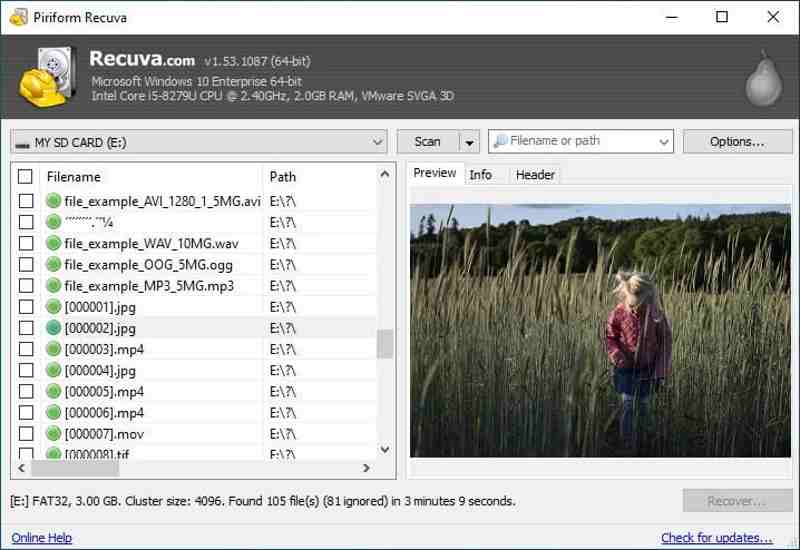
Recuva is able to recover data on MicroSD cards, SD cards, USB flash drives, and more on Windows. Users can try the free version. Furthermore, it provides a premium version to get technical support.
- Offer a free version.
- Portable to use.
- Work on FAT/exFAT.
- Restore recently deleted files.
- The free version doesn’t include support.
- The interface is not user-friendly.
Part 3: How to Recover Data After Formatting an SD Card
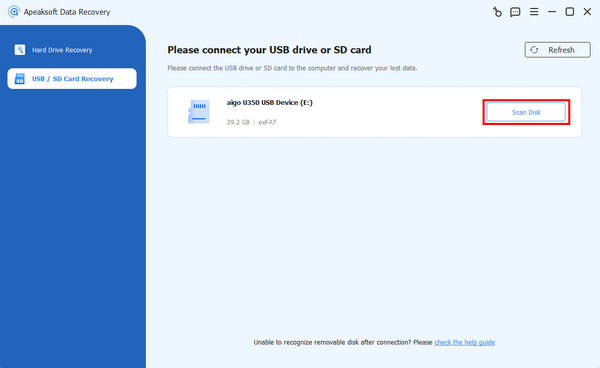
Step 1. Install the SD card data recovery tool
Start an SD card recovery tool, such as Apeaksoft Data Recovery, after installing it on your computer. Insert your SD card into your computer. Switch to the USB / SD Card Recovery tab, and pick the SD card. Click the Scan Disk button to begin looking for data.
Step 2. Preview lost files
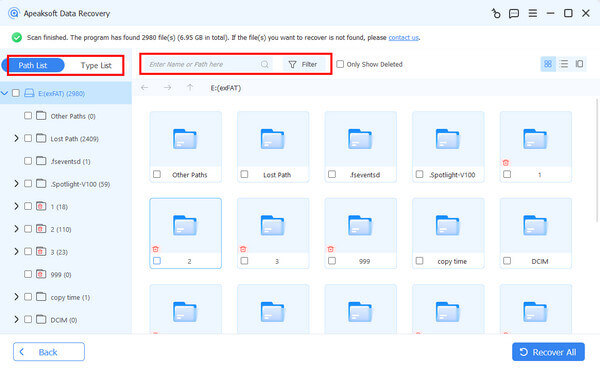
When the quick scan finishes, you can view lost files by type or path. You can quickly locate files with the Filter option.
Step 3. Recover SD card
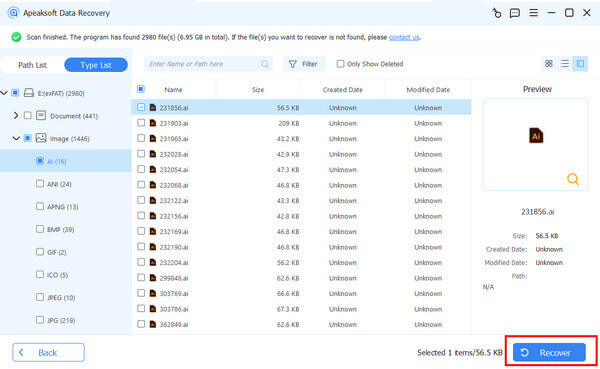
Select the files you want to retrieve and click the Recover button at the bottom right corner. Set an output folder and confirm data recovery on the SD card after formatting.
Conclusion
Now, you should learn at least the top 8 best SD card data recovery tools. Some of them are completely free, like TestDisk. Others require a subscription or license and offer professional features. Apeaksoft Data Recovery, for example, can discover more lost files from a formatted SD card. Moreover, it doesn’t require technical skills. You can pick an appropriate tool based on our review and your situation.
Related Articles
Have you accidentally deleted an NTFS partition on your device and want to restore it? This article provides you with workable solutions.
Here you can learn the top 8 best SanDisk card recovery software to effectively recover lost files from your SanDisk SD card.
If you are looking for the best iPad data recovery software, you are lucky since we identify and review the top 6 tools.
Come and learn step-by-step solutions and recovery tips for Toshiba HDD recovery due to deletion, formatting, or system errors.



