

10 Best Data Recovery Software for iPhone, iPad, and iPod

It is a big challenge if you accidentally delete photos, messages, or other content from your iPhone, iPad, or iPod. With an iCloud or iTunes backup, you can get back your data. However, current data on your device will be overwritten or erased. The alternative solution is looking for a phone recovery software for the iPhone. The new problem is too many related programs on the market. Therefore, this article identifies and reviews the top list.
PAGE CONTENT:
Part 1: Comparison of Top iPhone Data Recovery Software
| Price | Data Types | Supported Devices | |
| Apeaksoft iPhone Data Recovery | $27.45 per month, $65.96 lifetime | Contacts, SMS, iMessage, call logs, notes, photos, videos, songs, etc. | iPhone 4 and above All iPad All iPod Touch |
| Disk Drill | $89 and $499.00 | Photos, videos, contacts, messages, chats, and more | iPhones run iOS 5 to 18 All iPad All iPod Touch |
| Dr.Fone Data Recovery for iOS | $44.95 per month, $59.95 per year, $69.95 lifetime | Over 35 data types | iOS/iPadOS 26 and earlier |
| iBeeSoft iPhone Data Recovery | Start at $39.95 per year | Photos, contacts, videos, SMS, notes, call history, etc. | iPhone 14 and iPad Pro or earlier |
| iMobie PhoneRescue | $45.99 quarterly, $49.99 yearly, $69.99 lifetime | Photos, messages, contacts, and more | iPhone 5 to 17 All iPad All iPod Touch |
| Stellar Data Recovery for iPhone | $39.99 or $49.99 for three devices | Photos, videos, texts, contacts, etc. | iPhone 16 and below |
| iMyFone D-Back for iOS | $59.99 per month, $89.99 lifetime, $79.99 per year | Over 18 data types | iOS/iPadOS 26 and earlier |
| Syncios Data Recovery | $39.95 per year, $49.95 lifetime | Photos, videos, contacts, SMS, calendar, and more | iPhone 4s to 17 All iPad iPod Touch(5-7) |
| EaseUs Mobisaver | $59.95 for Windows, $79.95 for Mac | Notes, call history, calendars, reminders, etc. | iOS/iPad OS 5 and above |
| PhotoRec + TestDisk | Free | Photos and more | ddddd |
Part 2: Top 10 iPhone Data Recovery Software
Top 1: Apeaksoft iPhone Data Recovery
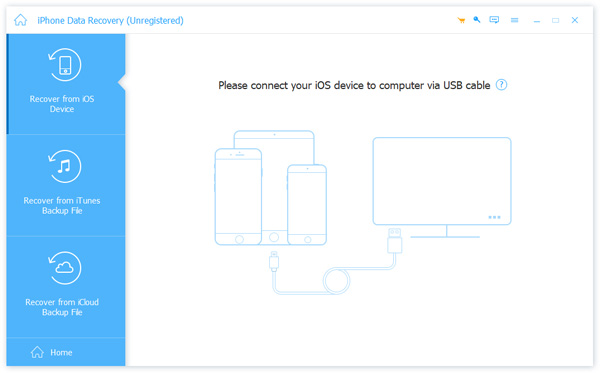
As one of the best iPhone data recovery software, Apeaksoft iPhone Data Recovery can meet almost all your needs. It scans your iPhone memory and retrieves lost data directly. Furthermore, it is compatible with almost all data types on iOS and iPadOS.
Secure Download
Secure Download
- Recover permanently deleted data without backup.
- Open iTunes and iCloud backup for data recovery.
- Available for various situations, like accidental deletion.
- Preview data before recovery.
- Support the latest versions of iOS and iPadOS.
- It takes a while if you recover a lot of data.
Top 2: Disk Drill
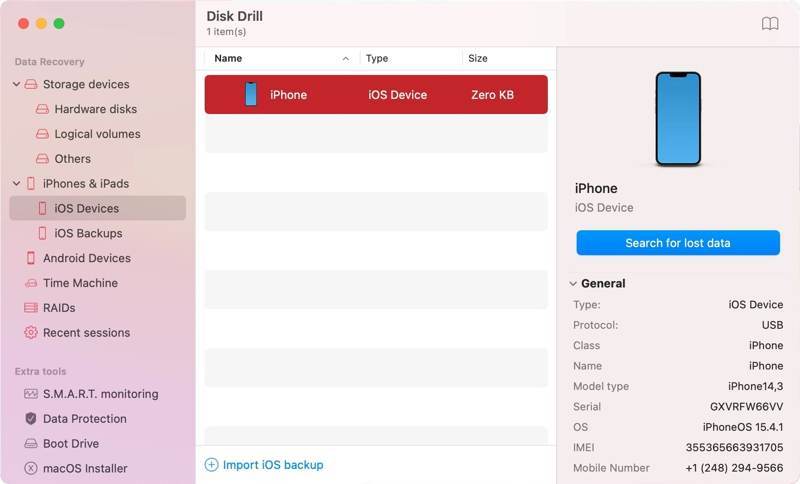
Disk Drill is a reputable iPhone recovery program designed to retrieve lost or deleted files from various Apple mobile devices. It is able to analyze your device, identify lost file fragments, and reconstruct them.
- Easy to use.
- Support for a wide range of media file types.
- Work for a variety of file types.
- Come with a deep scan.
- An extra fee is required for the upgrade.
- The free version cannot recovery anything.
Top 3: Dr.Fone Data Recovery for iOS
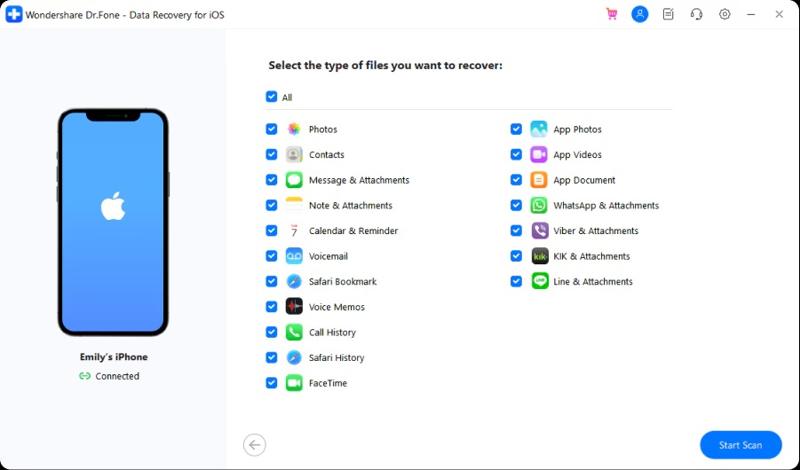
Dr.Fone Data Recovery for iOS is the iPhone data recovery tool developed by Wondershare. In fact, it is a complete toolkit for iPhone users, including many features. The users include individuals and small businesses.
- Support the latest iOS devices.
- Offer live chat customer support.
- Recover accidentally deleted files from iPhone.
- Repair software glitches.
- The free trial can recover nothing.
- It is expensive compared to competitors.
Top 4: iBeeSoft iPhone Data Recovery
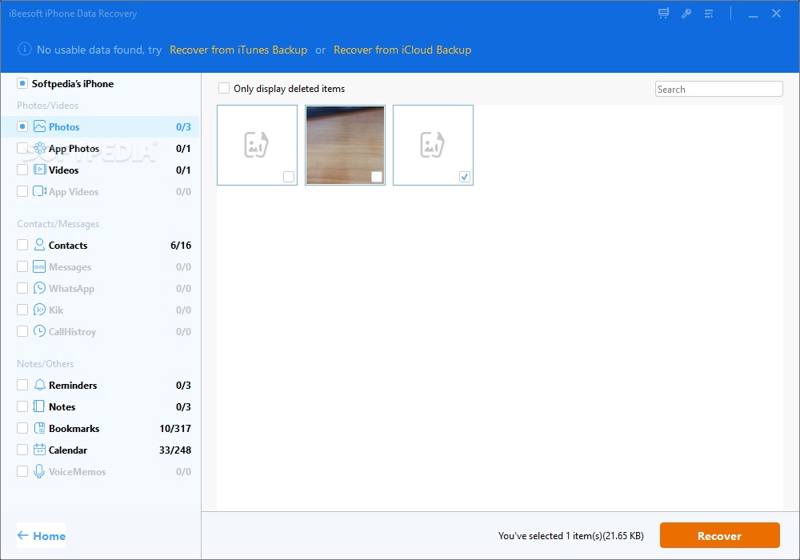
iBeeSoft iPhone Data Recovery is a simple iPhone data recovery app. It can restore deleted files and information from your iOS device, like an iPhone, iPad, or iPod. Plus, it allows data recovery from iCloud and iTunes backup.
- Integrate a user-friendly interface.
- Handy backup and video repair modules.
- Offer three recovery modes.
- Provide 24/7 technical support.
- It lacks free data recovery.
- It only supports up to iOS 16.
Top 5: iMobie PhoneRescue
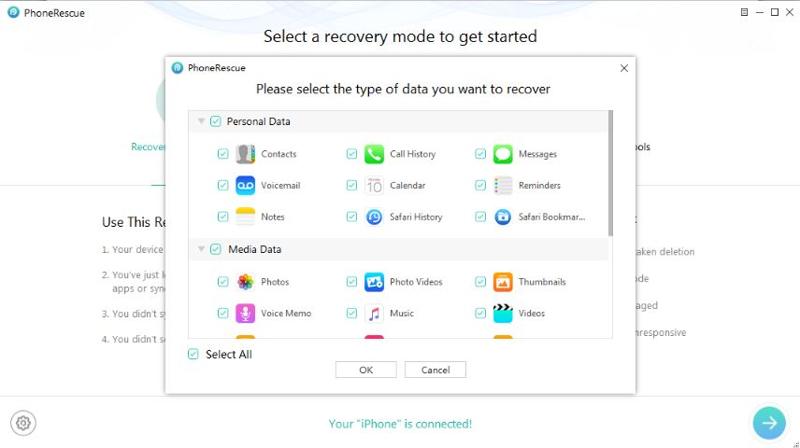
iMobie PhoneRescue is data recovery software for iPhone, iPad, and iPod. The developer claims that the software can recover a wide range of file types from an iPhone, including photos, SMS, notes, contacts, etc.
- Offer 4 recovery modes.
- Work on faulty, damaged, or broken iPhones.
- Recover data without resetting your iPhone.
- Retrieve files in high quality.
- Find a lot more files than you actually deleted.
- The recovery success rate is inconsistent.
Top 6: Stellar Data Recovery for iPhone
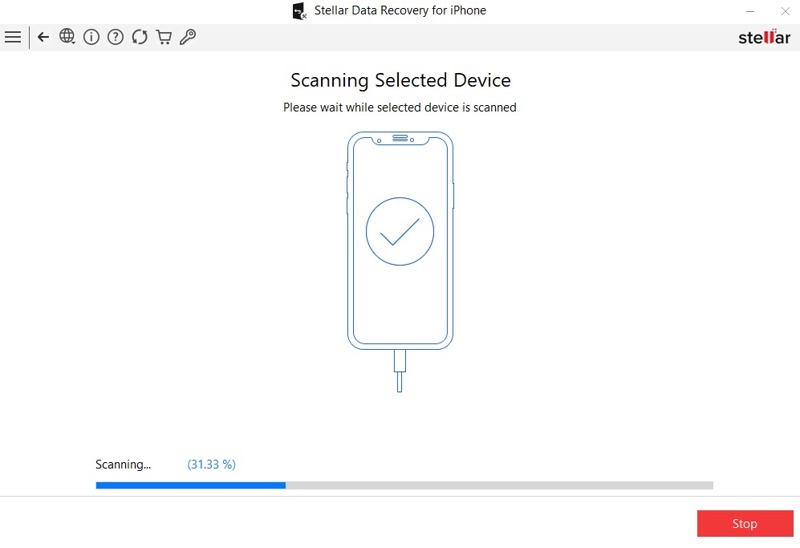
Stellar Data Recovery for iPhone is a power tool when you need to recover data from your iPhone, especially for chat apps. It can restore iMessage, WhatsApp effectively. Plus, it works on photos, notes, and more.
- Excellent chat recovery.
- Support a wide array of file types.
- Update without extra fees.
- Selectively scan and recover data.
- The interface looks outdated.
- The deep scan is slow.
Top 7: iMyFone D-Back for iOS
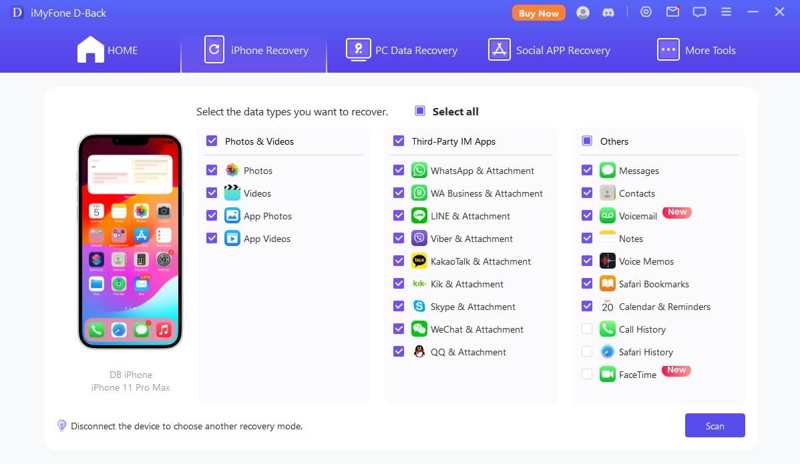
iMyFone D-Back for iOS is one of the best iPhone recovery software. It helps you recover lost or deleted data from an iPhone, iPad, or iPod Touch. It works in various situations, like accidental deletion, water manage, or broken devices.
- Come with an intuitive GUI.
- Quick and easy data recovery.
- Support accurate data recovery.
- Offer multiple recovery options.
- The smart recovery mode needs improvement.
- Scanning can be time-consuming.
Top 8: Syncios Data Recovery
Syncios Data Recovery is a set of powerful iPhone data recovery software. It helps you retrieve lost or deleted files from your iDevice, iTunes or iCloud backup. Moreover, it just requires 3 steps to complete the recovery.
- Offer comprehensive data recovery solutions.
- Retrieve data from various sources.
- Integrate a straightforward interface.
- Preview lost files before recovery.
- Some features are only available to a limited devices.
- It heavily relies on the existence of backups.
Top 9: EaseUS Mobisaver
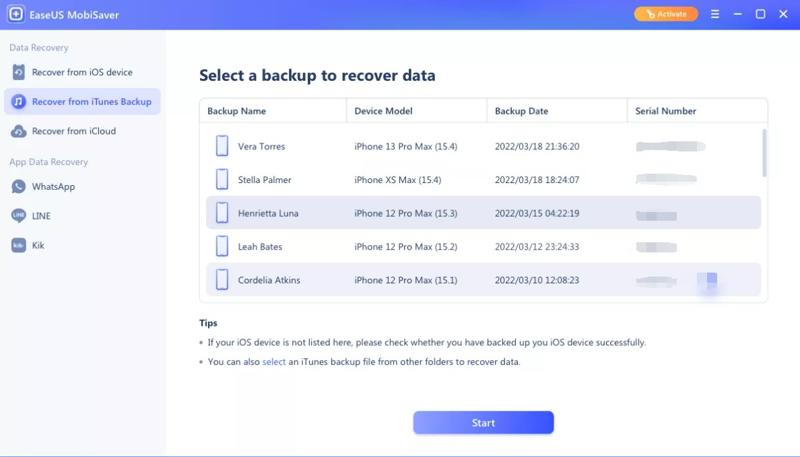
EaseUS Mobisaver is another powerful data recovery software for iPhone. It can locate an impressive amount of lost and deleted data on your iOS device. Moreover, it provides a free edition.
- Easy to navigate.
- Compatible with wide devices.
- Offer multiple recovery modes.
- Choose between a quick scan and a deep scan.
- It doesn’t support old devices.
- The price structure needs to improve.
Top 10: PhotoRec + TestDisk
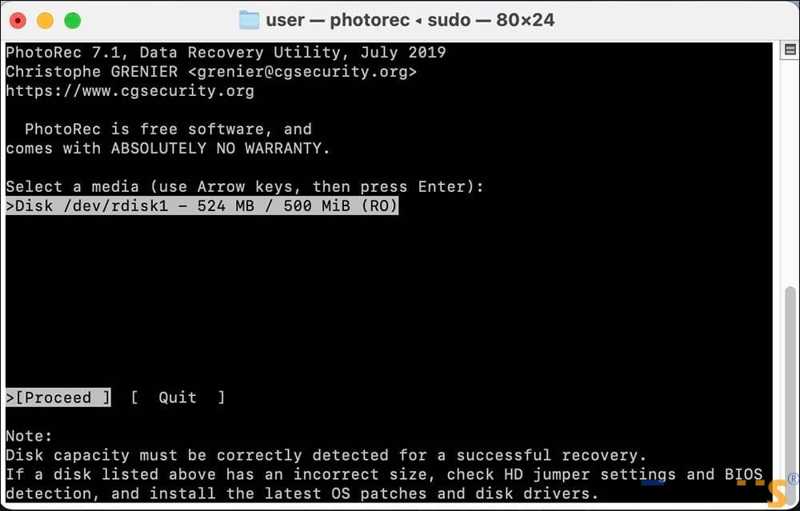
PhotoRec + TestDisk is open source and free iPhone data recovery software. It utilizes command lines to scan your memory and recover deleted files from an iOS device. It works even when the file system is corrupted.
- Completely free.
- Work on damaged devices.
- Available on Windows, macOS, and Linux.
- Recognize hundreds of file types.
- It requires somewhat technical skills.
- It lacks a GUI.
Part 3: How to Recover Data from iPhone
Step 1. Install data recovery software
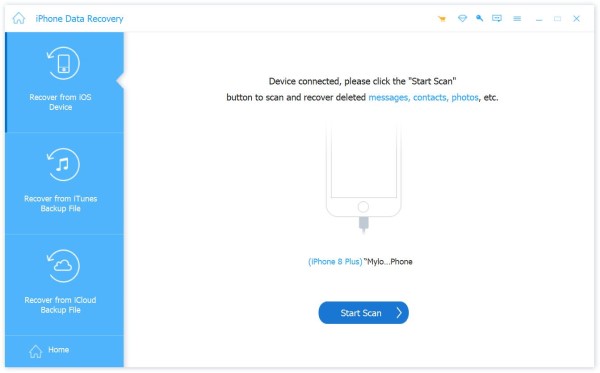
Launch the best iPhone recovery software after installing it on your PC. We use Apeaksoft iPhone Data Recovery as an example. There is another version for Mac. Plug your iPhone into your PC with a Lightning cable.
Step 2. Preview lost data
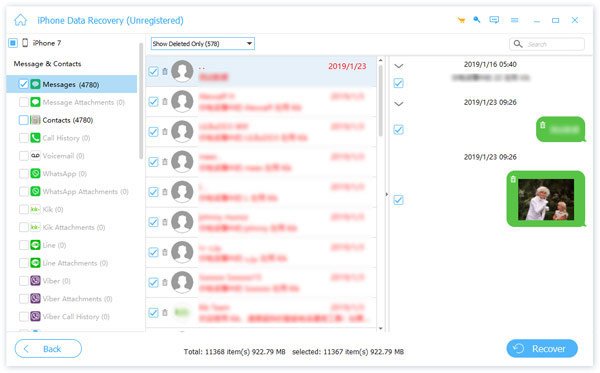
Choose Recover from iOS Device and click the Start Scan button to find lost files on your device. If you have an iTunes or iCloud backup, choose Recover from iTunes Backup File or Recover from iCloud Backup File. Then, preview the lost data by type.
Step 3. Recover files
Select the files you want to get back and click the Recover button. Set an output folder and hit Recover.
Conclusion
Now, you should learn the top 10 best iPhone data recovery software. Some of them can retrieve as many file types as possible. Others are excellent on specific data types, like messaging apps. Apeaksoft iPhone Data Recovery is the best option for beginners and advanced users. You can discover the proper one based on our review.
Related Articles
If you accidentally remove reminders on your iPhone, you can learn five methods to recover deleted reminders from iPhone.
You can learn how to restore your iPhone or iPad without iTunes using iCloud, Finder, Apple Devices, and other software.
Learn what an iPhone backup password is, how to enable/disable it, recover/reset a forgotten backup password, and explore the best iPhone backup alternative.
Factory reset will erase all data. How can you bring back photos? This article will show you how iPhone recover photos without backup.



