

8 Best Professional Data Recovery Services Near Me

Today, digital data is becoming significant. It is crucial to have a reliable data recovery service. If you search for data recovery solutions on Google, you will get a very long list. They are available on multiple devices and follow ISO standards to ensure that your data is safe from corruption. To help you discover the right solution, we researched the popular services available today. This article shares the top list.
PAGE CONTENT:
Part 1: Comparison of Best Data Recovery Services
Methodology
We research each popular hard drive data recovery service’s features, success rate, and customer reviews to identify the best option. We evaluated them based on the following criteria:
1. Price
2. Success rate
3. Supported devices
4. Customer reviews
5. Free shipping
| Price | Success Rate | Best for | |
| SalvageData | Start at $300 | 96% | Success rate |
| CBL Data Recovery | $595 to $995 | 90% | Emergency Data Recovery |
| DriveSavers | Start at $500 | 90% | Fast Turnaround |
| Ontrack | Start at $59.99 | 87% | Natural Disasters |
| SeaGate Data Recovery | $350-$700 | 90% | No Fee with No Recovery |
| Disk Doctors | Start at $100 | 95% | Same Day Evaluation |
| WeRecoverData | Start at $1,000 | 85% | Uber Techs of Data Recovery |
| Gillware | $300 to $600 | 96% | 24/7 Emergency Service |
Top 8 Data Recovery Services
Top 1: SalvageData
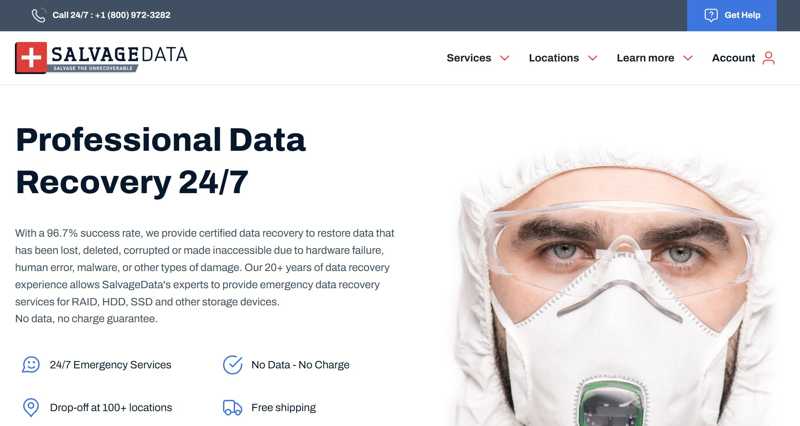
SalvageData is one of the best ransomware data recovery services that can recover data from smartphones, servers, PCs, and flash drives. With a high success rate, it doesn’t charge if it cannot recover your data. It allows users to track the data recovery process, although the process can take longer than competitors.
- Deliver a super high success rate.
- Integrate ISO ISO-certified.
- Offer 24/7 emergency services.
- Work for Apple devices and more
- It takes a while to evaluate your device.
- The customer service is not great.
Top 2: CBL Data Recovery
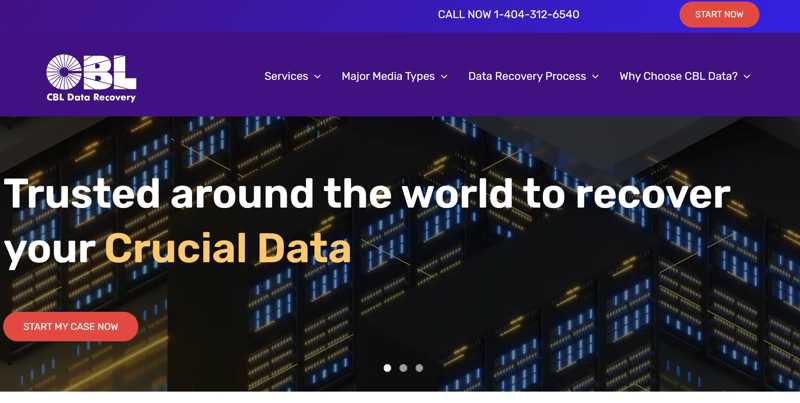
CBL Data Recovery is a professional hard drive data recovery service. It works for a variety of devices, like SSDs, HDDs, RAID, laptops, and portable devices. If it cannot recover your data, you don’t pay a dime. Generally speaking, it takes no more than five business days for data recovery.
- Offer 24-hour emergency services.
- Support multiple devices and platforms.
- Support HDD, SSD, flash drive, memory card, etc.
- Available in 27 locations.
- Certification is unclear.
- No mention of turnaround times.
Top 3: DriveSavers
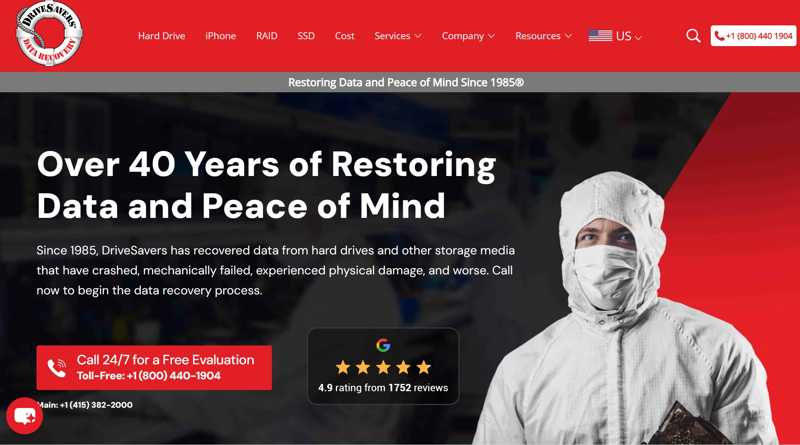
DriveSavers is a 24/7 data breach support and data recovery service for a wide array of devices, including Mac, external hard drives, tablets, laptops, memory cards, and more. Furthermore, it provides free evaluation and shipping services. The data recovery plans are available in three different service levels.
- ISO certified.
- Offer ASAP data recovery.
- HIPAA compliant.
- Manufacturer authorization.
- The prices are non-transparent.
- It is expensive.
Top 4: Ontrack
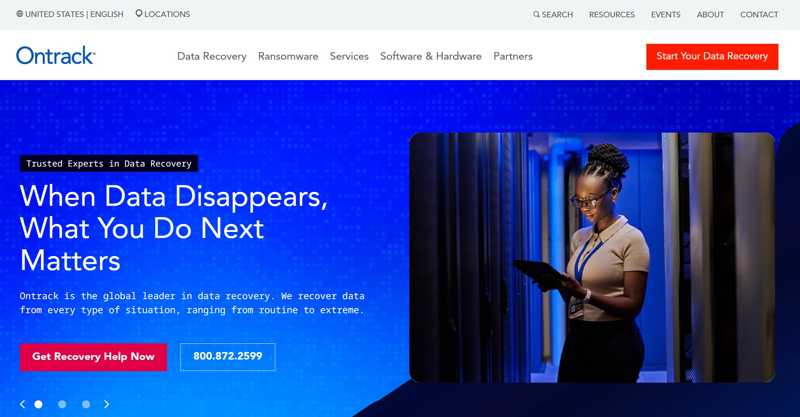
Ontrack Data Recovery service specializes in data recovery from natural disasters. It works for a wide range of data loss scenarios and all types of devices, from desktops to mobile devices, from CCTV to tapes. Moreover, it is a ransomware data recovery service.
- Integrate ISO certification.
- Offer emergency data recovery.
- Locate in over five countries.
- Offer flexible payment plans.
- The standard process can take up to 20 business days.
- The success rate is lower than competitors.
Top 5: Seagate Data Recovery
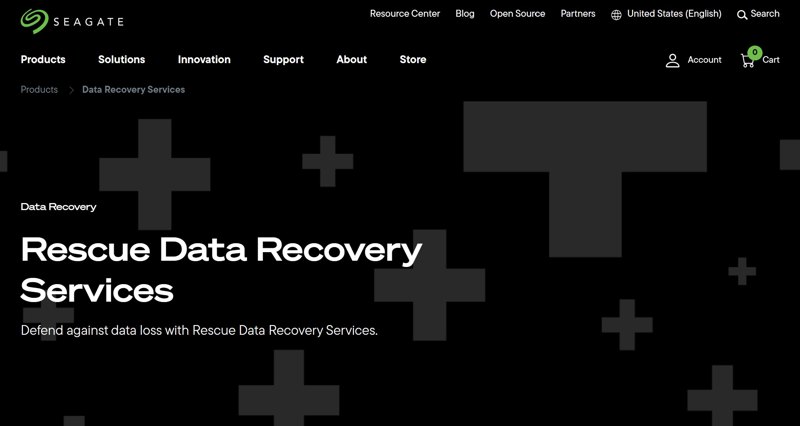
Seagate Rescue Data Recovery Service was designed for data recovery on Seagate drives. If your Seagate drive is under warranty, you won’t pay a dime for the in-lab data recovery service. It will send your data to an encrypted storage device.
- No data, no charge.
- Free in-lab recovery for the Seagate drive.
- Save recovered files to the cloud or an encrypted drive.
- Support game drives for Xbox.
- It takes up to 15 days for recovery.
- Evaluation isn’t free.
Further Reading
Top 6: Disk Doctors
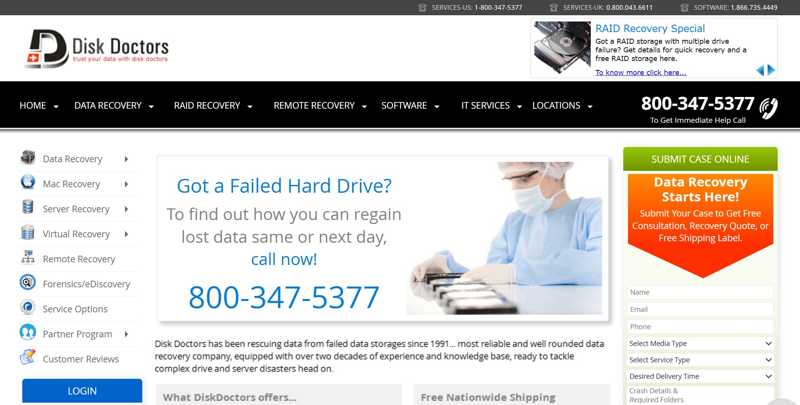
Disk Doctors is one of the cheapest data recovery services available in dozens of locations. While it doesn’t indicate specific turnaround time options, services are tiered based on priority. In addition to emergency service, it offers a Rush Service to complete data recovery within 24 hours.
- Offer free, same-day evaluation.
- Work in multiple locations.
- Provide free return shipping.
- Create a virtual image of your disk.
- The turnaround time is long.
- iPhones are not supported.
Top 7: WeRecoverData
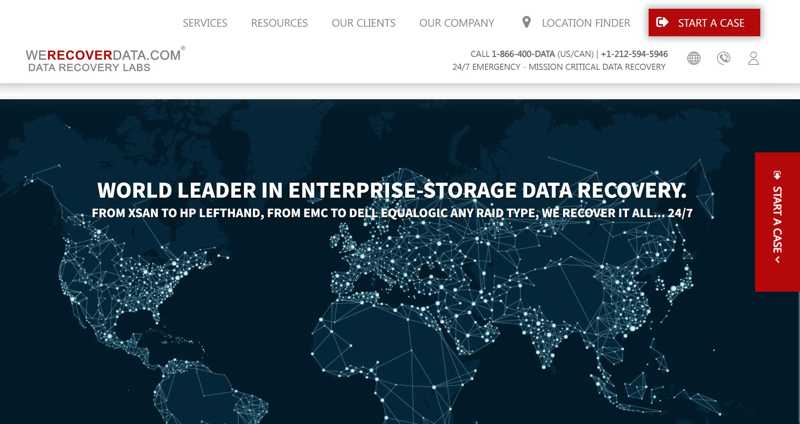
WeRecoverData is a RAID data recovery service with a No Data No Charge policy. In addition to RAID, it also support hard drives, SSDs, tapes, cellphones, memory cards, and portable media. In North America, it provides free overnight shipping for devices after data recovery.
- Offer a fast turnaround time.
- Work with ISO certification.
- Available in over 60 locations.
- Support 24/7 emergency services.
- Free shipping is only in North America.
- The prices are high.
Top 8: Gillware
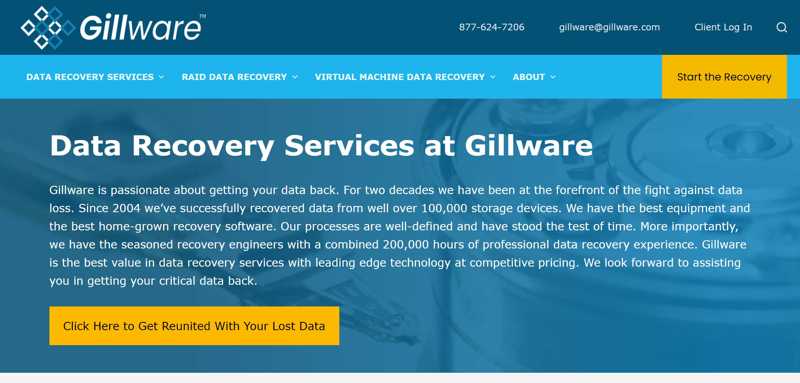
Gillware stands out among HDD data recovery services. It partners with some of the largest technology brands, including Seagate, Western Digital, Samsung, SanDisk, Toshiba, and more. It offers No Data No Charge, a free in-lab evaluation process, and inbound shipping.
- Offer a high success rate.
- Evaluate drives for free.
- Provide free inbound shipping.
- Work for a wide variety of devices.
- It takes up to 10 business days for data recovery.
- It doesn’t provide cloud storage.
Part 3: Bonus Tip: How to Recover Data on Your Own
As you can see, data recovery services near me are expensive. Moreover, it usually takes a few days to one month to evaluate and recover your device. Apeaksoft Data Recovery, on the other hand, allows you to recover data on your own. The intuitive interface is easy to navigate.
A Cost-effective Way to Recover Data on Your Own
- Recover data on your computer quickly.
- Work for hard drives, SSD, HDD, SD card, and more.
- Available in a wide range of situations.
- Offer a high success rate.
- Support Windows 11/10/8/7/XP/Vista and macOS 10.7 or above.
Secure Download
Secure Download

How to Recover Data on Your Own
Step 1. Scan your drive
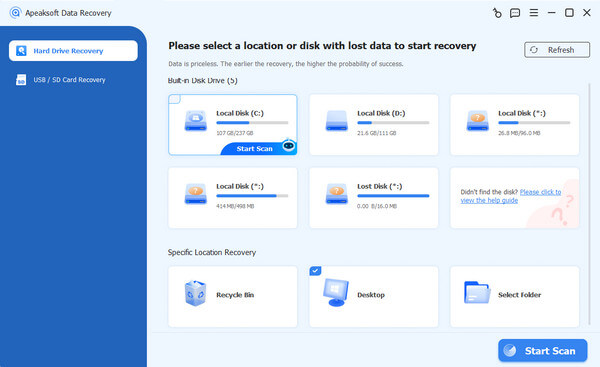
Launch the data recovery software after installing it on your computer. Go to the Hard Drive Recovery tab and select the desired drive. To recover data from an external hard drive, go to USB / SD Card Recovery. Click the Start Scan button to proceed.
Step 2. Preview data
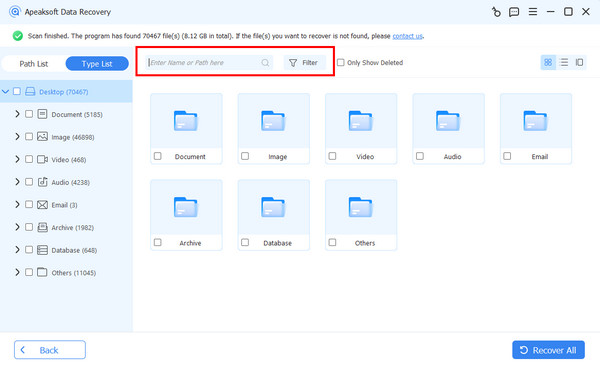
After a quick scan, the software will automatically perform a deep scan. When it is done, you can preview your data by type or path. Moreover, the Filter option enables you to quickly locate lost files.
Step 3. Recover data
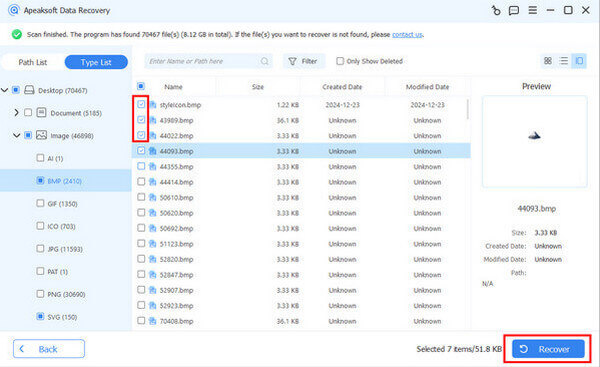
Select the data you want to recover, and click the Recover button. Next, set an output folder and confirm data recovery. You’d better set another location rather than the original folder.
Conclusion
This article identified and reviewed the top 8 data recovery services. Following our reviews, you should learn these tools and discover the right one for your situation. Bear in mind that not all services are free. Before sending your disk or drive to a professional service, you’d better try Apeaksoft Data Recovery first. It lets you quickly recover data and files on your own.
Related Articles




