

6 Best Free and Paid iPad Data Recovery Applications

Losing important files and information on your iPad can be stressful. For example, you accidentally deleted photos and videos. Or your data is erased due to a factory reset when troubleshooting software issues. Fortunately, there are iPad data recovery tools on the market. They can help you get back lost data even if you didn’t back up your iPad. We identify the top list and review each of them.
PAGE CONTENT:
Part 1: Comparison of Best iPad Data Recovery Software
| Tool | Price | Best for |
| Apeaksoft iPad Data Recovery | $27.45 monthly, $65.96 lifetime | iPad recovery without backup |
| Disk Drill iPad Data Recovery | $89 | Recover recently deleted files |
| Syncios Data Recovery | $39.95 yearly, $49.95 lifetime, $299 yearly for unlimited devices | iPad message recovery |
| Stellar Data Recovery | Start at $59.99 | Data recovery on old editions of iPad |
| TestDisk | Free | Data recovery on a dead iPad |
| PhotoRec | Free | iPad photo recovery |
How We Test the Best iPad Data Recovery Software
When we identify the best iPad attempting data recovery software, we rely on our laboratory tests and hundreds of users’ reports. Our review concentrates on a few aspects, including:
- 1.The number of files the software can recover.
- 2.The data types supported.
- 3.The success rate.
- 4.The compatible models of iPad.
- 5.The prices.
Part 2: Top 6 iPad Data Recovery Software
Top 1: Apeaksoft iPad Data Recovery
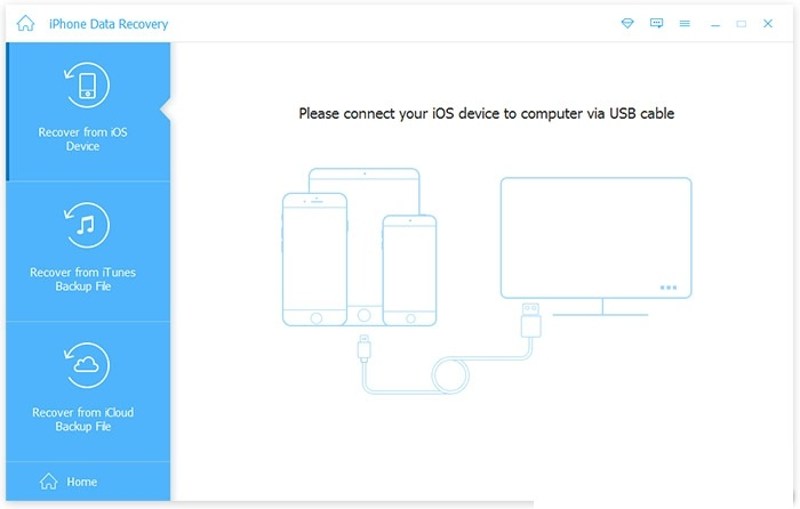
If you need an easy-to-use iPad file recovery tool, Apeaksoft iPad Data Recovery is a good option. It is able to scan your iPad's memory and look for lost files directly. Moreover, it can open iTunes or iCloud backup for data extraction.
Secure Download
Secure Download
- Easy to use.
- Deliver a high success rate.
- Support almost all data types.
- Work on the latest models of iPad.
- Preview data for selectively recovering.
- It may take a while if you recover lots of data.
Top 2: Disk Drill iPad Data Recovery
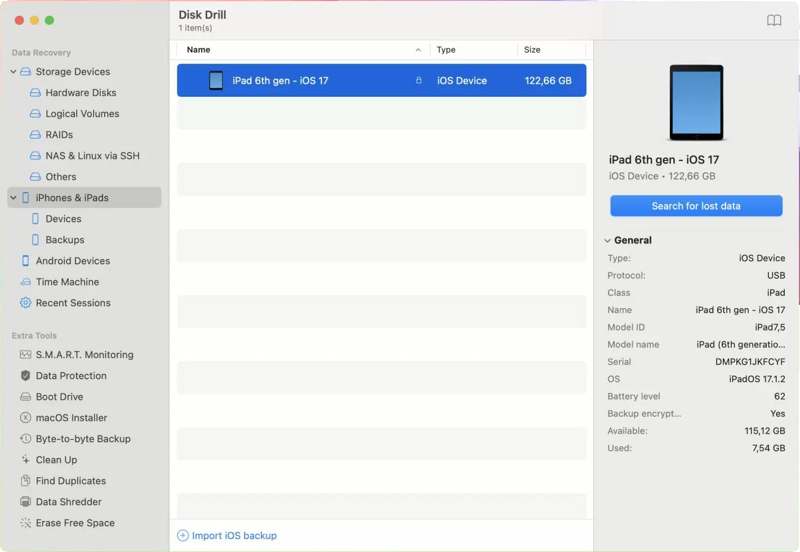
Disk Drill iPad Data Recovery is a popular Apple iPad recovery. It can recover recently deleted files from iPad and other data loss situations. You can try the free version before purchasing it.
- Integrate a simple UI.
- Support most iPad versions.
- Recover various file formats.
- Search for files by name.
- The price is high.
- It is unavailable for old deleted files.
Top 3: Syncios Data Recovery
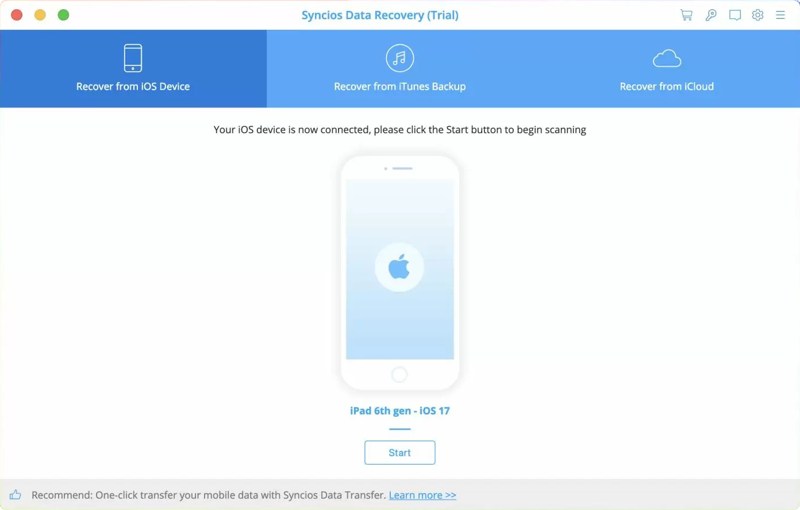
Syncios Data Recovery is an iTunes iPad recovery software. It can recover lost data from iPad memory, iTunes or iCloud backup. If you lose messages, including Kik, Viber, and WhatsApp, it is a good option.
- Restore data without overwriting the iPad.
- Save recovered files to the computer.
- Select specific files for recovery.
- Integrate a simple design.
- It supports limited devices.
- It doesn’t support certain video formats.
Top 4: Stellar Data Recovery
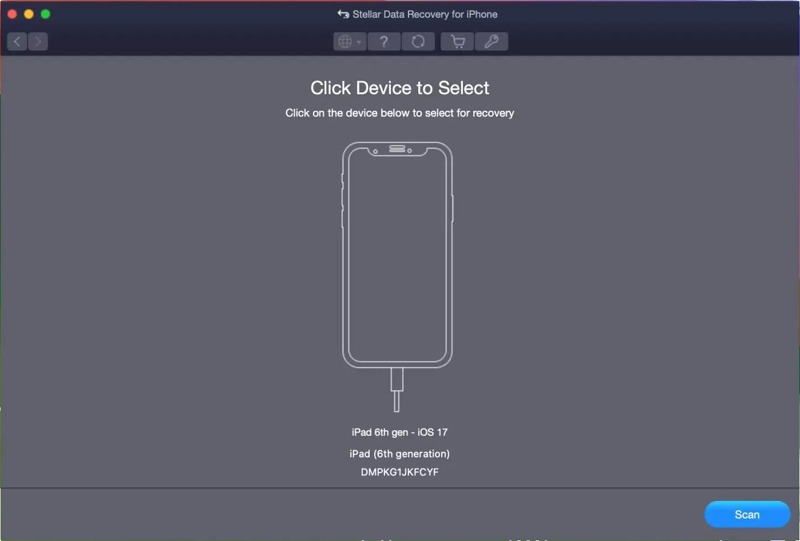
Stellar Data Recovery is another outstanding iPad recovery software. It allows iPad users to get back messages, photos, WhatsApp, notes, and more once you connect your iPad to a computer.
- Equip a user-friendly GUI.
- Support various file types.
- Recover iPad data to the computer.
- Available on PC and Mac.
- The deep scan is slow.
- It is expensive.
Top 5: TestDisk
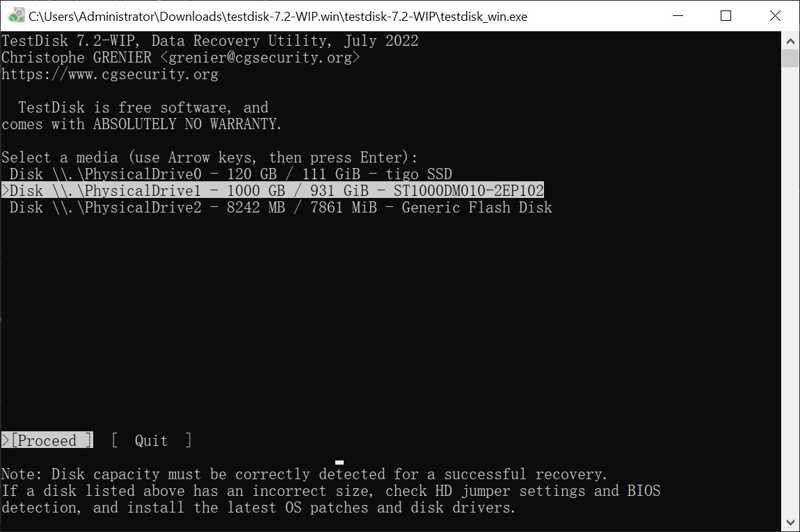
TestDisk is a free iPad data recovery software due to its open source. The latest version is 7.2, and the developers keep releasing updates. It enables you to recover data from an iPad using a computer.
- Complete free.
- Portable and don’t require installation.
- Handle various file systems.
- Recover data quickly.
- It requires technical knowledge.
- It lacks a GUI.
Top 6: PhotoRec

PhotoRec is an iPad recovery tool for lost photos. Since it is open source, you can use it without paying a penny. It scans your iPad memory and looks for lost photos in a variety of photo formats.
- Free and open source.
- Lightweight and portable.
- Compatible with over 400 formats.
- Safe to use.
- The command-line interface is intimidating.
- No preview.
Part 3: How to Recover Data from iPad
Step 1. Connect to your iPad
Install an iPad data recovery software, like Apeaksoft iPhone Data Recovery, and launch it. Plug your iPad into your computer with a Lightning cable.
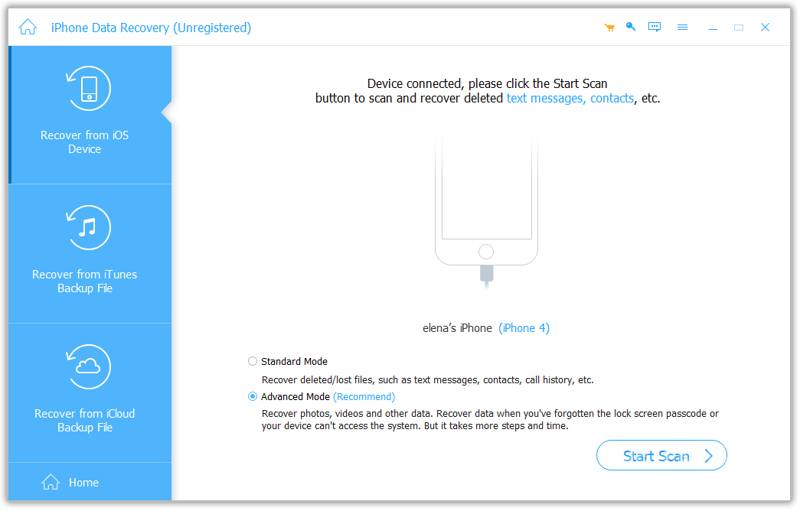
Step 2. Preview lost data
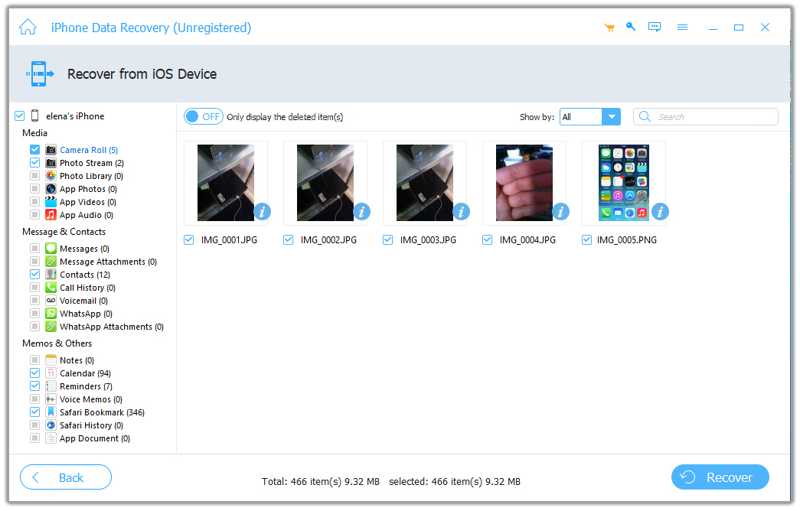
Choose Recover from iOS Device and click the Start Scan button. After data scans, you can preview lost data by type, such as Camera Roll.
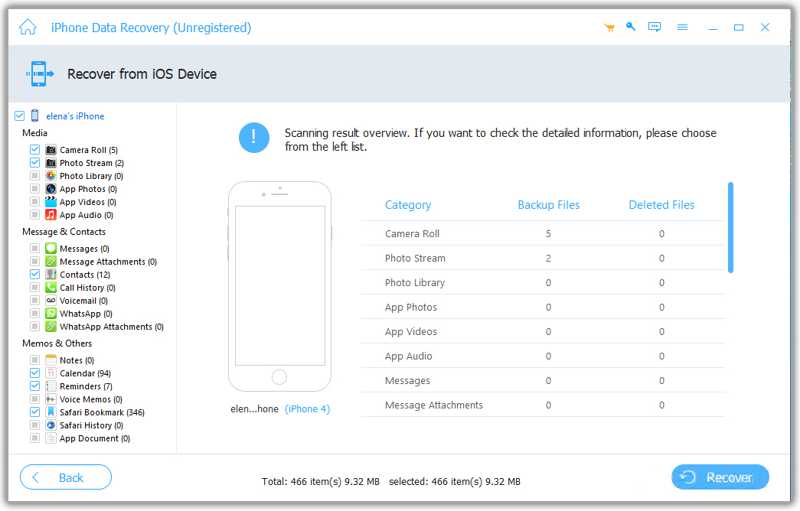
Step 3. Recover data from iPad
Next, select the files and items you want to recover, and click the Recover button. Set an output folder and hit Recover.
Conclusion
Now, you should learn at least the top 6 best free and paid iPad data recovery software. Some of them are completely free to use, like TestDisk and PhotoRec. Others require a license or subscription. Apeaksoft iPad Data Recovery is a simple option for beginners.
Related Articles




