5 Best iCloud Removal Software for iPhone and iPad

Have you forgotten your Apple ID password and cannot remove the account from your iPhone or iPad? Or have you purchased a second-hand iPhone that is still linked to the previous owner's Apple ID and stuck on the Activation Lock screen?
This article identifies the top 5 iCloud remover applications to help you remove the iCloud ID and bypass the iCloud Activation Lock without a password.
Disclaimer
Please ONLY remove iCloud ID / Activation Lock on the device that you legally own or have proper authorization to access. Apeaksoft Studio does not support or encourage the removal of iCloud locks from lost or stolen devices.
PAGE CONTENT:
Part 1: Which iCloud Remover Should You Choose
Before selecting an iCloud remover, you should first figure out your specific situation. Whether you need to remove an Apple ID, bypass the Activation Lock issue, or unlink your own account, the right solution differs based on your needs.
| Your Situation | Recommended Solution |
| iPhone stuck on Activation Lock screen | Activation Lock removal solution |
| Second-hand iPhone still linked to the previous owner’s Apple ID | Remove Apple ID or ask the previous owner to unlink the device |
| Forgot your Apple ID password | Apple ID removal solution |
| Want to sell your own iPhone | Sign out of Apple ID before erasing the device |
Part 2: Comparison of the 5 Best iCloud ID Removers
When we test and research the best iCloud removers, we focus on a few aspects, such as their main use cases, pricing, and device compatibility. The table below provides a quick overview of the top iCloud removal tools to help you choose the right solution based on your needs.
| Tool | Best For | Price | Supported Devices |
| Apeaksoft iFoneKit iOS Unlocker | Removing Apple ID and bypass Activation Lock | $34.93/month, $59.96 lifetime | All iPhone and iPad models |
| iRemove Tools | Removing Activation Lock on supported devices | Starting from $19.00 | iPhone 5s to iPhone 16 |
| iCloudin | Activation Lock removal | Depends on device model | iPhone 6 to iPhone 16 |
| DoulCi Activator | Activation Lock removal on older iOS devices | Depends on device model | Up to iOS 17 |
| iCloud Bypass Tool | Free Activation Lock bypass options | Free | Up to iOS 15 |
Apeaksoft's editorial team independently tests each iCloud remover on different iPhone and iPad models. Our tests cover their compatibility, supported iOS versions, removal capabilities, ease of use, and overall reliability. We also consider factors such as pricing, required steps, and limitations to provide a practical comparison for users looking for iCloud-related solutions.
- Test Devices: iPhone 17 Pro, iPhone 14, iPad (10th generation), iPhone SE (2nd generation)
- iOS Versions: iOS 15, iOS 18, iOS 26
- Test Scenarios: Removing Apple ID from accessible devices, bypassing the Activation Lock screen
- Evaluation Factors: Device and iOS compatibility, ease of use, pricing, security, and overall performance
Part 3: Detailed Reviews of the Top 5 iCloud Removal Tools
Top 1: Apeaksoft iOS Unlocker
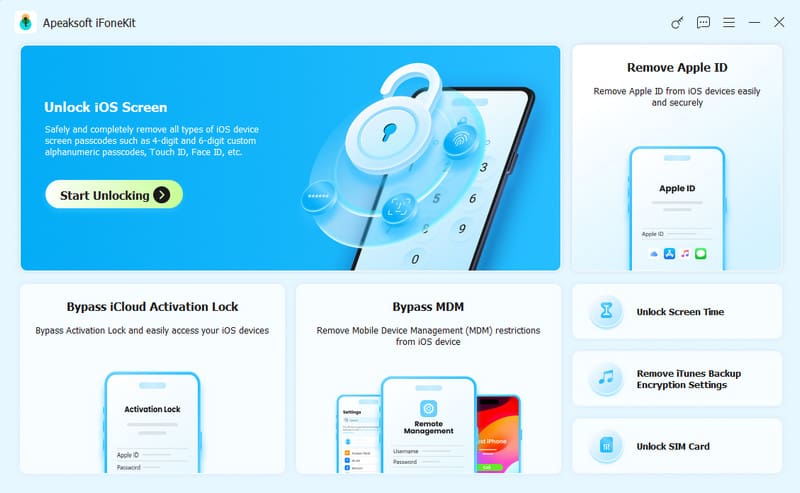
Apeaksoft iFonekit iOS Unlocker is an all-in-one iCloud remover helps remove Apple ID from iPhone and iPad and get rid of Activation Lock restrictions. It works for a wide range of situations and devices. More importantly, the user-friendly design and onscreen instructions make it a great option for ordinary people.
- Easy to use.
- Remove iCloud ID successfully.
- Offer bonus features, like MDM bypass.
- Don't require a password.
- Support the latest editions of iOS.
- It may take a while to download the firmware.
Top 2: iRemove Tools
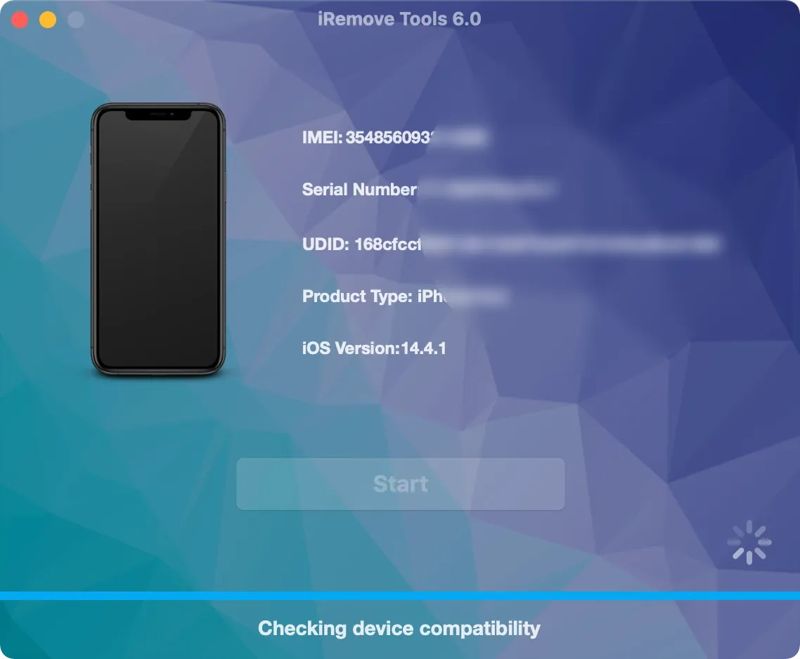
iRemove Tools is a reputable Activation Lock remover designed to help users deal with iCloud-related lock issues. It works on Windows and Mac and can unlock various iOS device models, including iPhone and iPad. The excellent performance makes it popular among Apple customers.
- Remove iCloud account in 5 minutes.
- Integrate an easy-to-use interface.
- Show users all the instructions.
- Bypass iCloud ID on any iPhone and iPad.
- It requires accessing the Settings app.
- It only works for iOS up to 11.3.
Further Reading
Top 3: iCloudin
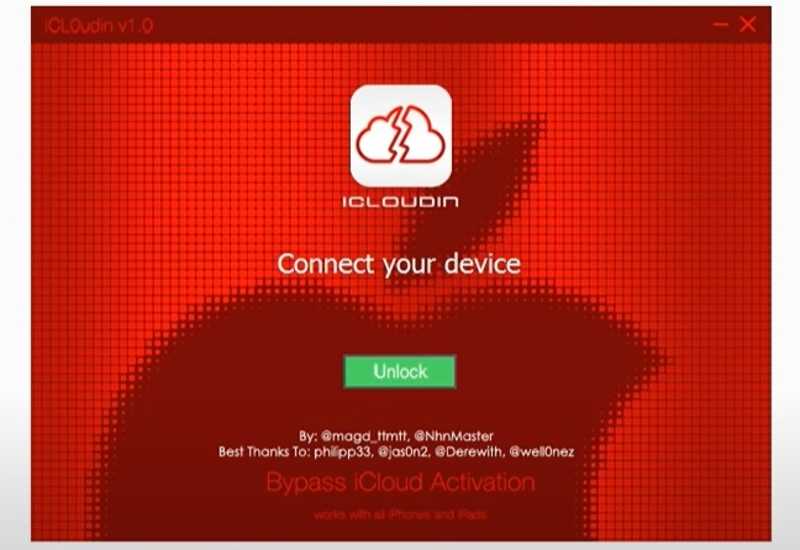
iCloudin is a web-based iCloud removal app. It is able to get rid of your iCloud account even if your iPhone or iPad is locked by Activation Lock. While it is not freeware, you can try it for your locked iOS device.
- Remove iCloud account online.
- Ensure security with 2 VPS servers.
- Support a wide array of devices.
- Available 24/7.
- Only support 5 users entering the server simultaneously.
- The prices are not transparent.
Top 4: DoulCi Activator
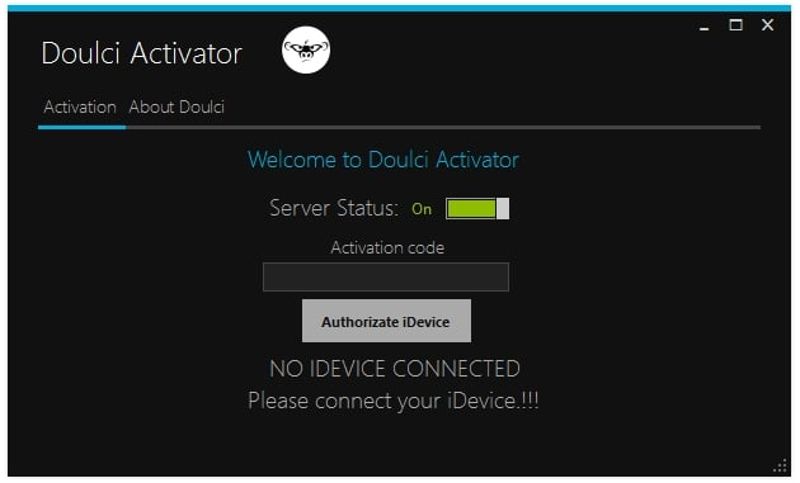
DoulCi Activator is a desktop iCloud remover. It enables users to bypass iCloud accounts on iPhones and iPad devices without any information. All you need is a compatible USB cable.
- Don't install anything on your desktop.
- Remove iCloud ID without a password.
- Bypass Activation Lock quickly.
- Work offline.
- It keeps popping up ads.
- It needs to jailbreak your device.
Top 5: iCloud Bypass Tool
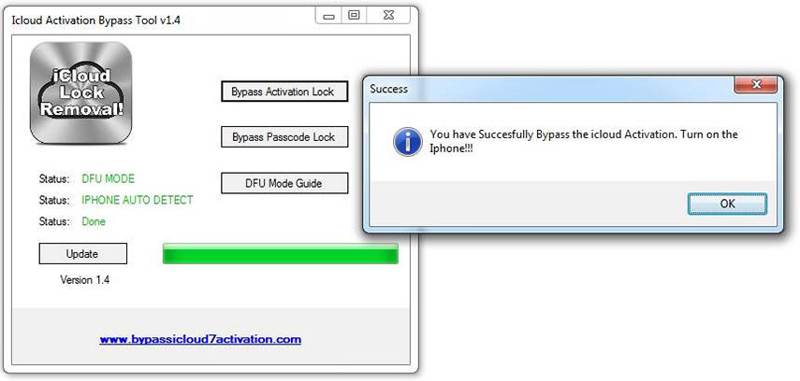
iCloud Bypass Tool is a free iCloud removal tool for old iOS devices. It is able to remove and turn off the iCloud account from your Apple device without data loss or password.
- Free to use.
- Work on Windows, macOS, and Linux.
- Support iPhone, iPad, and iPod.
- Provide 24/7 support.
- It is unavailable for new versions of iOS.
- The success rate is low.
Part 4: How to Remove iCloud ID or Activation Lock from iPhone
In this part, we will use Apeaksoft iFonekit iOS Unlocker as an example to show how to remove an Apple ID and bypass the iCloud Activation Lock issues on an iPhone.
Secure Download
Secure Download
How to Remove Apple ID on iPhone/iPad
Step 1. Install iCloud remover
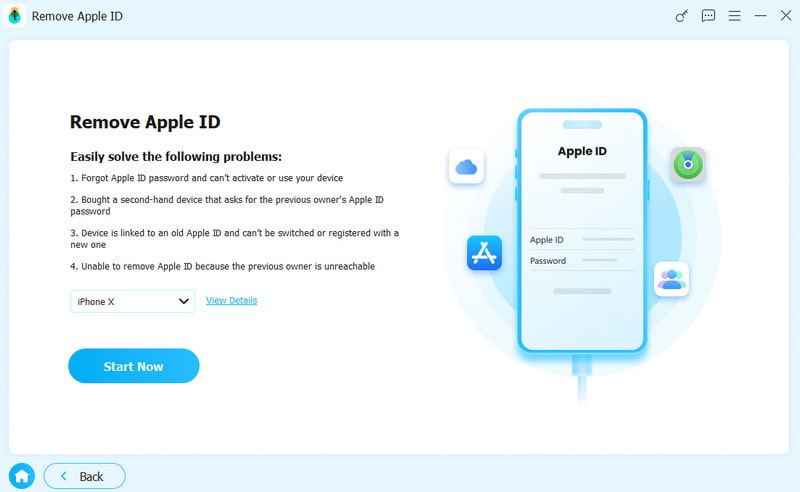
Download Apeaksoft iFoneKit iOS Unlocker for free from the button above. Connect your iPhone to your computer with a Lightning cable. Choose the Remove Apple ID mode.
Step 2. Remove iCloud ID
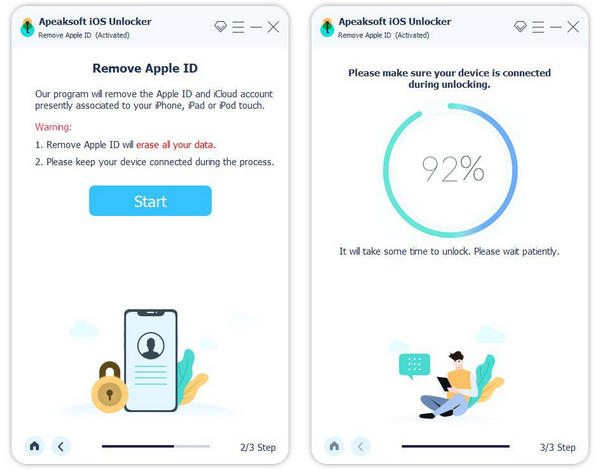
Click the Start Now button to begin removing iCloud ID if Find My iPhone is disabled.
If Find My iPhone is enabled on iOS 11.3 or earlier, reset all settings on your device, and click the Start Now button. The software will do its job automatically.
If Find My iPhone is enabled on iOS 11.4 or later, turn on two-factor authentication on your device. Then, confirm your device information and begin removing the iCloud account.
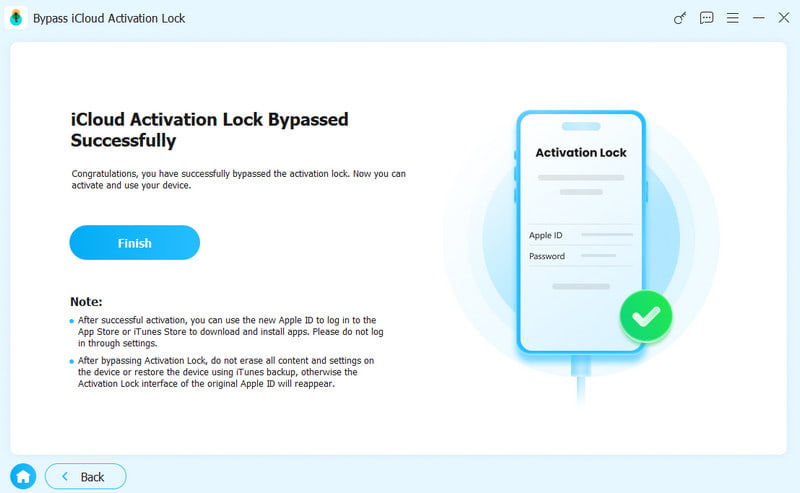
How to Bypass the iCloud Activation Lock on iPhone/iPad
Step 1. On the main interface of Apeaksoft iFoneKit iOS Unlocker, choose Bypass iCloud Activation Lock.
Step 2. Connect your device to this iCloud bypass tool and click Start Now. Click the Jailbreak Tutorial button and follow the guidance to jailbreak your iPhone.
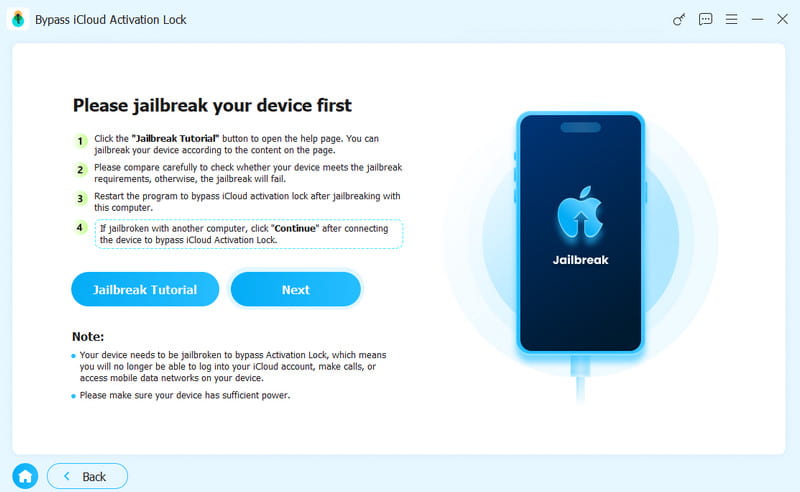
Step 3. Follow the onscreen instructions to set your device, and then wait for the program to bypass the iCloud Activation Lock.
Conclusion
This article shared and reviewed the top 5 free and freemium iCloud removal services online and offline. You can pick an appropriate one based on our unbiased review. Apeaksoft iFoneKit iOS Unlocker is a good option if you want to get a high success rate. Moreover, it is suitable for beginners and ordinary people due to the intuitive design.
 Apeaksoft iFoneKit
 Unlock all types of iOS passwords from iPhone, iPad and iPod.
Secure Download
Secure Download
Related Articles