


FRP Bypass APK DM Repair Tech- Guide, Review, & Alternatives

When it comes to the Google account verification screen after a factory reset, you need to enter your synced Google account with your email address. If you have forgotten your Google account information, then you may feel lost in the locked Google FRP screen.
In this case, you can use some FRP Unlock APKs to bypass the Google FRP lock. Today, we will review FRP Bypass APK DM, and you can learn its usage, pros, and cons in this post. Apart from this tool, you can get 4 alternatives to bypass Google FRP when DM Repair Tech tool doesn't work.
Disclaimer
All the FRP bypass tools mentioned in this article are for educational purposes only. You should only use them on your legally owned devices. Any unauthorized use may violate local laws and regulations. Apeaksoft Studio does not encourage any illegal activities and is not responsible for any damage or data loss. In addition, bypassing FRP on your device will void your device's warranty.
PAGE CONTENT:
Part 1: Overview of FRP Bypass APK DM
What Is FRP Bypass APK DM
What is FRP Bypass APK DM? It usually refers to the FRP tools released on the DM Repair Tech website. It is a third-party FRP bypass DM tool that can help you bypass Google Factory Reset Protection. When you forget your PIN and fail to remember the correct Google account information, you can use the FRP Bypass APK DM for help.
FRP Bypass APK DM’s Key Features
Before you start to use this unfamiliar tool, you can check its key features:
- • APK-based FRP bypass tool.
- • Bypass the FRP without flashing firmware or modifying system files.
- • FRP bypass without OTG or USB debugging.
- • Works well for a range of Android brands and devices, including Samsung, Huawei, Xiaomi, OPPO, vivo, and LG, among others.
- • Compatible with Android 5.0 (Lollipop) through Android 11, depending on device and security patch level.
Reviews of FRP Bypass APK DM
Besed our thorough tests on different Android models, including Samsung, LG, Motorola across Android 5 to Android 16, we summarized the key advantages and limitations for your reference to help you decide whether this tool is suitable for your needs.
- Based on our real-device tests, the overall operation flow is straightforward and beginner-friendly.
- FRP bypass tool DM Repair Tech is completely free to download and use.
- Its performance is stable on mainstream Samsung devices running Android 9-12.
- The whole process doesn't need much technical knowledge.
- Official DM FRP Tool V1.0 is quick to download.
- It is only compatible with Windows.
- Downloading the zip file may take a long time.
- According to our real-device tests, its success rate varies greatly based on phone models and system security patch versions
- FRP Bypass APK DM from unknown resources may leak your private data.
- No technical or customer support.
Part 2: How to Use FRP Bypass APK DM Tool
If you find that FRP Bypass APK DM meets your needs and decide to proceed with using it after reviewing the introduction, features, and evaluations above, we provide a practical and detailed user guide below to help you understand the general usage process.
Step 1. Go to the DM Repair Tech official website and download the corresponding FRP zip file.
Step 2. Extract to the C drive on your computer, then double-click the .exe file to run it.
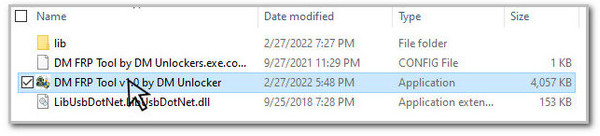
Tips: The installation process will be initiated automatically. If there is any prompt, you may need to restart your computer.
Step 3. Connect your Android phone to the computer with a USB cable.
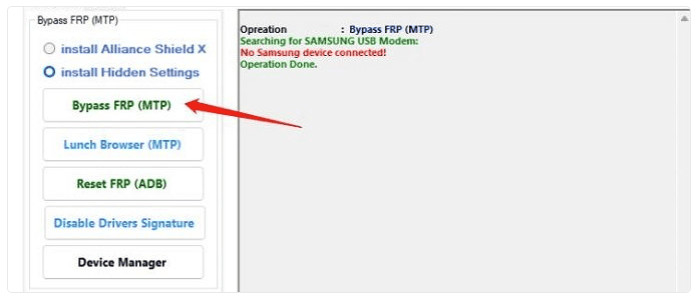
Step 4. Once your phone is connected, choose the corresponding bypass FRP option to bypass FRP APK DM.
Part 3: FRP Bypass APK DM Alternatives
Sure, if you find that FRP Bypass APK DM does not fully meet your needs, or if it fails to work properly on your device, we also provide some alternative solutions to handle the FRP lock issue as below:
| Features | Apeaksoft DroidAide | iToolab UnlockGo Android | iMyFone LockWiper Android | Tenorshare 4uKey for Android |
| Supported OS | Windows | Windows & Mac | Windows & Mac | Windows & Mac |
| Supported Devices & Versions | All mainstream Android models up to Android 16 | Over 15 Android brands up to Android 14 | Samsung, Xiaomi, and more up to Android 14 | Samsung, OnePlus, Huawei and others up to Android 13 |
| Customer Support | 24/7/365 professional technical support | General official after-sales service | General official after-sales service | General official after-sales service |
| Interface | Automatic device recognition + built-in step-by-step graphic tutorials | Basic text operation guides only | Basic text operation guides only | Basic text operation guides only |
| Updates | Regular | Regular | Moderate | Rare |
| Extra Functions | Screen lock removal | Screen lock removal | Screen lock removal | Screen lock removal |
1. Apeaksoft Android Unlocker
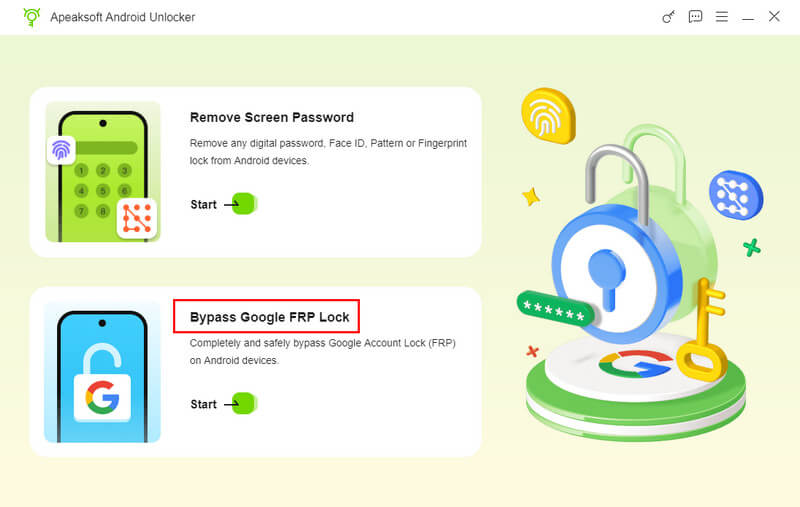
Apeaksoft Android Unlocker is a powerful and easy-to-use FRP bypass tool on the market. Besides bypassing the Google FRP lock, you can also use it to unlock your Android phone’s screen.
- Reliable and official software source.
- Bypass the FRP on the most popular Android models and versions (including Android 16) on the market.
- 365/24/7 customer service.
- A professional technical support team is here for your assistance.
- Unlock your Android screen without passwords as well.
- It can only run on computers.
- The Mac version is coming soon.
2. iToolab UnlockGo Android
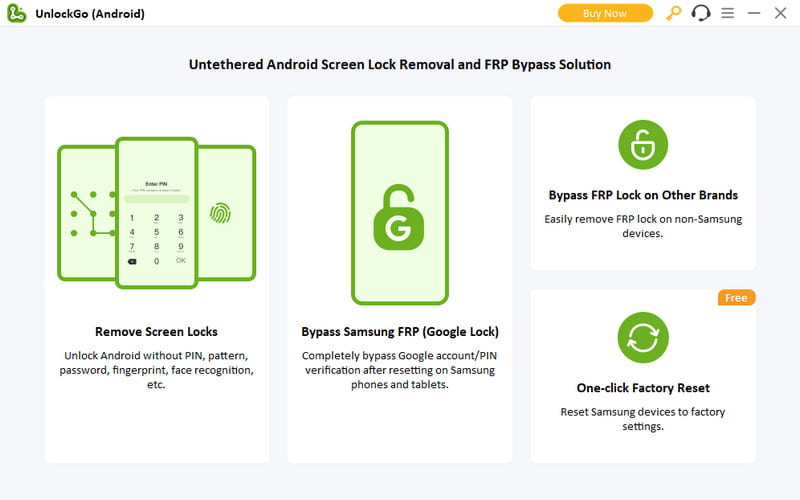
iToolab UnlockGo Android is a one-click FRP bypass tool belonging to the iToolab website. It is similar to the FRP Bypass APK DM software. You can use this all-in-one software to bypass Google Factory Reset Protection and unlock the Android lock screen.
- It is an all-in-one Google FRP bypass tool.
- It performs well with over 15 Android brands.
- You can download this software on both Mac and Windows systems.
- You can only bypass Google FRP lock with the full version.
3. iMyFone LockWiper Android
iMyFone LockWiper Android can bypass the Google FRP lock screen when you fail to get your Google account information. You also need a trusty computer to help you use this tool and bypass FRP lock on Schok, Motorola, etc.
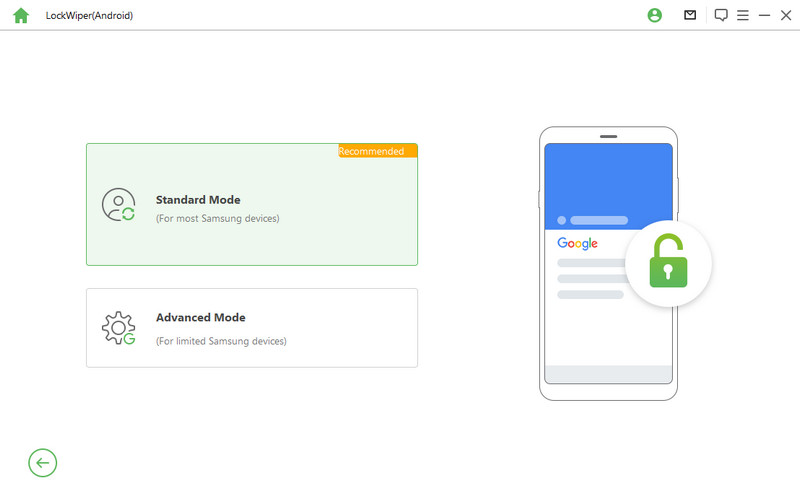
- The new version can unlock Samsung/Redmi/Xiaomi Google FRP lock.
- You can instantly remove any screen lock.
- This FRP bypass software is compatible with Windows, Mac and Android.
- You must subscribe to a suitable plan to unlock the FRP bypass service.
4. Tenorshare 4uKey for Android
Tenorshare 4uKey for Android can help you bypass Google FRP lock of a range of Android brands and remove Android passwords, PIN, pattern lock, etc.
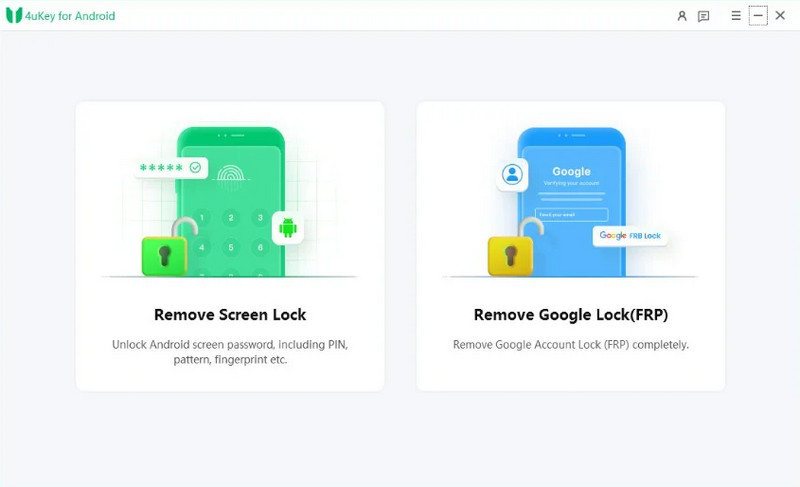
- It can provide FRP bypass service for Samsung, OnePlus, Huawei, etc.
- It can bypass Android screen locks quickly.
- 4uKey for Android is compatible with Windows and Mac systems.
- Many users report unstable performance when unlocking devices with recent security patches.
- You need to buy a license to use this FRP software.
Part 4. FAQs about FRP Bypass APK DM
Can FRP Bypass APK DM work on iOS devices?
No, you cannot use the FRP Bypass APK DM for your iOS devices because this software is designed for Android devices only. For iOS devices, you need other tools to remove the iCloud activation lock.
Is FRP Bypass APK DM legal to use?
Bypassing the Google FRP lock is generally acceptable on your own device. Bypassing FRP lock of other Android devices without the permission of owners is illegal and strictly forbidden.
Is FRP Bypass APK DM safe to use?
FRP Bypass APK DM can be safe if downloaded from a trusted source. Not that APK files from unofficial websites may contain malware or other security risks. Additionally, using FRP bypass tools may void your device's warranty.
Can I use the FRP Bypass APK DM without a computer?
No, the FRP Bypass APK DM is not a computer-free tool for you to use. If you want to utilize this software, you need a trusty computer and a USB cable.
Conclusion
This post introduces an FRP bypass DM tool and its 4 alternatives. So, if you are locked in the Google account verification screen, you can try one of these tools to help you gain access to your locked Android devices.
 Apeaksoft DroidAide
 Unlock your Android passwords and bypass the FRP lock easily.
Secure Download
Related Articles




