8 Best Free and Freemium iPhone Unlocking Software

Today, iPhone unlocking technology has become a significant part of the smartphone industry. The advancement of unlocking software enables users to get safe and efficient unlocking services when they forgot passcodes. Since Apple continuously strengthens device security, it becomes even more difficult to regain access to iOS devices without passcodes. This article identifies the top 8 freemium and free iPhone unlocking programs to help users unlock locked iOS devices.
PAGE CONTENT:
- Comparison of the Best Free iPhone Unlockers
- Best Overall iPhone Unlocker – Apeaksoft iFoneKit iOS Unlocker
- Best Official Unlock Method – iTunes / Finder
- Best Free Jailbreak Unlocker – Checkra1n
- Best Carrier Unlocker – UseAnySIM
- Best User-Friendly Unlocker – EaseUS MobiUnlock
- Best Feature-Rich Unlocker – Tiger iOS Unlocker
- Best Multi-Lock Unlocker – Passvers iPhone Unlocker
- Best Lock Removal Tool – UnicTool LockEraser
- Bonus: How to Unlock iPhone Without Passcode
Apeaksoft's editorial team independently tests every tool. We verify compatibility, success rates, ease of use, and overall performance using real devices and the latest operating systems. Our reviews are based on hands-on experience, technical analysis, and user feedback. We regularly review and update the content to reflect software updates, operating system changes, and user feedback.
- Test Devices: iPhone 15 Pro, iPhone 14, iPhone SE (2nd generation)
- iOS Versions: iOS 17.6, iOS 18.5, iOS 26.2
- Test scenarios: Forgotten screen passcode, iPhone unavailable, Apple ID removal, carrier unlock
- Evaluation factors: Success rate, price, compatibility, ease of use, Security and reliability.
Comparison of the Best Free iPhone Unlockers
| Tool | Best For | Price (Current) | Supported devices | Success rate |
| Apeaksoft iFoneKit iOS Unlocker | All iOS Lock Issues | $34.93 monthly, $59.96 lifetime | iPhone 4 and later; iPad; iPod touch | 98.5% |
| iTunes / Finder | Disabled iPhone Recovery | Free | All iPhone, iPad, and iPod touch models | 90.5% |
| Checkra1n | Jailbreak Users | Free | iPhone 5s-15 (supported iOS versions vary) | 75.3% |
| UseAnySIM | Carrier Lock Removal | Free | iPhone 6 and later, iPad models | 67.4% |
| EaseUS MobiUnlock | Beginners | $29.95 yearly, $49.95 | iPhone 4s and later | 96.7% |
| Tiger iOS Unlocker | Screen Time Passcode Removal | $44.21 monthly, $91.90 yearly | Devices running iOS 7–18 | 95.0% |
| Passvers iPhone Unlocker | Apple ID & Screen Lock Removal | $35.95 monthly, $45.95 yearly, $65.95 lifetime | Phone 4–16; iPad; iPod touch | 90.5% |
| UnicTool LockEraser | Remove Activation Locks | $29.95 monthly, $45.95 yearly, $59.95 lifetime | iPhone 4-13, all iPad and iPod touch models | 89.7% |
The top list is based on our lab test and the collection of users' reports. We compared the popular iPhone unlocking software on the market. Furthermore, we collected hundreds of users' reviews.
Best Overall iPhone Unlocker - Apeaksoft iFoneKit iOS Unlocker
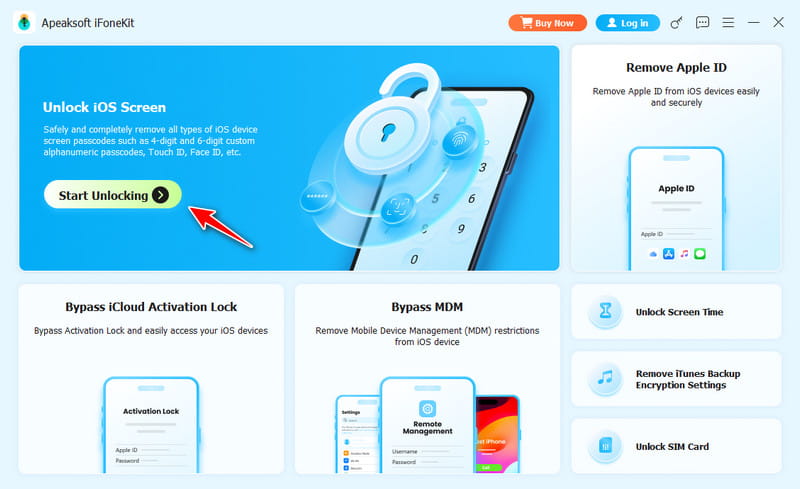
Apeaksoft iFoneKit iOS Unlocker is a simple way to unlock an iPhone without a passcode for free. It works for almost all passcodes, Face IDs, and Touch IDs. More importantly, the intuitive design makes it easy to navigate, especially for beginners. As a multi-functional iOS unlocking tool, it also provides features like Apple ID removal, Screen Time unlock, MDM bypass, iCloud Activation Lock bypass, iTunes backup encryption password removal, and carrier unlock.
- Support various lock unlock, including screen lock, Screen Time lock, MDM, and more.
- Highest compatibility among all the tested tools.
- Simple and beginner-friendly workflow.
- All on one, one for all.
- Requires a paid license for the full unlocking process.
- Unlocking usually erases existing data.
Best Official Unlock Method - iTunes / Finder
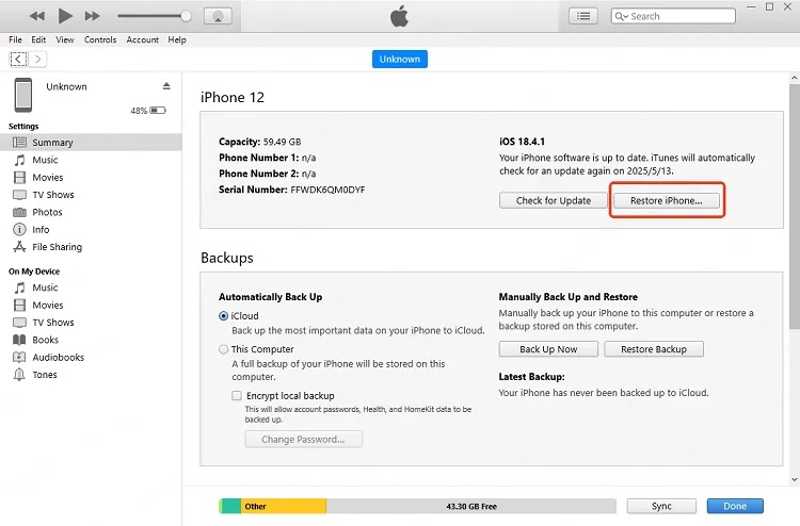
iTunes is the official iPhone unlocking tool for free. It was designed to manage media files on iOS devices using computers. The restore feature enables users to unlock iPhones and iPad devices.
- Complete free.
- Apple's official recovery method.
- Unlock iOS devices by restoring them.
- Works without installing third-party tools.
- Apple has stopped it on macOS Catalina and above.
- All data will be erased during restore. You need have a backup.
Best Free Jailbreak Unlocker - Checkra1n
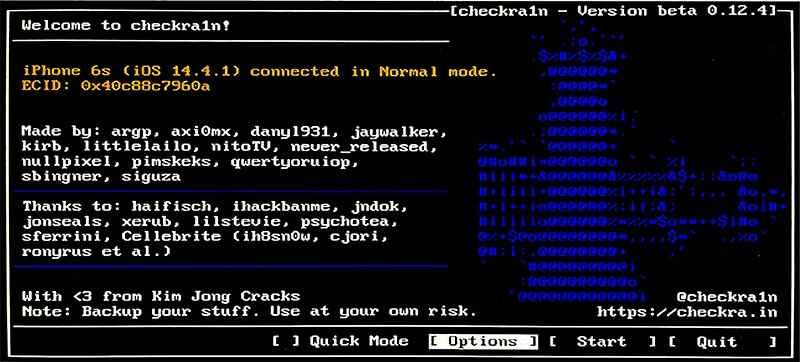
Checkra1n works as an iPhone unlocking tool that is free to download. In fact, it is designed to jailbreak iOS devices. After jailbreaking, the iOS devices will be unlocked. Of course, it will remove other restrictions.
- Completely free to use.
- Provide jailbreak access for advanced users.
- Get full control of iPhones.
- Technical skills are required.
- It increases the chance of cybersecurity issues.
Best Carrier Unlocker - UseAnySIM
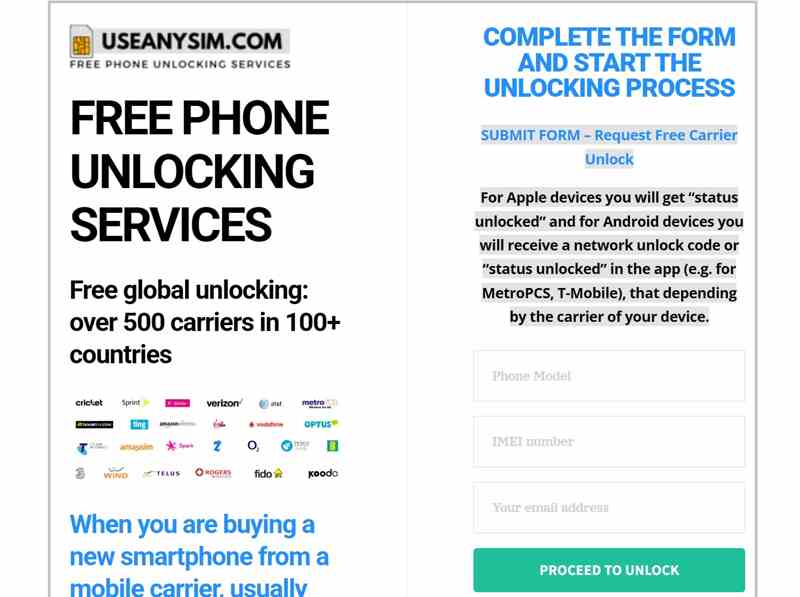
UseAnySIM is able to unlock an iPhone carrier-free. It is a web-based app used to unlock iOS devices from specific carriers online. The success rate is different, depending on your device model.
- Unlock iPhone carrier online.
- Won't install any software.
- Easy to use.
- Compatible with new devices.
- It requires IMEI numbers.
- The success rate is low.
Best User-Friendly Unlocker - EaseUS MobiUnlock
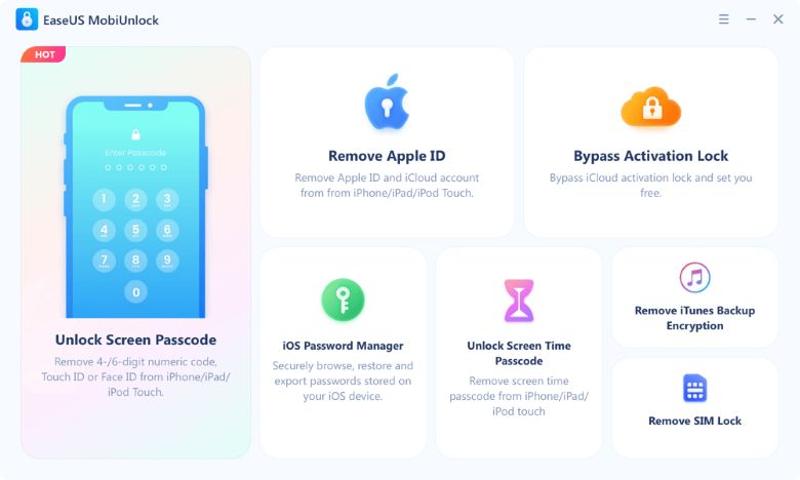
EaseUS MobiUnlock is one of the best iPhone unlock software free to download. It can help users bypass lock screens on their iOS devices. Furthermore, it can be used for various types of screen locks.
- Easy for first-time users.
- Provides step-by-step guidance.
- Unlock iPhones effectively.
- Offer affordable prices.
- Limited features in the free version.
- It doesn't support old devices.
Further Reading
Best Feature-Rich Unlocker - Tiger iOS Unlocker
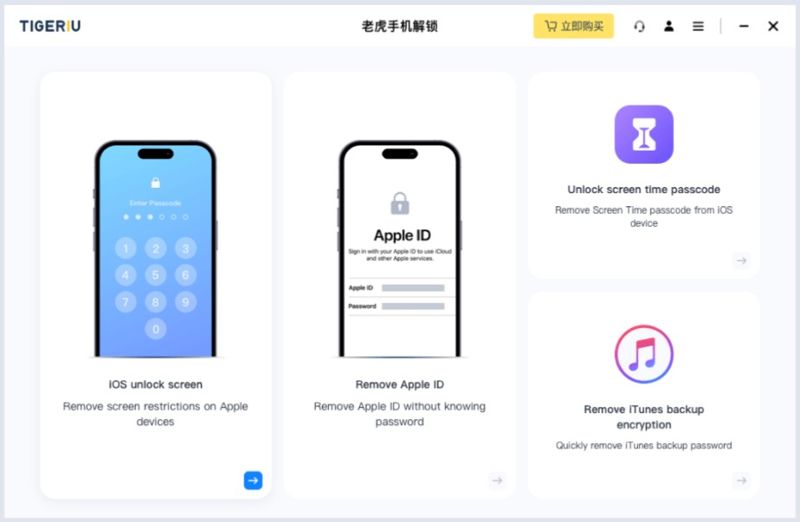
Tiger iOS Unlocker is another freemium program to unlock iPhones and iPad devices. Users can download the program for free on the official website; however, the full edition requires a subscription.
- Remove screen locks quickly.
- Offer bonus features.
- Integrate a user-friendly GUI.
- Bypass Screen Time passcode.
- Users must purchase the full version.
- Configuration is difficult.
Best Multi-Lock Unlocker - Passvers iPhone Unlocker
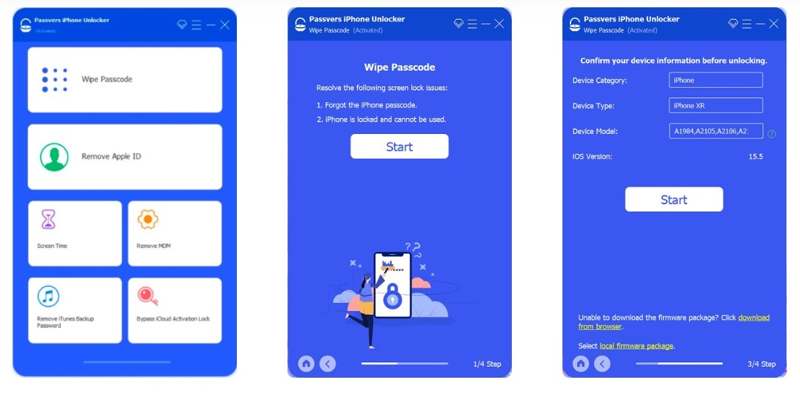
Passvers iPhone Unlocker is used to unlock an iPhone without a passcode or Face ID for free. It was designed to bypass all locks on iOS devices, including screen locks, Apple IDs, and Screen Time passcodes.
- Deal with different locks.
- Ensure a high success rate.
- Easy to control.
- Support different iOS devices.
- It is not completely free.
- It cannot unlock the SIM card.
Best Lock Removal Tool - UnicTool LockEraser
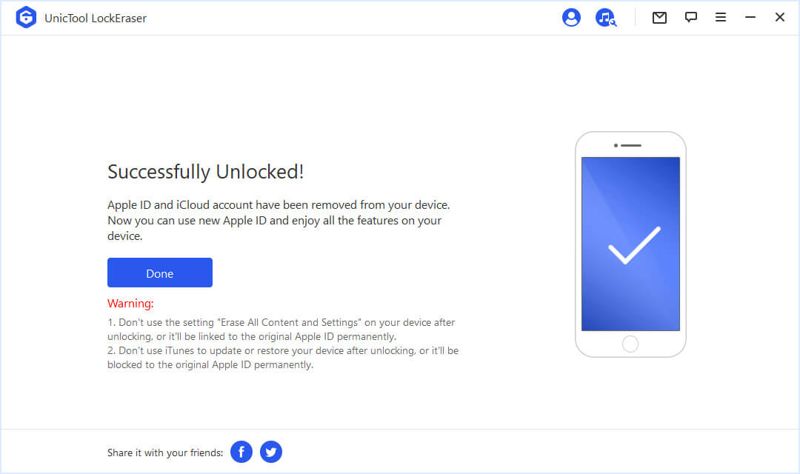
UnicTool LockEraser is another way to unlock an iPhone without a passcode for free. Compared to other competitors, this program is new, but it can unlock various locks on iOS devices, from screen locks to Activation.
- Simple steps with a straightforward process.
- Remove old screen locks.
- Process passcodes, Touch ID, and Face ID.
- Bypass MDM.
- iPhone may get stuck after Apple ID removal.
- All data will be deleted.
Bonus: How to Unlock iPhone Without Passcode
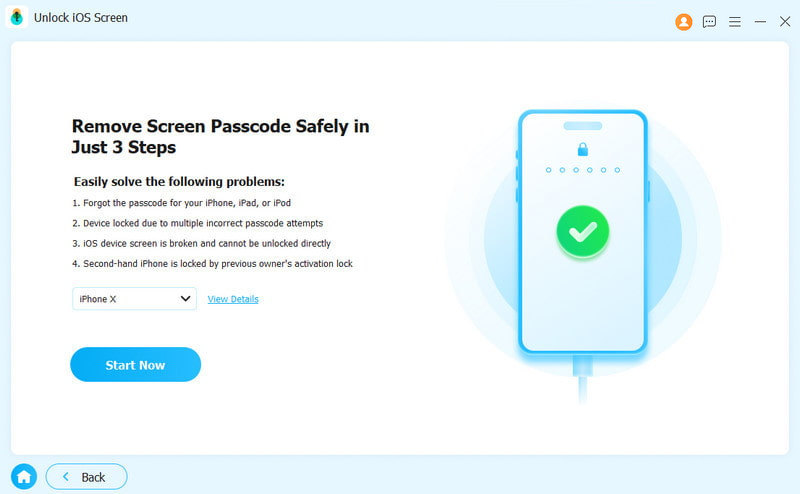
In this part, we will take Apeaksoft iFoneKit iOS Unlocker as an example to show you the common process of unlocking iPhone using software.
Step 1. Connect to your iPhone
Install an iPhone unlocking program on your computer and launch it. Connect your locked device to your computer with a Lightning cable. Choose the Unlock iOS Screen mode.
Secure Download
Secure Download
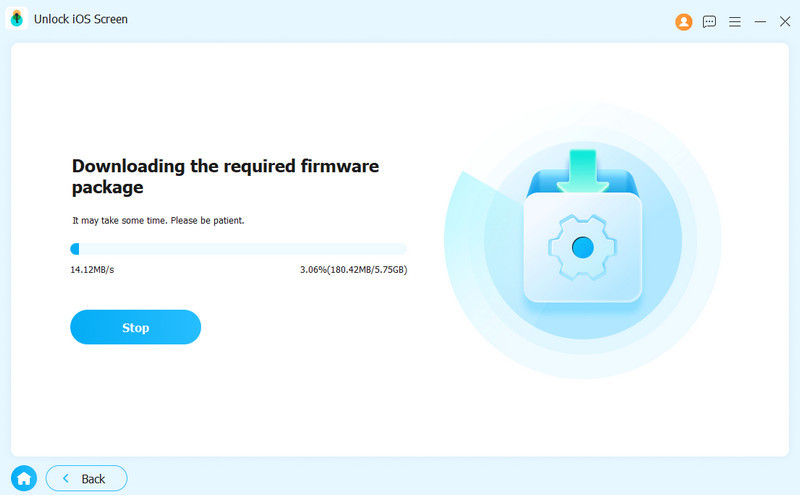
Step 2. Download firmware
Once your device is detected, click the Start Now button to download the firmware package. If prompted, click OK. Then, click Confirm Again to verify the firmware.
Step 3. Unlock iPhone
Then, the software will automatically unlock your screen. All you need to do is wait for the process to finish.
Conclusion
Now, you should learn at least the top 8 freemium and free iPhone unlocking software. Some of them are completely free to use. Others allow you to download for free. You can discover an appropriate program according to your situation and our reviews. Apeaksoft iFoneKit iOS Unlocker, for example, can unlock your iOS device without a password easily. That makes it a good option for beginners.
 Apeaksoft iFoneKit
 Unlock all types of iOS passwords from iPhone, iPad and iPod.
Secure Download
Secure Download
Related Articles