

 641 Reviews
Days
Hours
Mins
Secs
$31.20 $15.60
100% Clean & Secure
50%
OFF
30-Day Money Back Guarantee
100% Clean & Secure
50%
OFF
30-Day Money Back Guarantee
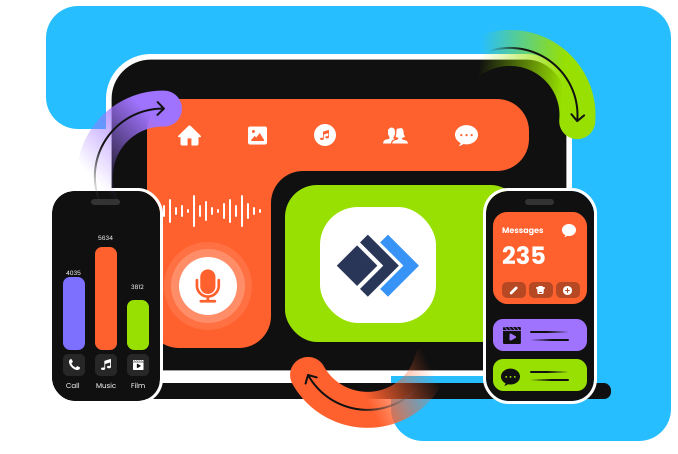
Apeaksoft iPhone Transfer is a smart alternative to iTunes for managing and transferring iOS data. It lets you transfer data from iPhone to iPhone, move data to a new iPhone, and transfer photos and other files between iOS devices and computers. With up to 60× faster speed and real-time data transfer progress, you can easily select, preview, manage, and organize 24+ types of iOS data, including contacts, messages, call logs, videos, photos, songs, and more. All your phone files stay safe. There is no potential for an incomplete, missing, or overwritten iOS data transfer.
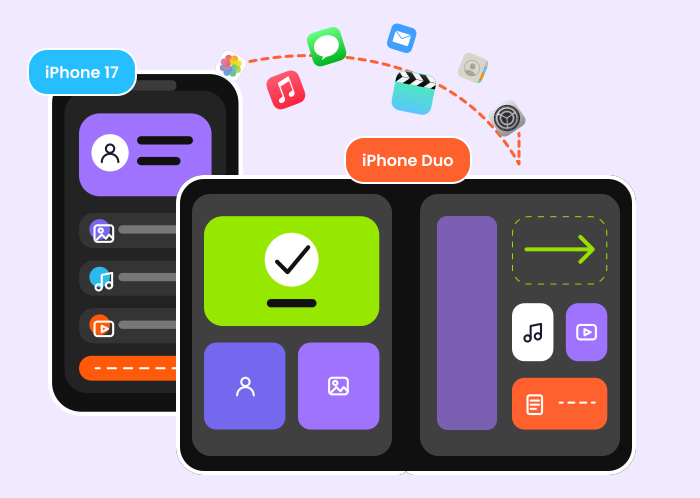
Upgrade to a New iPhone or iPad
Upgrading to the new iPhone 18 Pro or iPhone 18 Pro Max? This iPhone transfer tool moves your photos, contacts, messages, media, and more from your old iPhone or iPad in one click, without iCloud storage limits or slow Wi-Fi.
Transfer Between iOS Devices
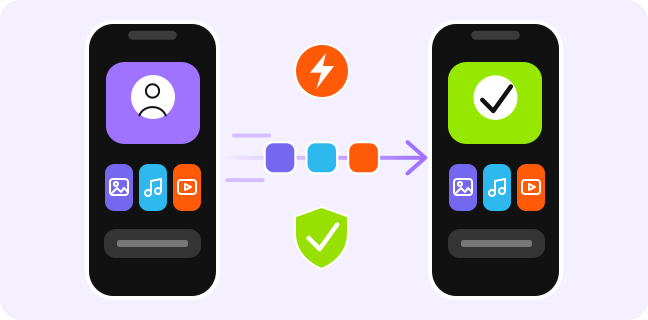
Need to transfer data between two iOS devices? This iPhone transfer tool lets you transfer photos, contacts, messages, music, and more directly between iPhone, iPad, and iPod touch without iCloud or an internet connection.
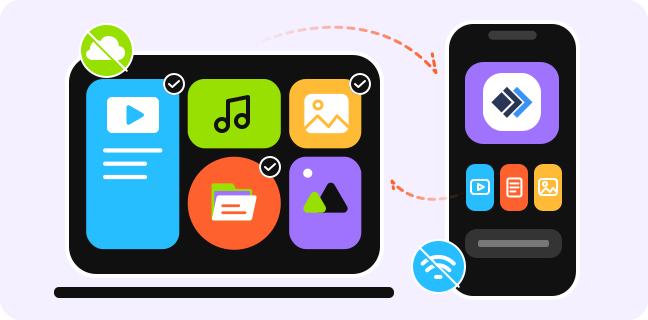
Transfer Between iOS Device and Computer
Easily transfer photos, videos, music, and more between iPhone, iPad, and PC/Mac. Move iPhone or iPad data to your computer to free up storage or create local backups with fast, selective transfers.
Apeaksoft iPhone Transfer supports iOS data transfer across iPhone, iPad, iPod touch, computers, and iTunes. It lets you transfer data between iOS devices and computers, including photos, music, videos, contacts, messages, and more.
Here are the detailed data types supported for iPhone data transfer and other iOS devices.
Apeaksoft iPhone Transfer is more than a data transfer tool. It can be your assistant to manage the important data and files in your iPhone, iPad and iPod. Explore what else you can do with it!
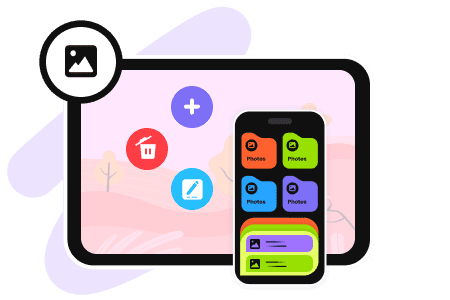
Manage Photos
With Apeaksoft iPhone Transfer, photo management is simple. In addition to transferring photos among iPhone, iPad, iPod, PC, Mac, and iTunes, it allows you to edit, organize, search, and back up photos.
For example, you can create or delete albums, rename folders, preview images, and delete unwanted pictures, move photos to a new album, view image details, and make more changes.
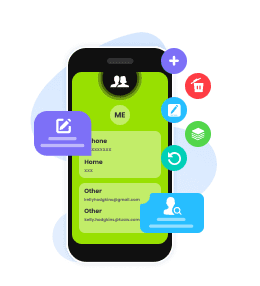
Contact Assistant
From a single contact to group contacts, you can edit contact details, remove duplicates, rename groups, delete unused contacts in a few clicks. It is easy to manage your address book without scrolling through clutter.
Moreover, you can use the Contacts Backup and Contacts Restore tools to save and recover the entire contact list safely.
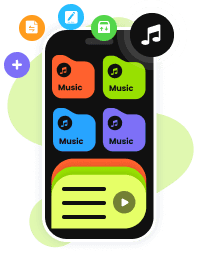
Music Editor
Easily manage the music files in your iOS device to add, delete, export one music file or a playlist; edit ID3 info of an album.
This iOS data transfer tool will convert the format of your music files automatically to make it compatible with your device.

Convert HEIC

Manage iTunes Data

Make Ringtone
100% Clean & Secure
50%
OFF
30-Day Money Back Guarantee
100% Clean & Secure
50%
OFF
30-Day Money Back Guarantee

Download and install.
Choose transfer destination.
Get your data transferred!


Elowen

I was surprised by how fast the transfer was! I used it to transfer data from my old iPhone to my new iPhone, and everything was organized nicely on the new device. It made the whole iPhone data transfer process much easier.

Callan
I love that it supports so many types of data, and I can choose exactly what I want to transfer. I only needed my photos, contacts, and music, so I didn't have to move unnecessary files to my new device.

Evander
So convenient! I don't need to rely on iCloud (only 5GB of free storage) or Wi-Fi to transfer my iPhone data. This iPhone transfer tool lets me transfer everything directly without worrying about storage limits or a Wi-Fi connection.
FAQs
Is Apeaksoft iPhone Transfer Free?
Apeaksoft iPhone Transfer offers a free trial version that allows you to transfer up to 20 photos, 10 media files, 10 contacts, 10 messages for each kind, 10 for each node under Others for free. To enjoy the full features, you can subscribe to a plan.
What to do if my computer cannot recognize my device?
1. Replace the USB cable or the USB ports of the computer.
2. Please check if iTunes can recognize your device. If iTunes can recognize it, please close iTunes, then relaunch iPhone Transfer and connect it to the device.
Why I need to install iTunes to use Apeaksoft iPhone Transfer?
It's necessary to have iTunes installed on your computer to use Apeaksoft iPhone Transfer. As this software needs certain data from iTunes, and if iTunes is not installed, your iOS device will not be recognized by our software. But please do not launch iTunes when using Apeaksoft iPhone Transfer.
Can I use iPhone Transfer without launching iTunes?
Yes, you can. It’s an alternative to iTunes, you can sync your data between PC/Mac and iDevices. But you still need to have iTunes installed on your computer.
Can I use iPhone Transfer to Transfer iPhone Data to Android?
No, Apeaksoft iPhone Transfer can't transfer iPhone data to Android currently. To transfer iPhone data to Android, you can try our other product called Apeaksoft MobieTrans.

Transfer iOS data among PC and iDevices without any data loss.
100% Clean & Secure
50%
OFF
30-Day Money Back Guarantee
100% Clean & Secure
50%
OFF
30-Day Money Back Guarantee

Need to Transfer iPhone Data?
1-Click Solution
Windows & macOS · 100% Safe
Copyright © 2026 Apeaksoft Studio. All rights reserved.


